Standardized Workpapers
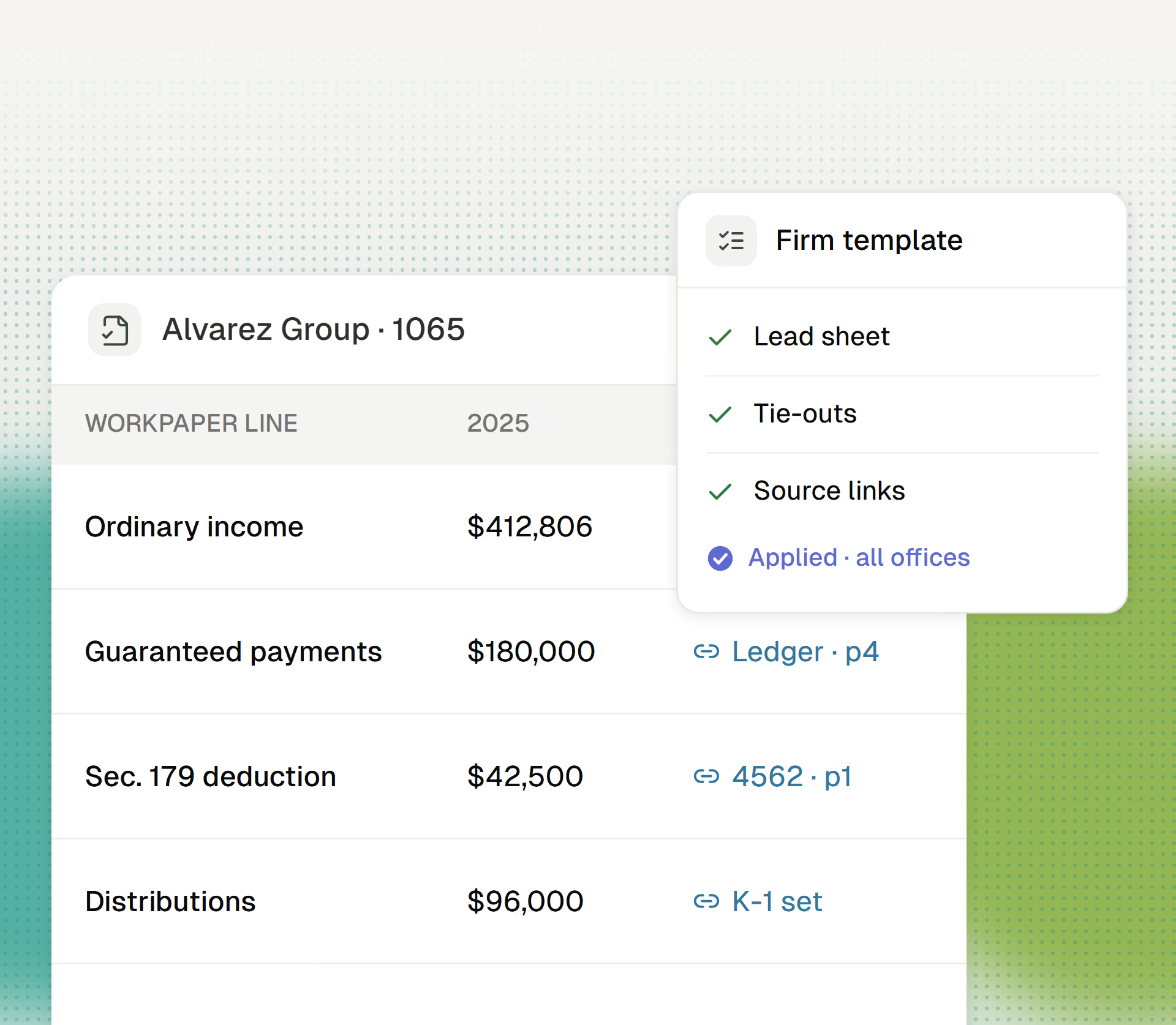
Cranston documents every return to the same template, with no preparer discretion.
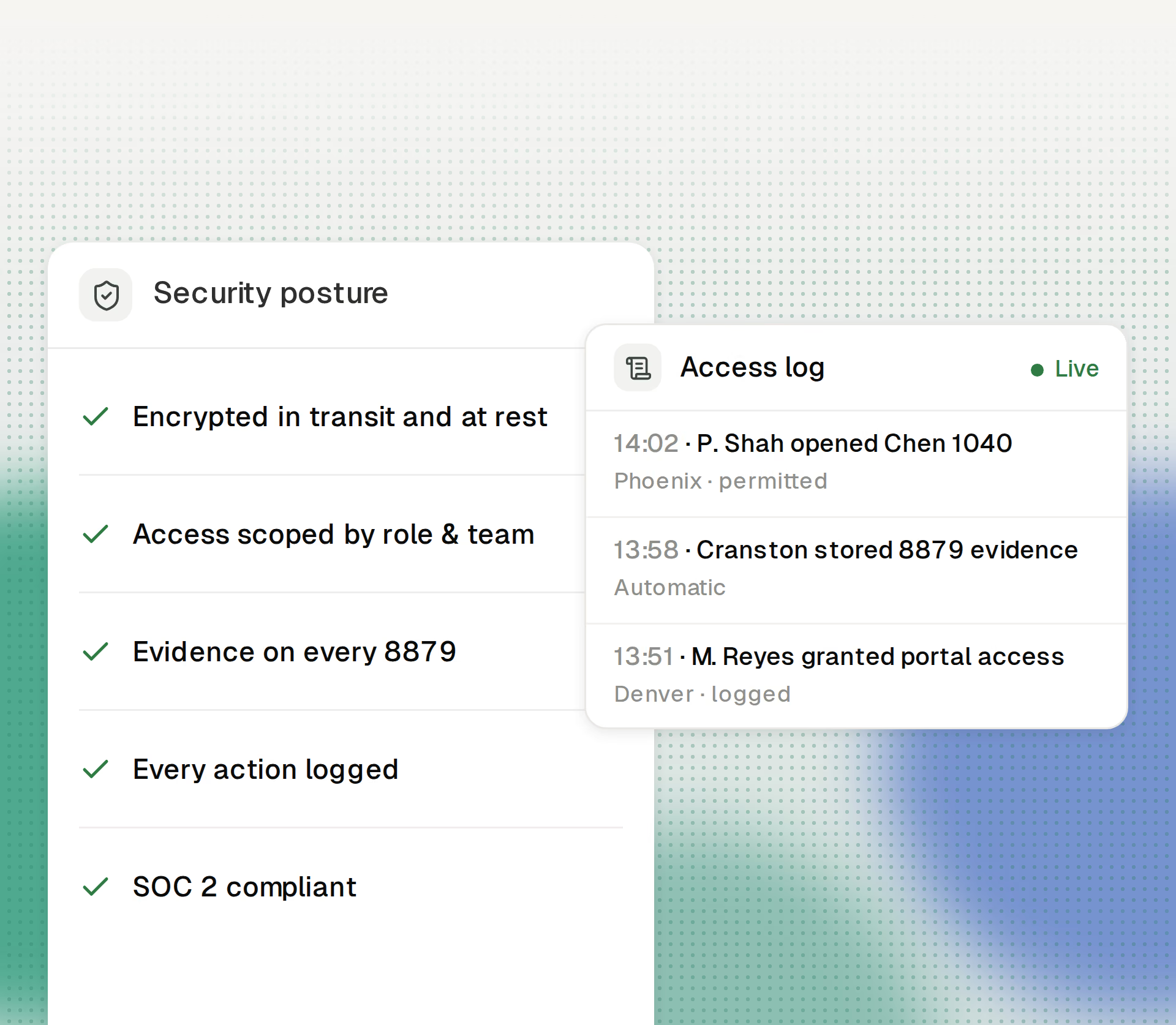
At firm scale, “everyone can see everything” is a liability. Cranston scopes staff access by role and team and records who accessed and did what.
Get started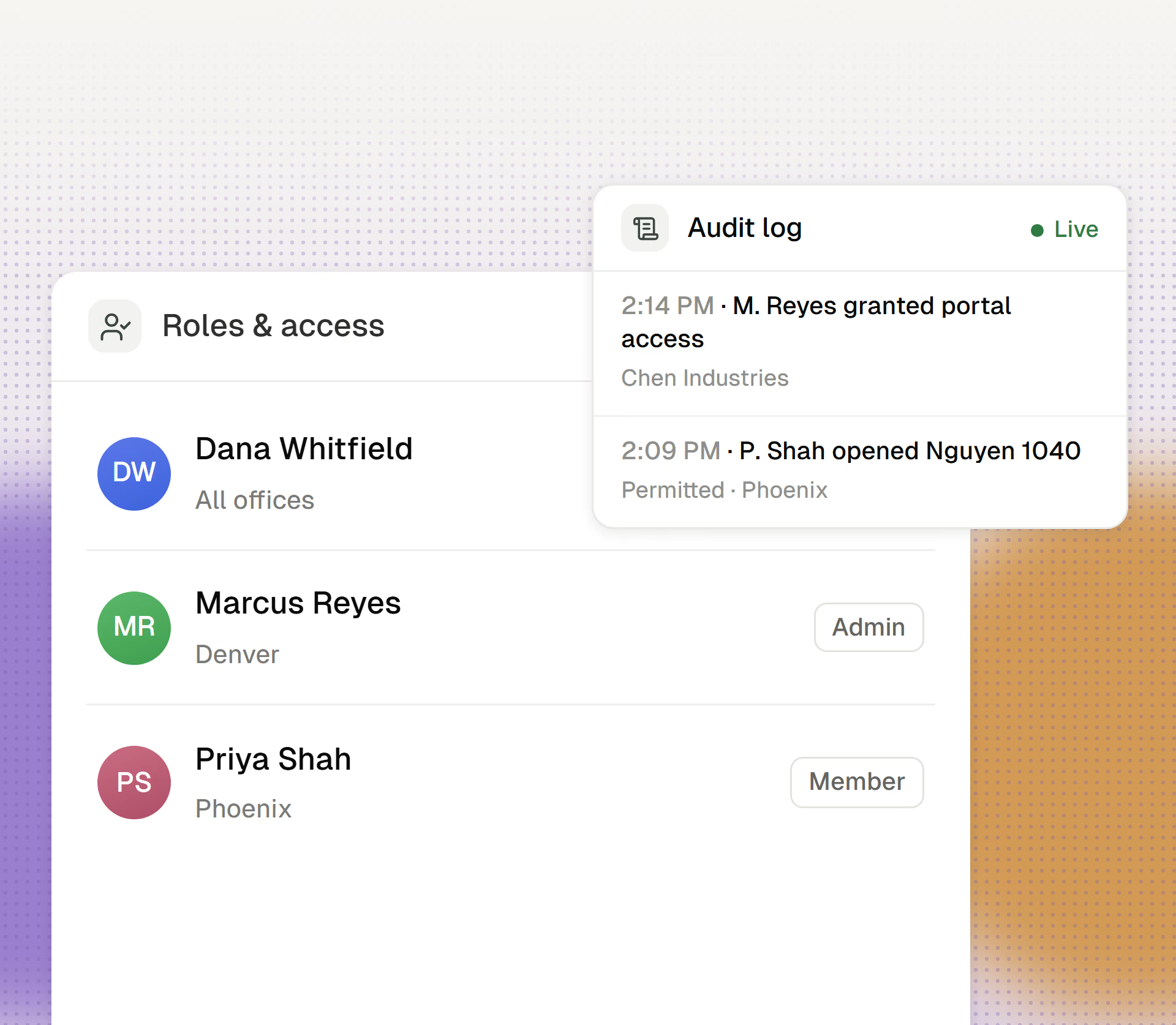
Scoped by default, auditable throughout.
Owners and administrators manage the firm. Members get only the access their work requires.
Staff see their team’s clients and work. You grant cross-office visibility deliberately.
Cranston logs actions by staff and by the AI, so you can always answer who did what, and when.