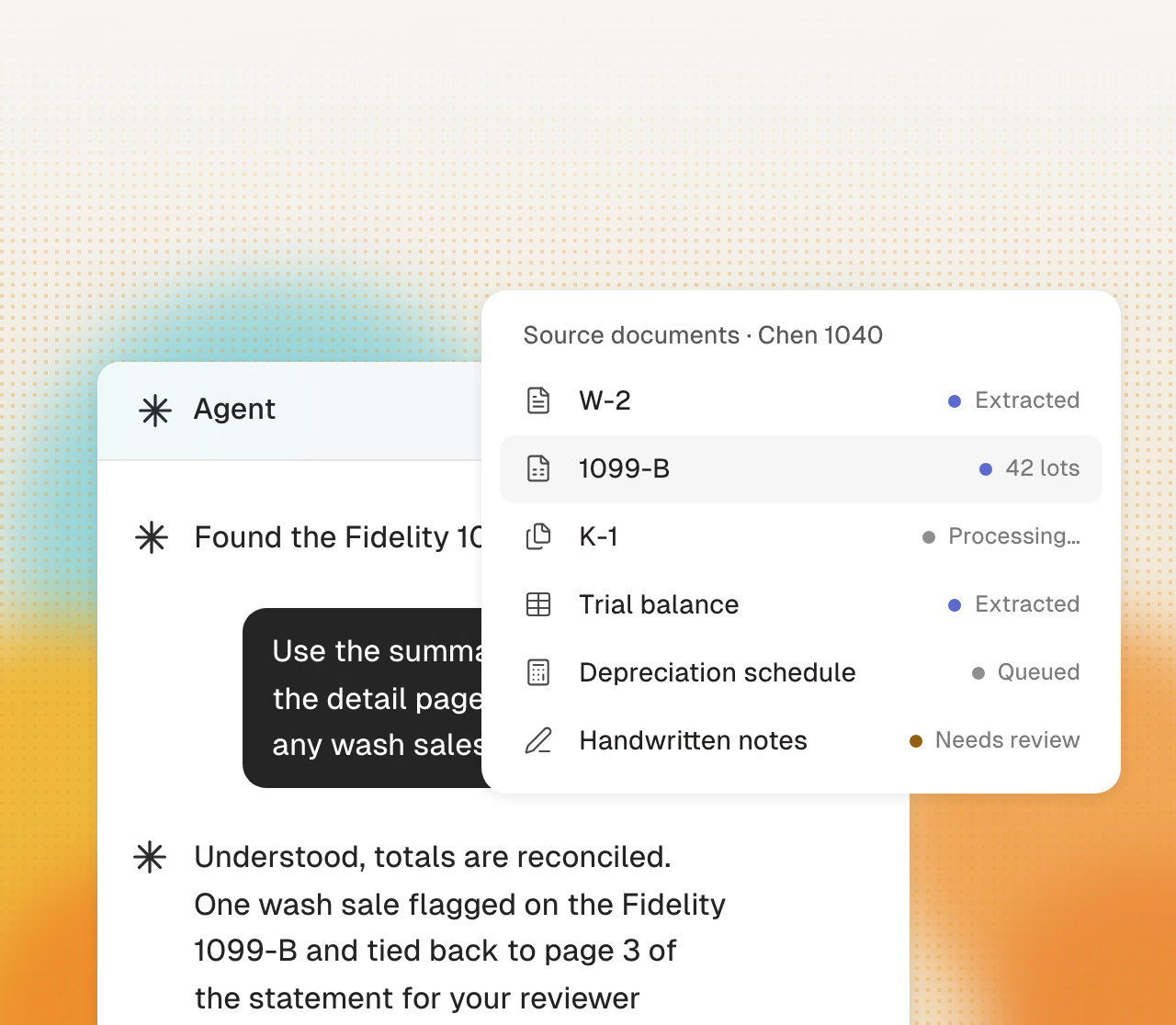
The package gets read
W-2s, 1099s, K-1s, and brokerage statements. Every page is extracted and checked against the expected list from last year’s return.
Cranston reads the client’s package, builds the workpaper, and keys the first pass into the tax software you already run. There is no second data-entry screen. Every figure in the draft ties to its source, ready for your judgment.
Get started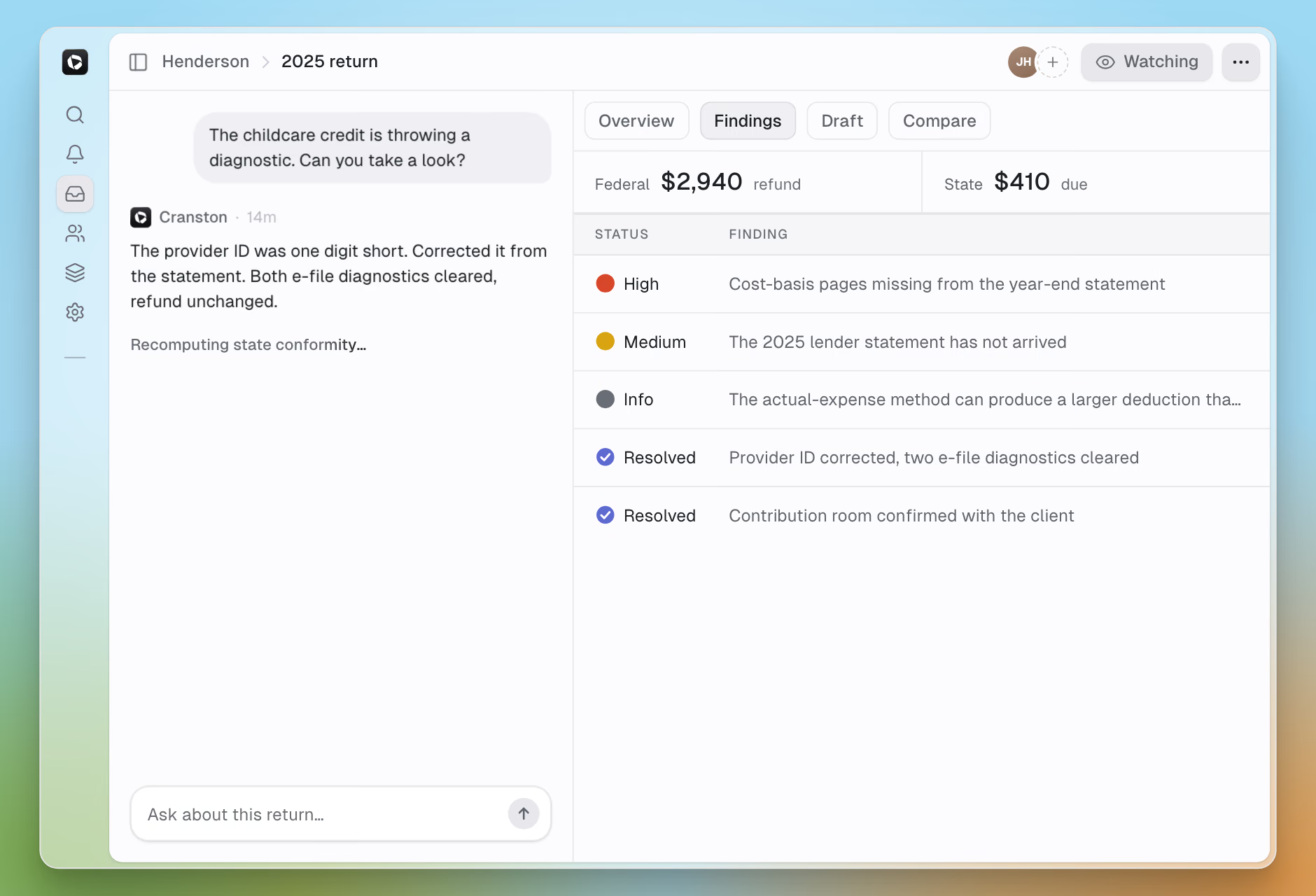
The same discipline on every return: read, verify, enter, flag, then hand it to your reviewer. Your preparers spend their time reviewing.
W-2s, 1099s, K-1s, and brokerage statements. Every page is extracted and checked against the expected list from last year’s return.
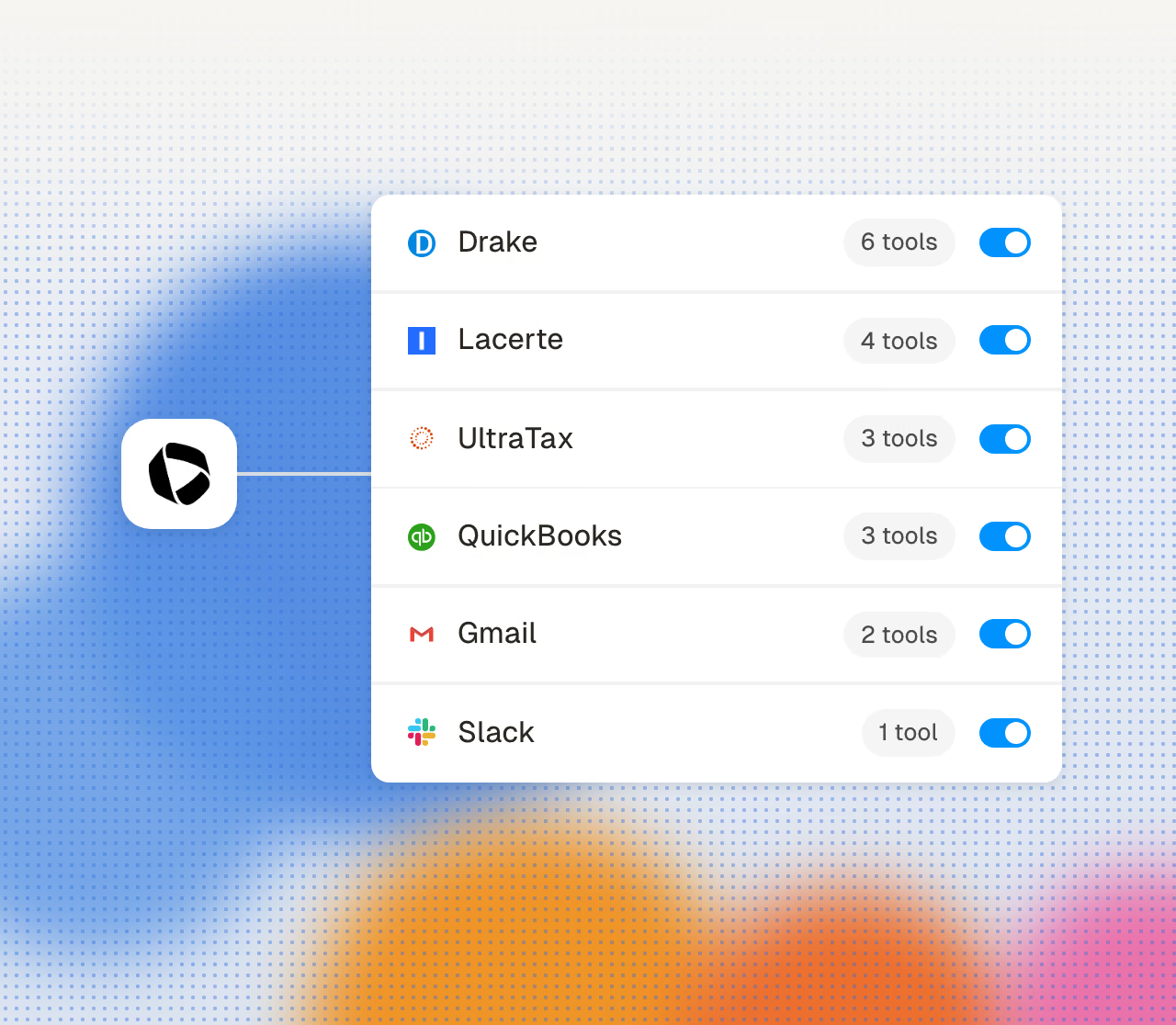
The first pass is keyed into your Drake, Lacerte, or CCH Axcess file. Your file, your diagnostics, your review process.
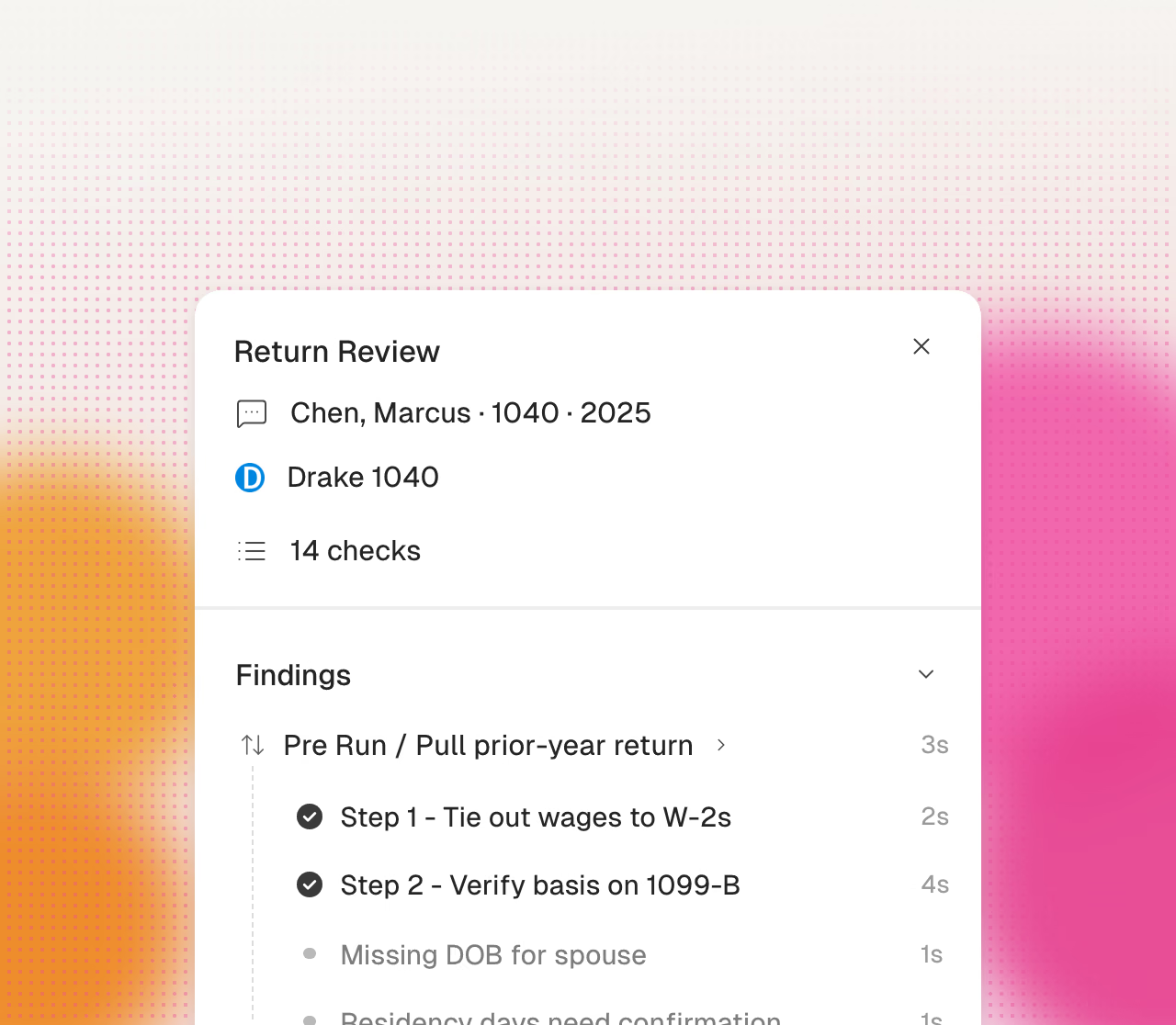
The wrong-year mortgage statement, the missing 1099, a figure that moved sharply year over year. Each is surfaced before review starts, with its source attached.
Individual and business returns, from intake to sign-off.
Uploads and emailed documents are read, filed to the right client, and checked against the expected list built from last year’s return.
Every figure links to the exact page it came from, with prior-year comparison alongside. Every workpaper follows the same template, so review looks the same on every return.
Cranston keys the return directly into Drake, Lacerte, or CCH Axcess. There is no second data-entry screen.
Wrong-year documents, missing forms, unverifiable figures, and sharp year-over-year movements are flagged first, with evidence attached to each one.
1065, 1120, and 1120-S alongside 1040s: trial balance tied to the return, book-to-tax adjustments proposed and shown, K-1 packages read at volume.
Preparer and reviewer sign-offs are captured on the work itself, with every figure linked to its source.
Cranston automates preparation. Your firm reviews and approves every tax decision.
Cranston compares each page with the prior-year return.
Cranston enters values in your current client file.
Click a value to see its source page.
Cranston sends open items to your reviewer.
Your team reviews the return in its tax software.
Your reviewer makes each tax election.
Your firm signs each return.
Your firm uses its own EFIN.
Use each product separately or together. All on shared data.