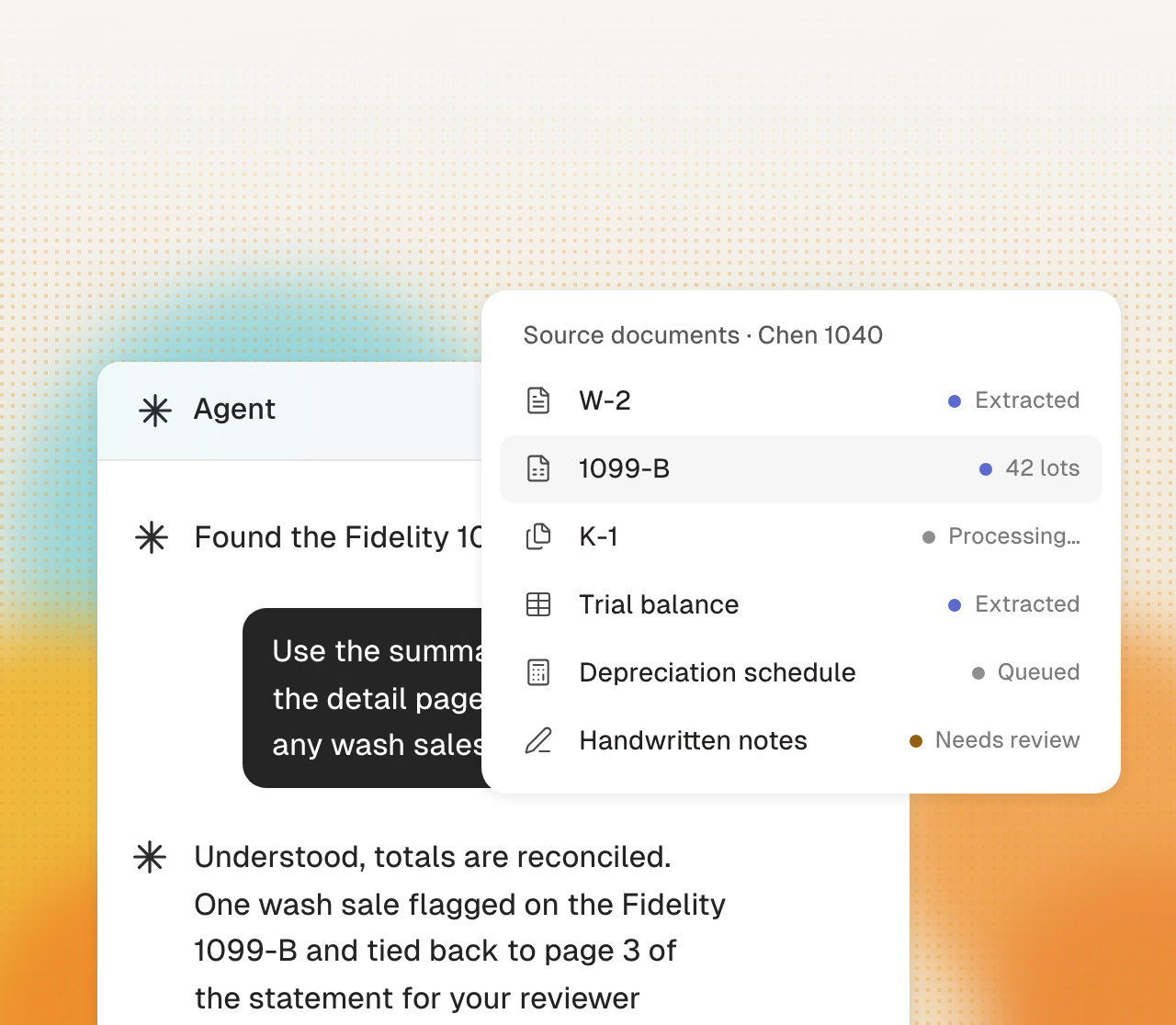
Cranston reads each document
Cranston extracts each client package and compares it with the prior-year return. It drafts requests for missing items.
Senior staff often enter W-2 data on weekends. Cranston prepares the first pass in your current tax software, which adds preparation capacity.
Get startedCranston uses the same preparation process for each return.
Cranston extracts each client package and compares it with the prior-year return. It drafts requests for missing items.
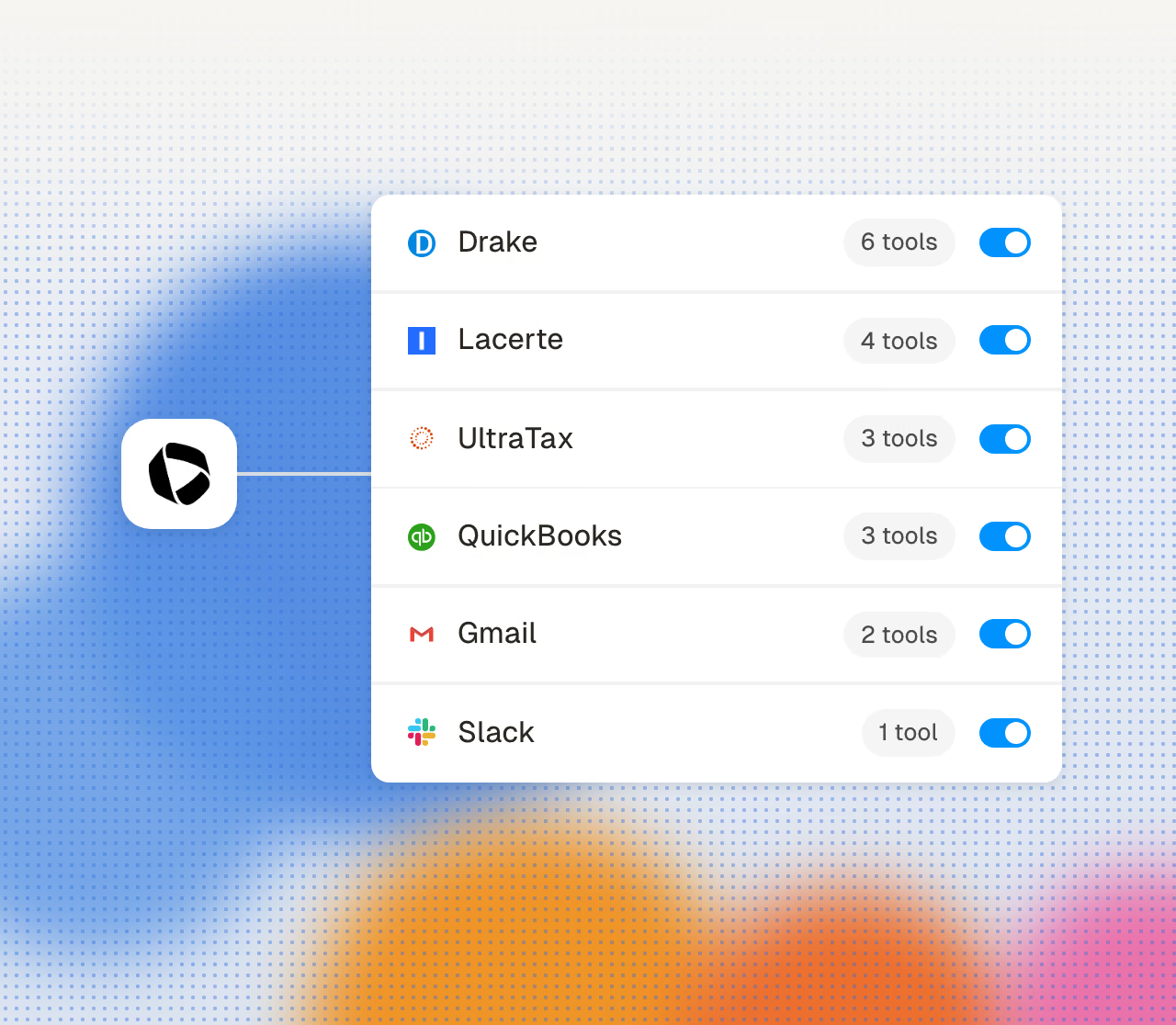
Cranston enters each first pass in Drake, Lacerte, or CCH Axcess. You do not use another data-entry screen.
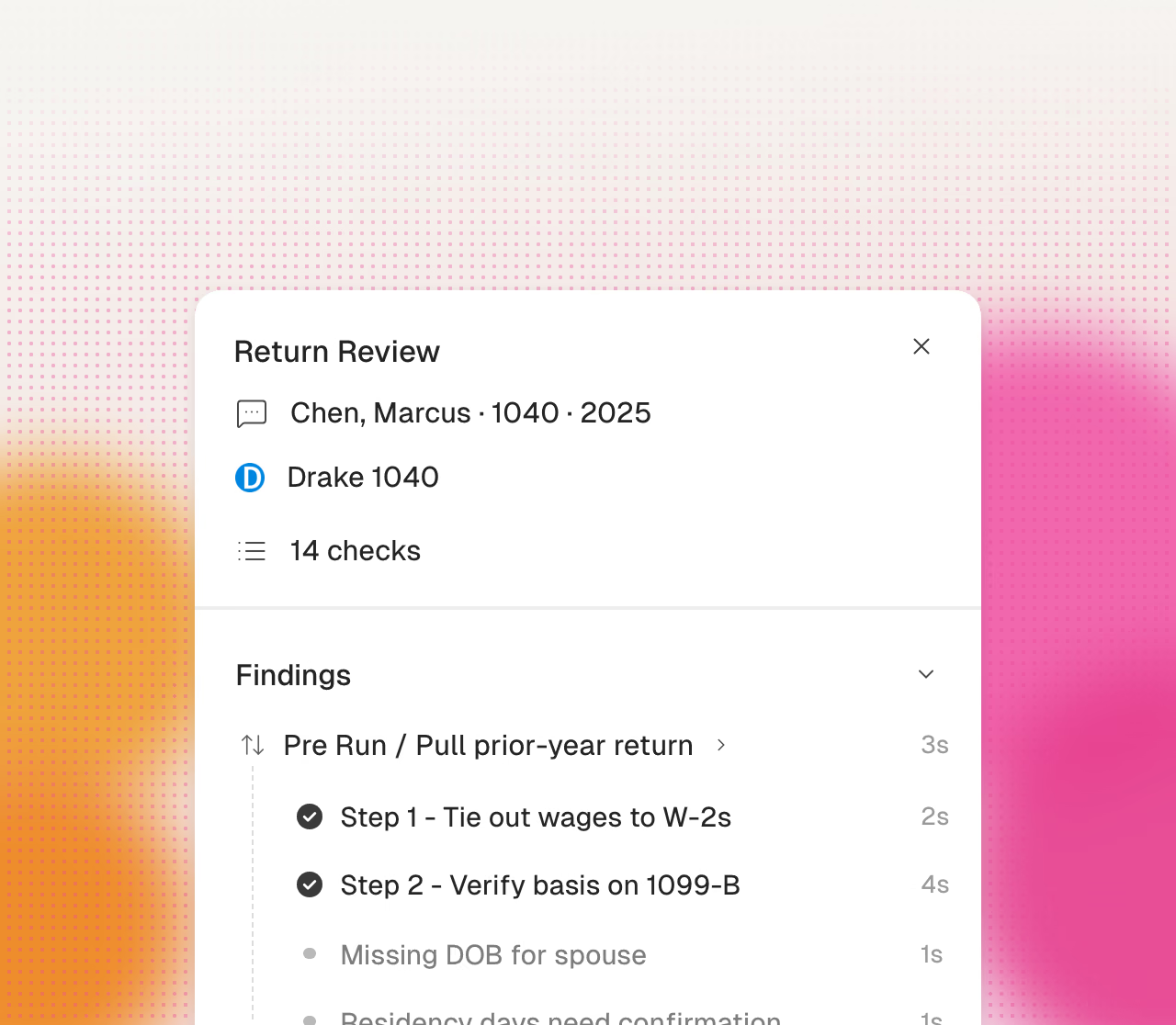
Each prepared return lists its open items first. Reviewers can focus on the items that require judgment.
Growing firms report these problems during customer calls.
When staff cannot process all client packages, partners enter return data on weekends to keep the season on schedule.
A first-pass review takes time for every complex return. Limited reviewer capacity limits the number of returns that the firm can complete.
Offshore preparation can add mid-season fee increases, 7216 consent requirements, staff turnover, and repeated training.
Earlier OCR tools often produced data that staff had to correct. Firms need a preparation system that flags uncertain values.
Your firm is at capacity with current headcount. New clients wait on new hires, and new hires wait on January.
Cranston automates preparation. Your firm reviews and approves every tax decision.
Cranston compares each page with the prior-year return.
Cranston enters values in your current client file.
Click a value to see its source page.
Cranston sends open items to your reviewer.
Your team reviews the return in its tax software.
Your reviewer makes each tax election.
Your firm signs each return.
Your firm uses its own EFIN.
Start where the bottleneck is worst. Add the rest when you want it.
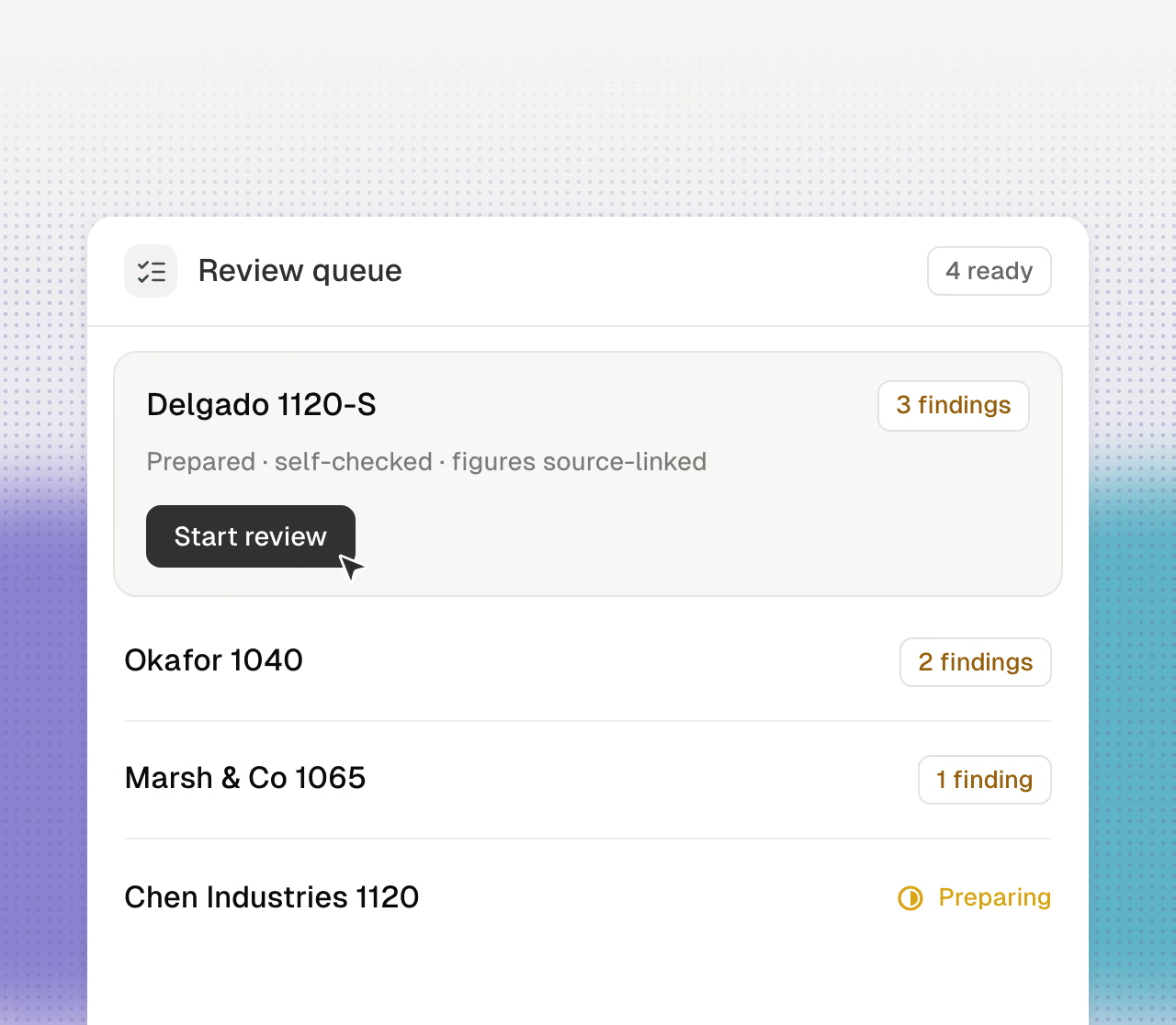
Prepared work lines up with findings attached, so reviewers start at the judgment.
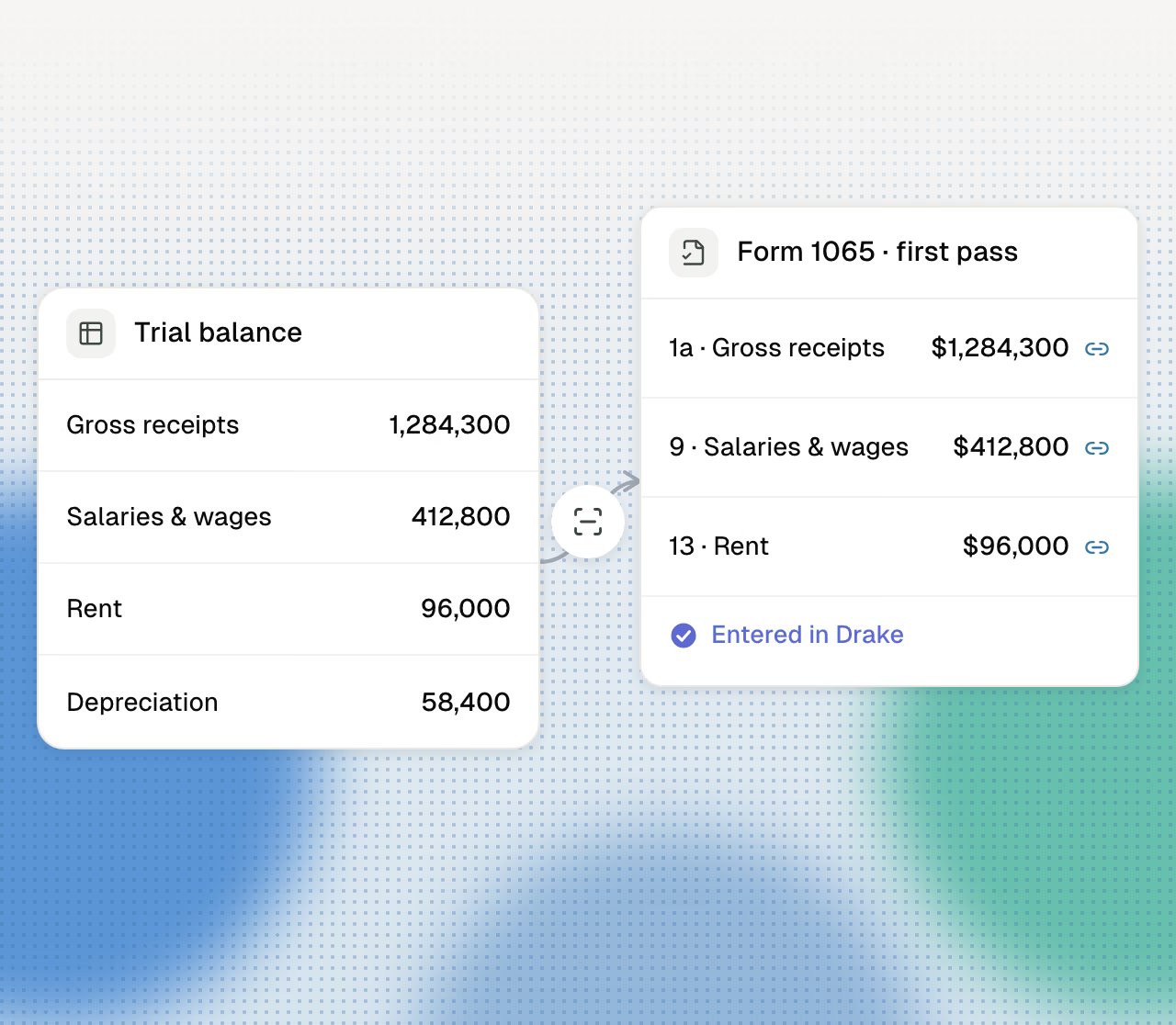
Books-to-return for 1065s and 1120-S. Trial balance in, first pass out.
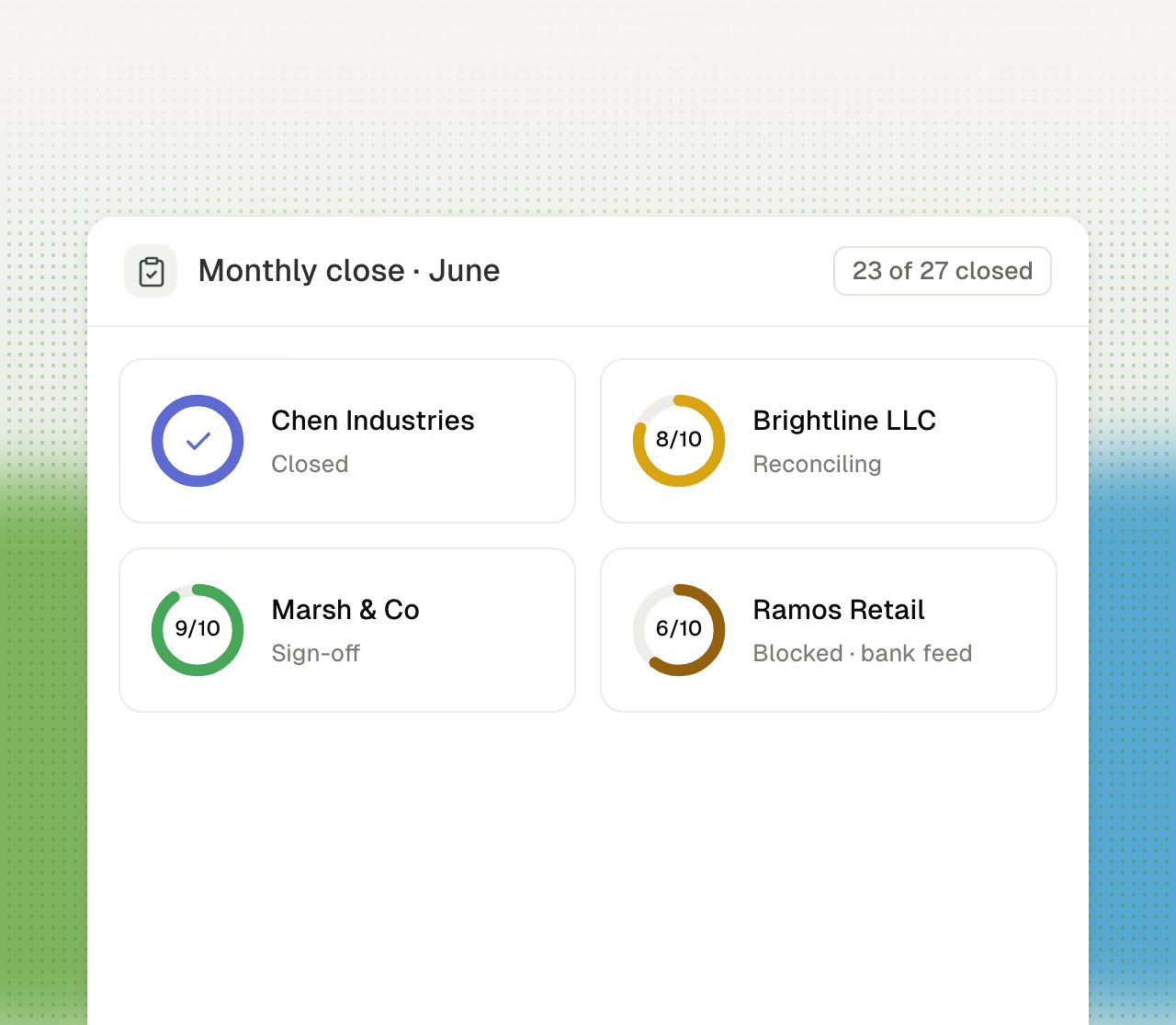
Categorization, reconciliation, and the close checklist, run for every client, every month.
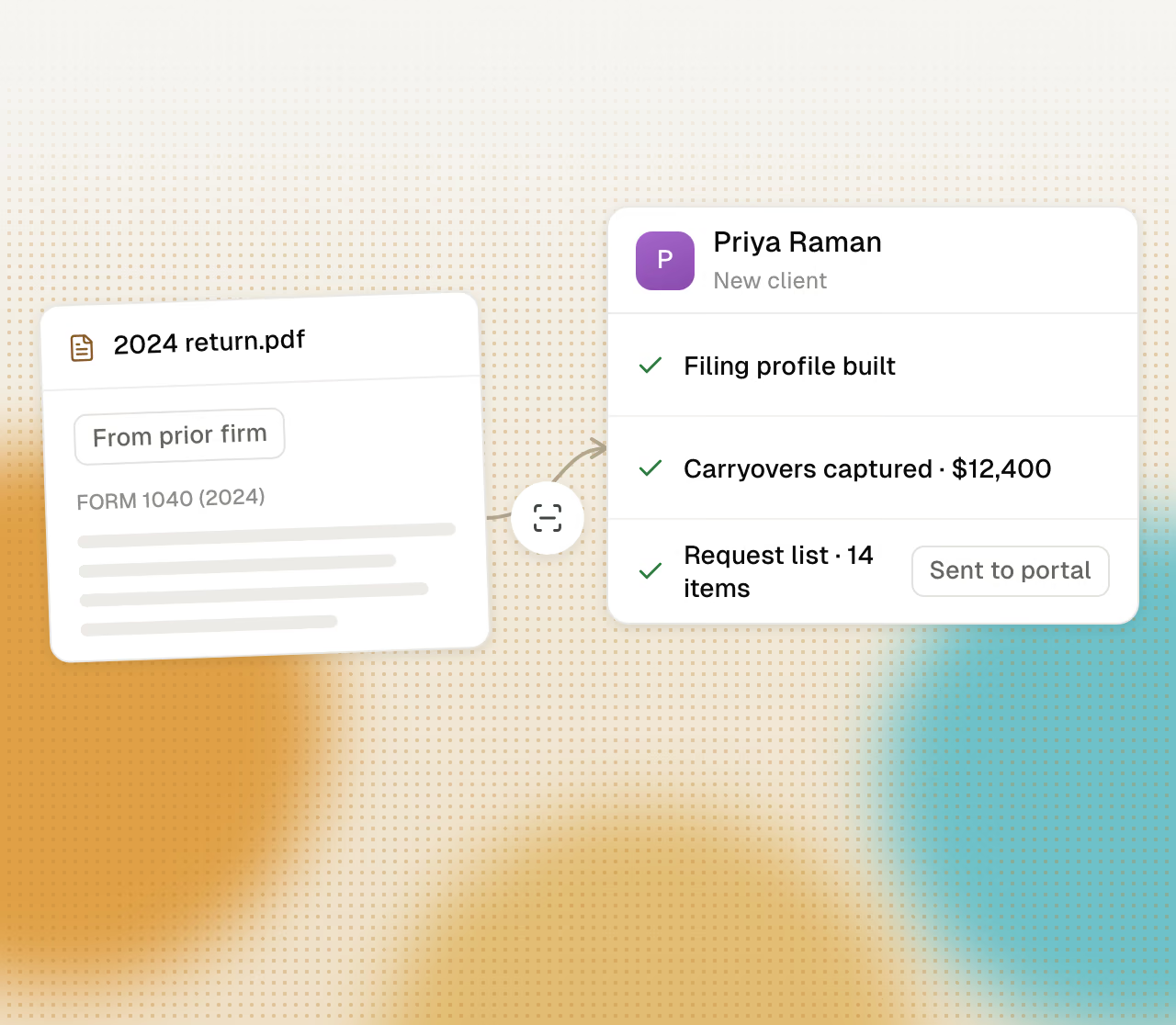
Prior-year returns read, the profile built, and the first request list generated.
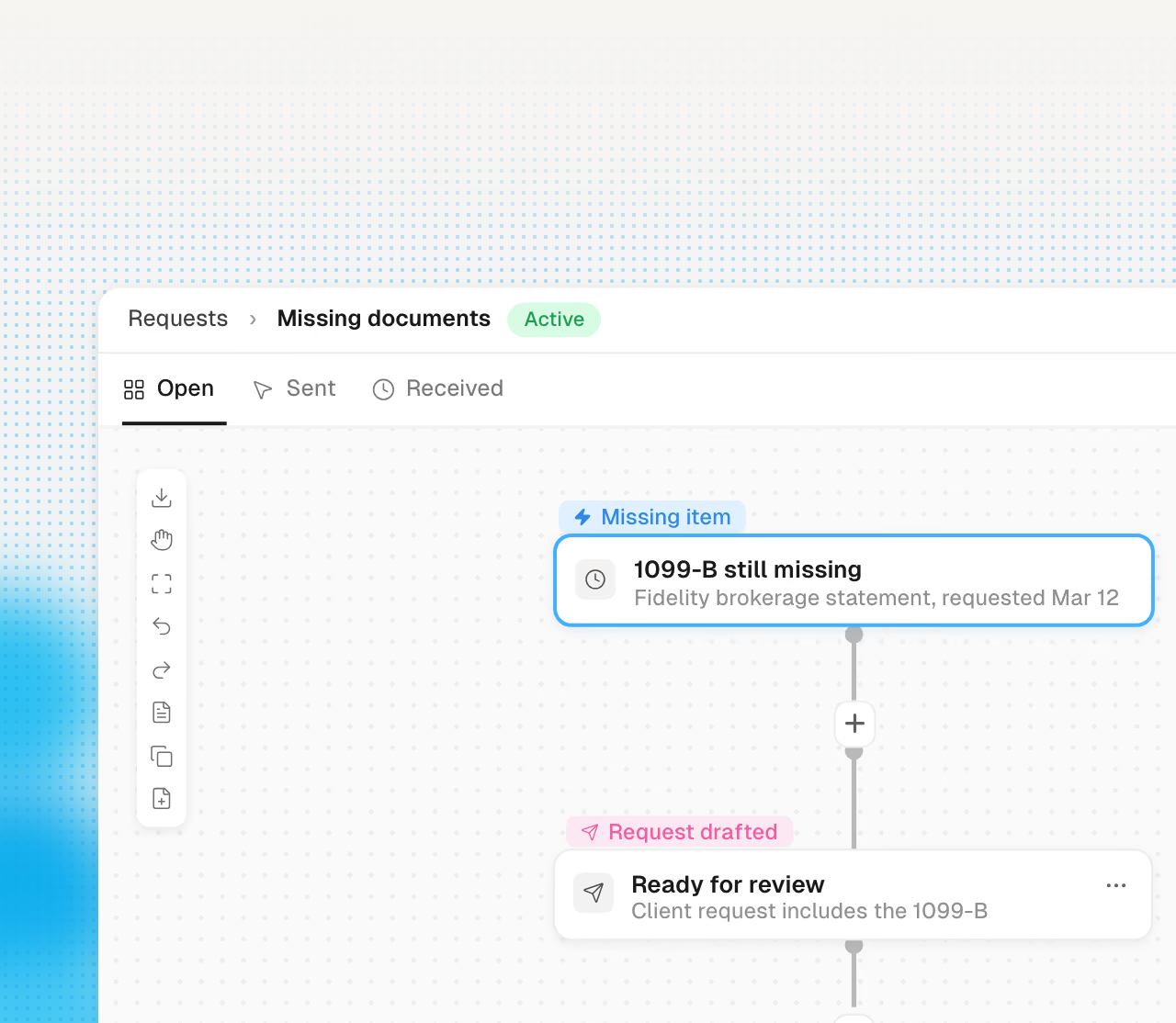
Request lists built from last year, sent before the season starts.