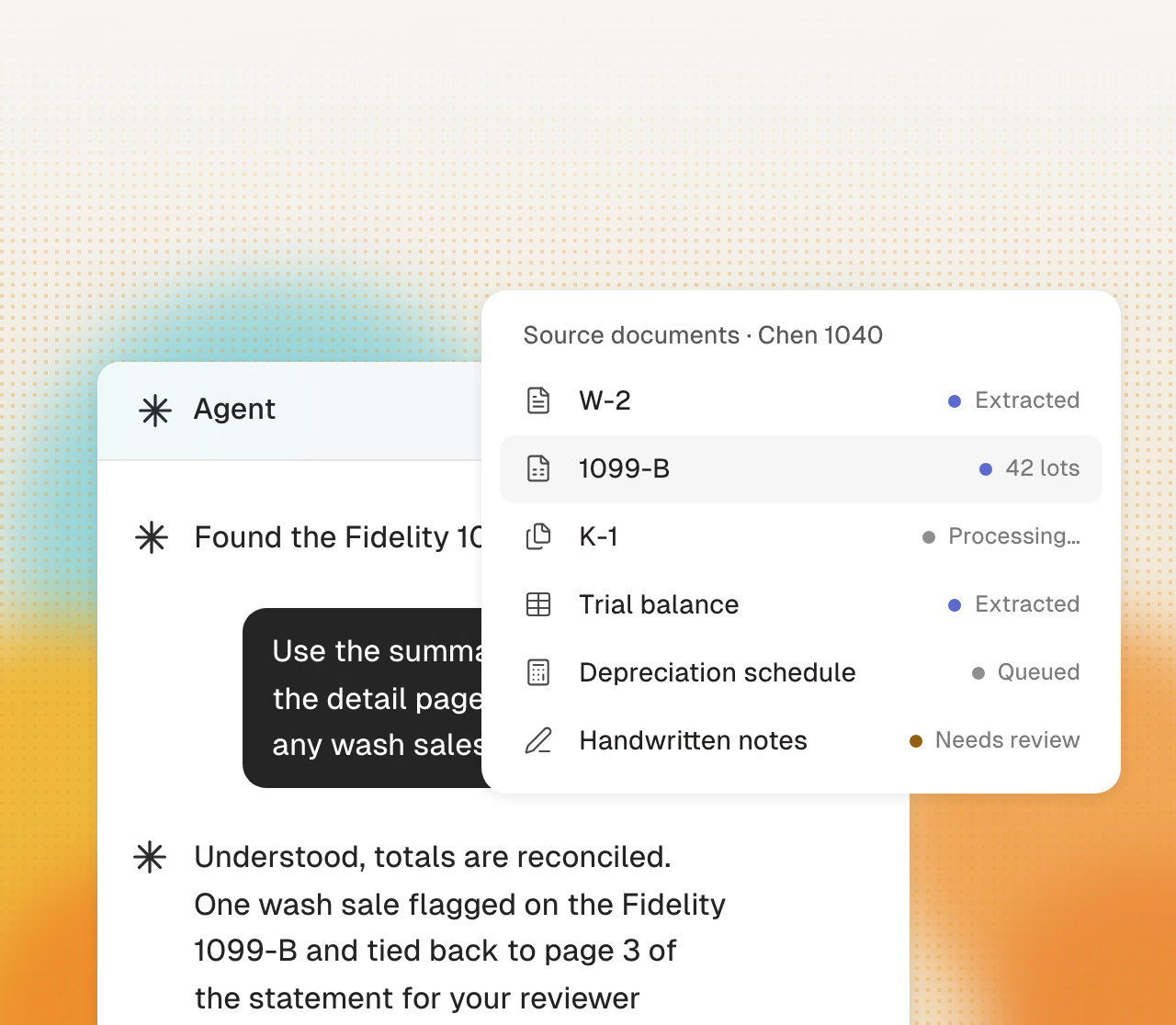
Intake that holds at volume
K-1 season volume does not break the pipeline. Every document is read, filed to the right client, and checked against what was expected.
Different offices often use different procedures. Cranston applies one firm process to each return, in every office.
Get startedWhether the package is a W-2 or a seventy-page multi-state K-1, the process does not change.
K-1 season volume does not break the pipeline. Every document is read, filed to the right client, and checked against what was expected.
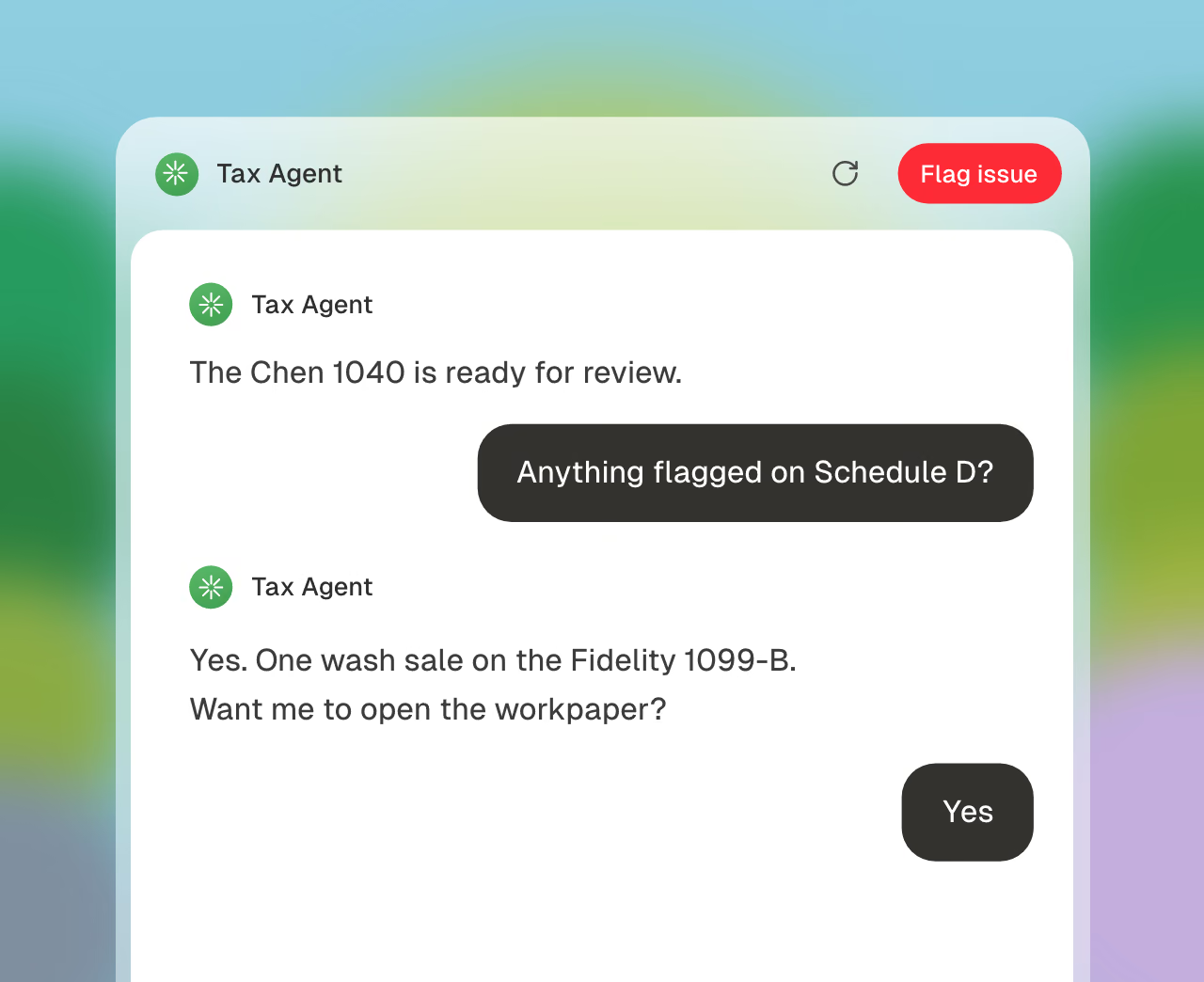
Each workpaper uses the firm template. It includes source links, prior-year comparisons, and findings.
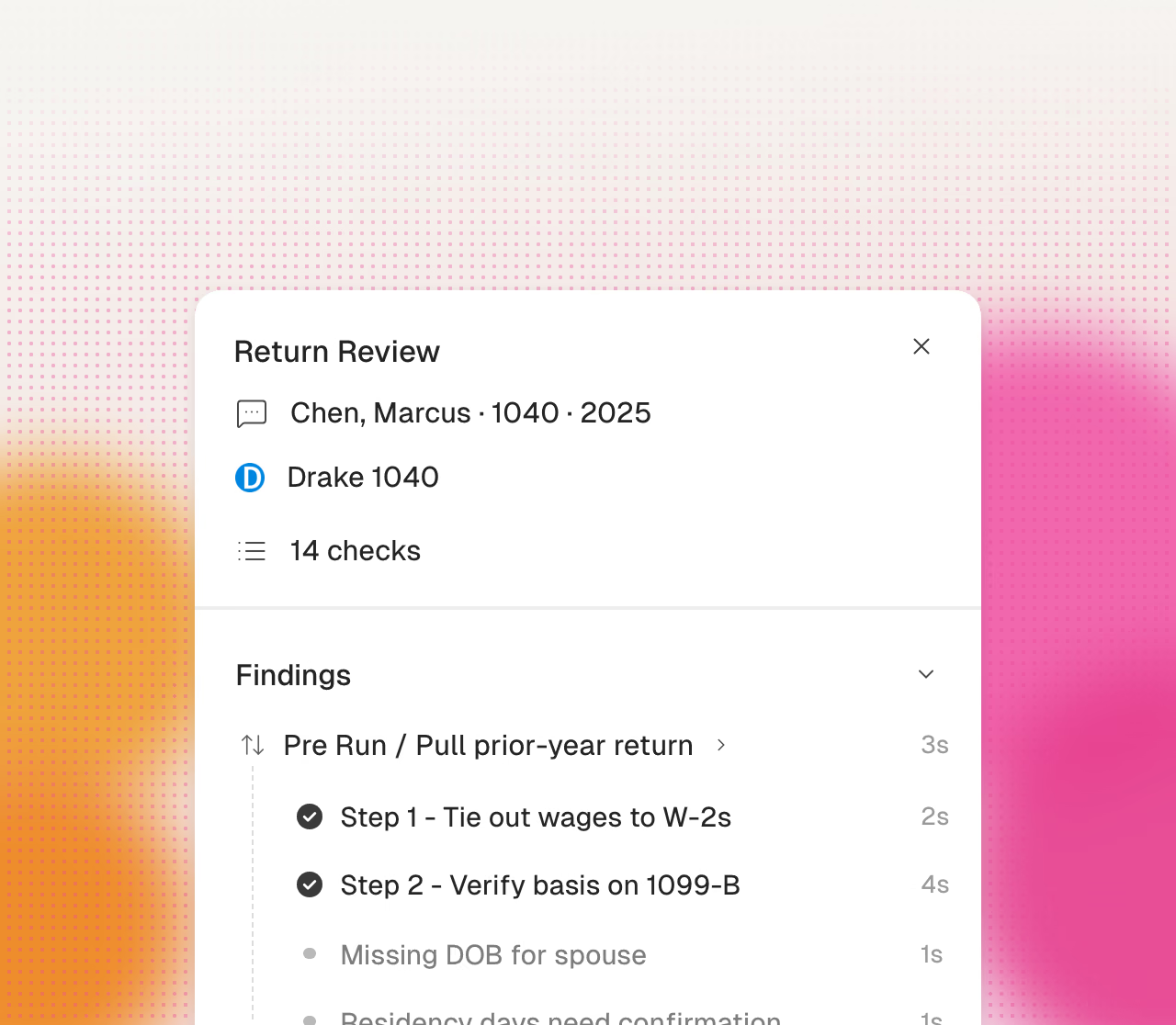
Cranston does the first pass and compares each return with the prior year, so senior reviewers spend their time on judgment instead of data entry.
Multi-office partners report these problems during customer calls.
Three offices mean three habits for naming, documenting, and reviewing. Partners tell us they want one rule with no staff discretion, and today there is no way to enforce it.
Partnership season brings many long, multi-state K-1 packages. The intake team can become a preparation bottleneck.
Documents move from the front desk to an administrator, preparer, and reviewer. Each handoff can cause a delay or missing document.
Experienced reviewers spend time on first-pass preparation. This reduces the time available for complex returns and quality review.
Cranston automates preparation. Your firm reviews and approves every tax decision.
Cranston compares each page with the prior-year return.
Cranston enters values in your current client file.
Click a value to see its source page.
Cranston sends open items to your reviewer.
Your team reviews the return in its tax software.
Your reviewer makes each tax election.
Your firm signs each return.
Your firm uses its own EFIN.
One standard for prep, review, and documentation in every office.
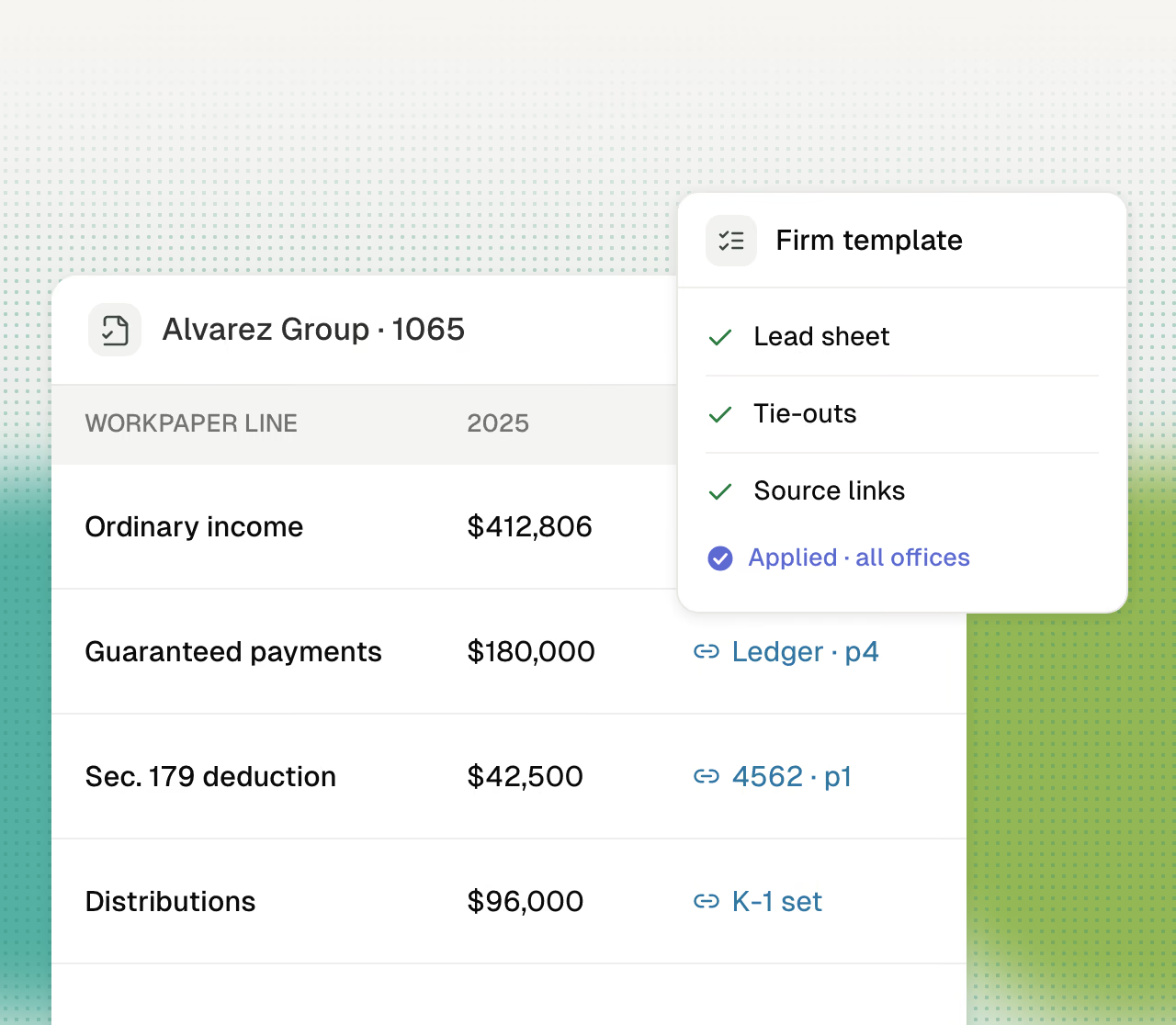
Every return documented to the same template, with no preparer discretion.
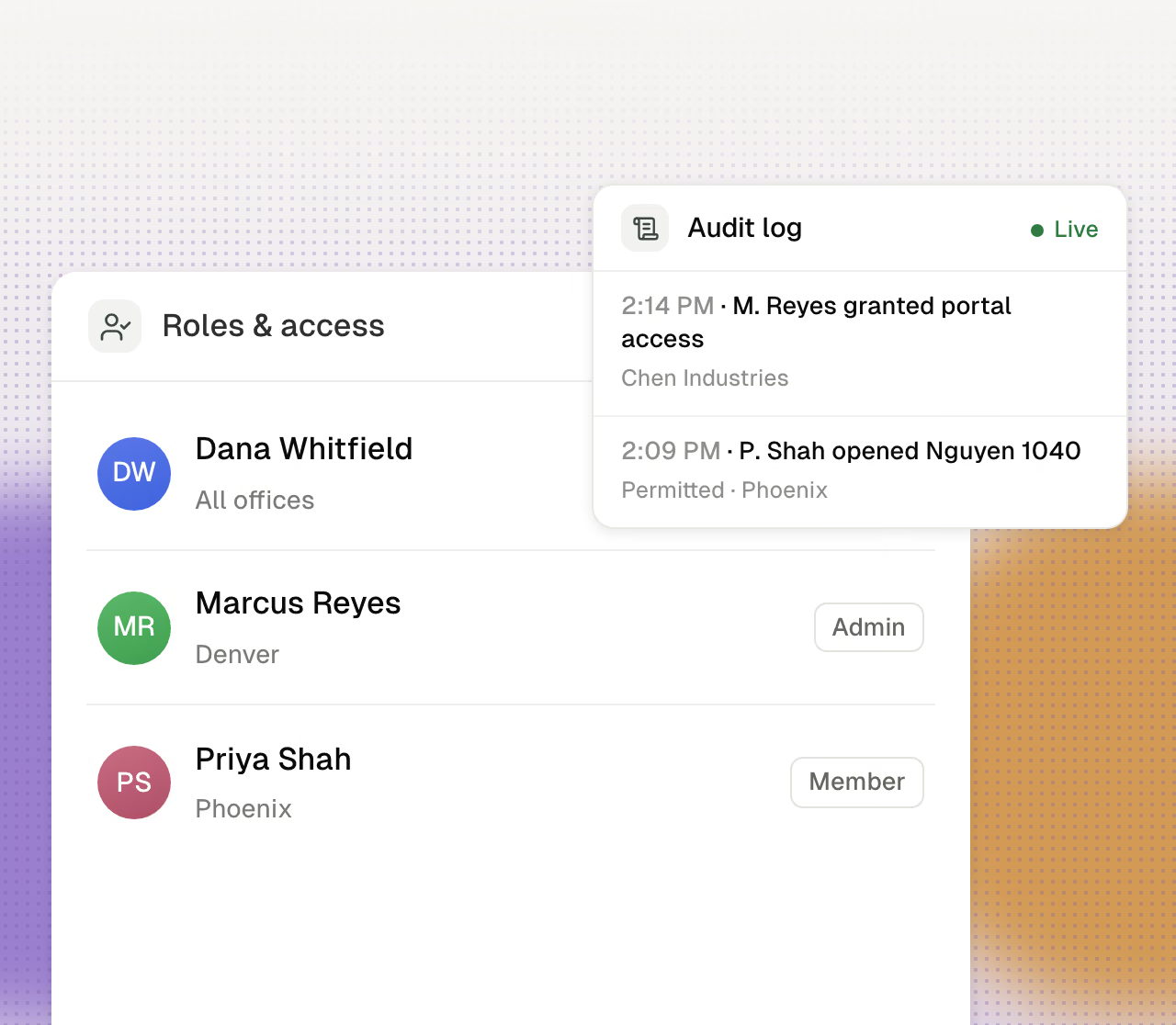
Owner, admin, and member roles, scoped by team, everything logged.
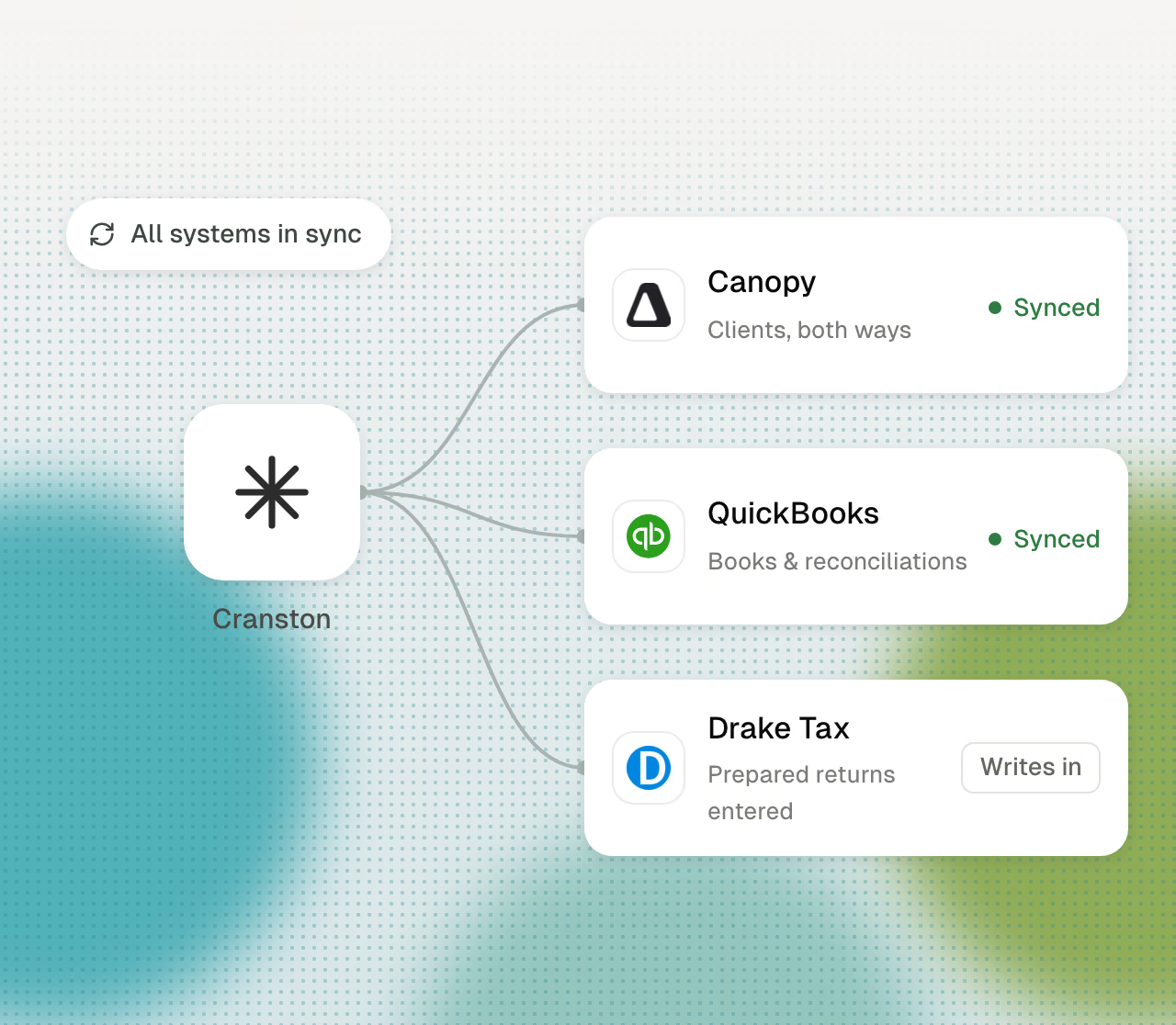
Cranston works alongside the systems your firm already runs.
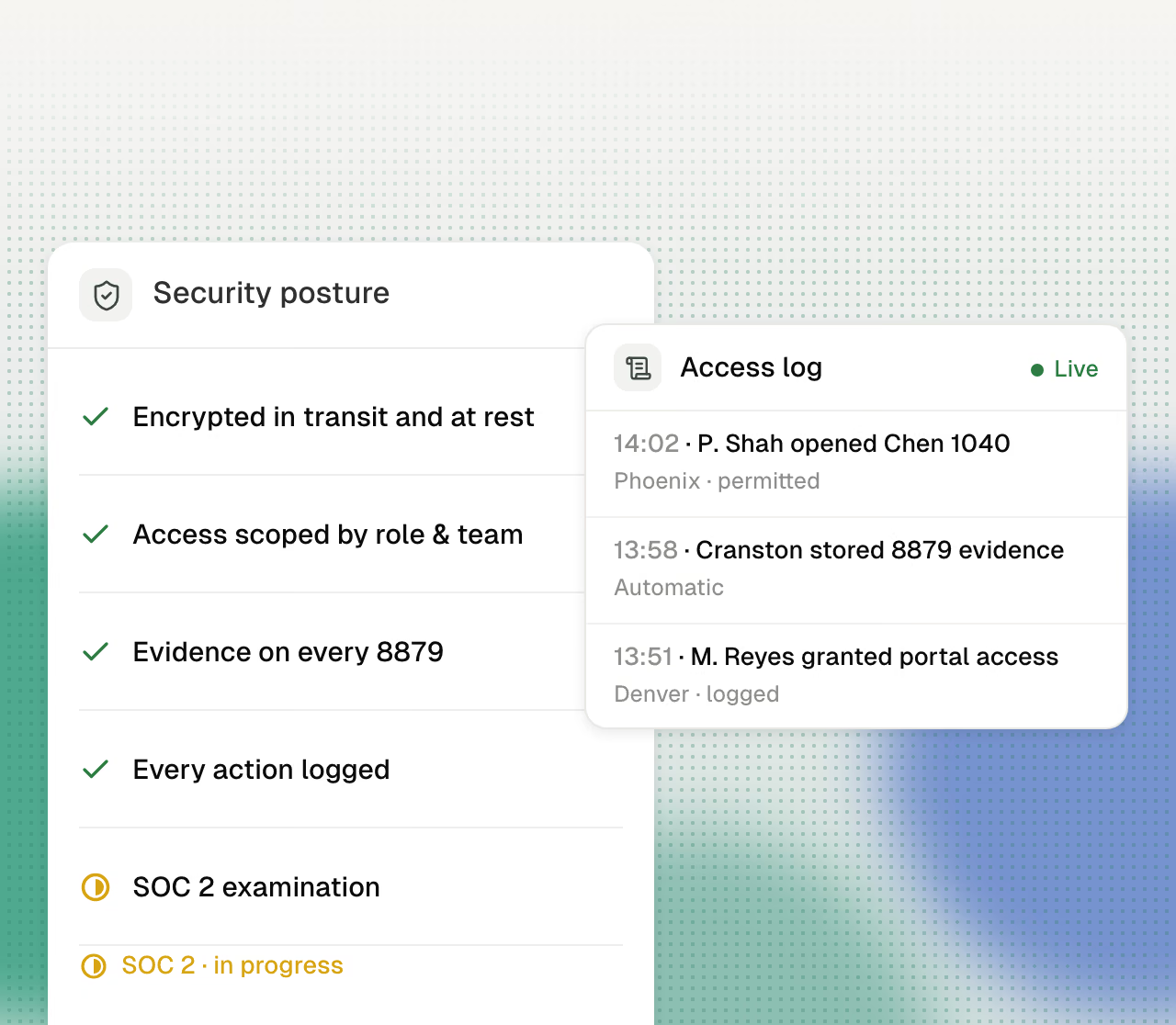
Encryption, scoped access, signing evidence, and a complete audit trail.
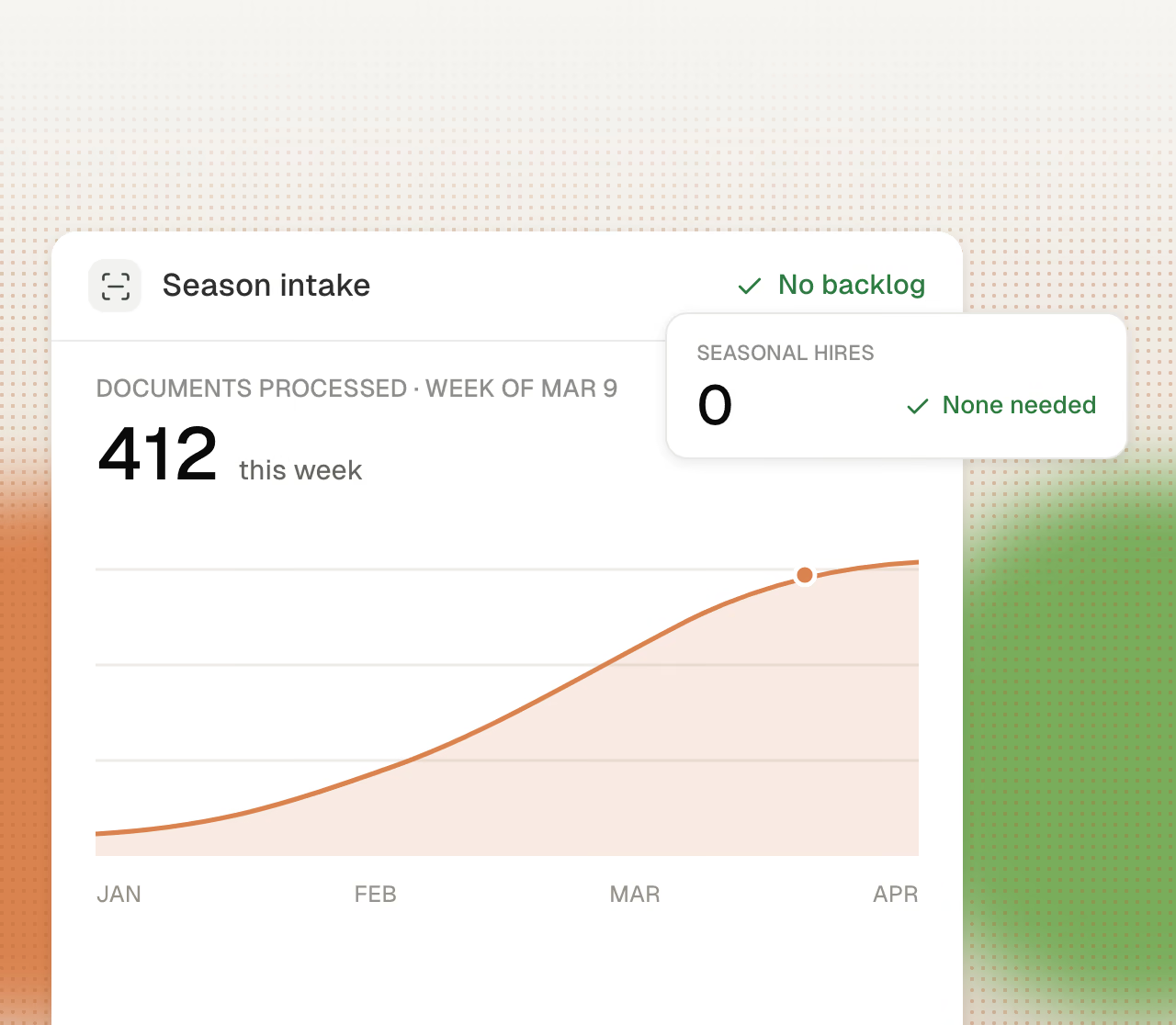
Season capacity without seasonal hires, offshore contracts, or January training.