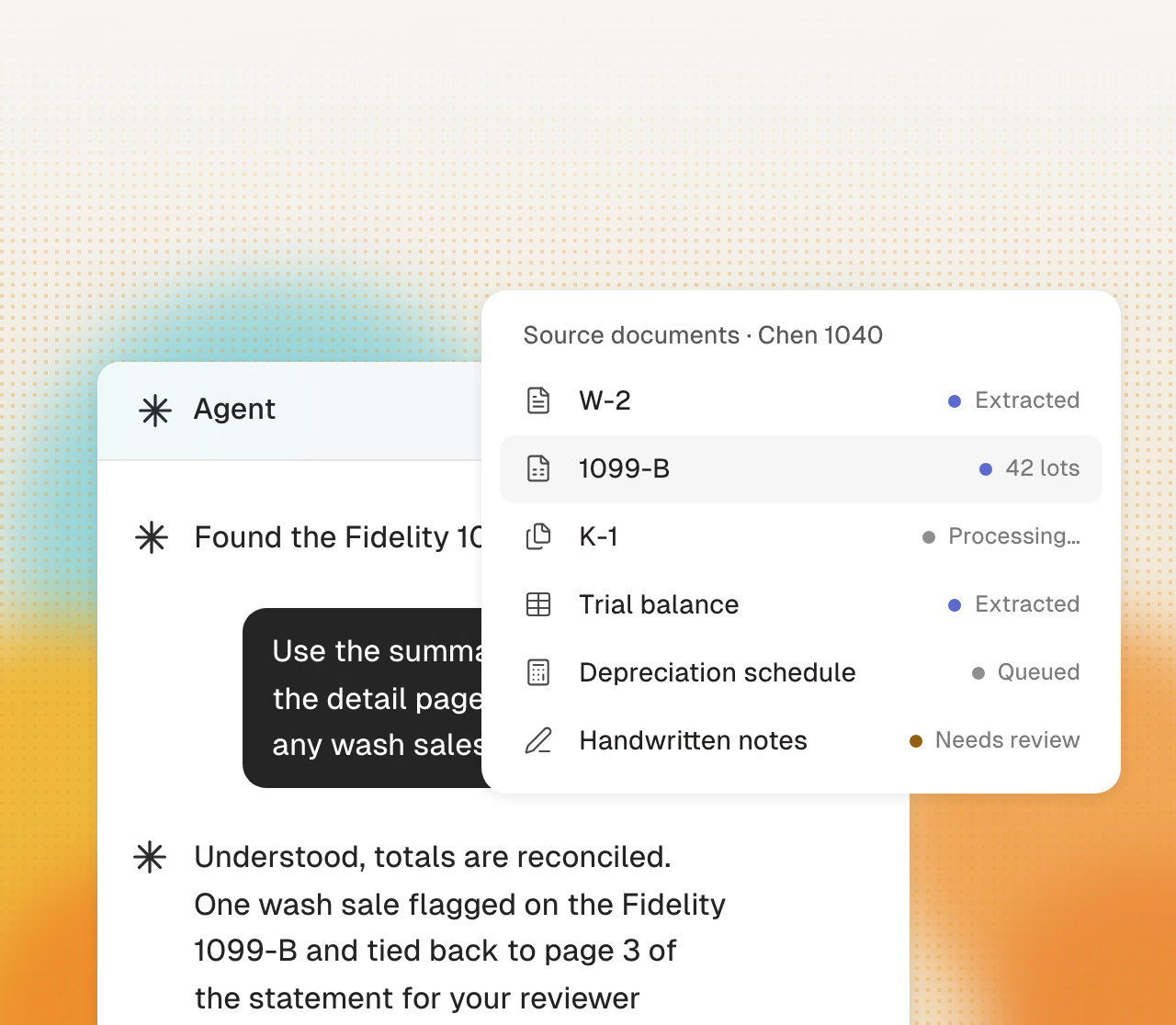
Reads the client package
W-2s, K-1s, brokerage statements, even the handwritten ledger. Every figure is extracted and tied to its page.
Cranston reads the documents, enters the return, and requests missing items. You review, sign, and advise each client.
Get startedCranston follows your process and shows the source for each value.
W-2s, K-1s, brokerage statements, even the handwritten ledger. Every figure is extracted and tied to its page.
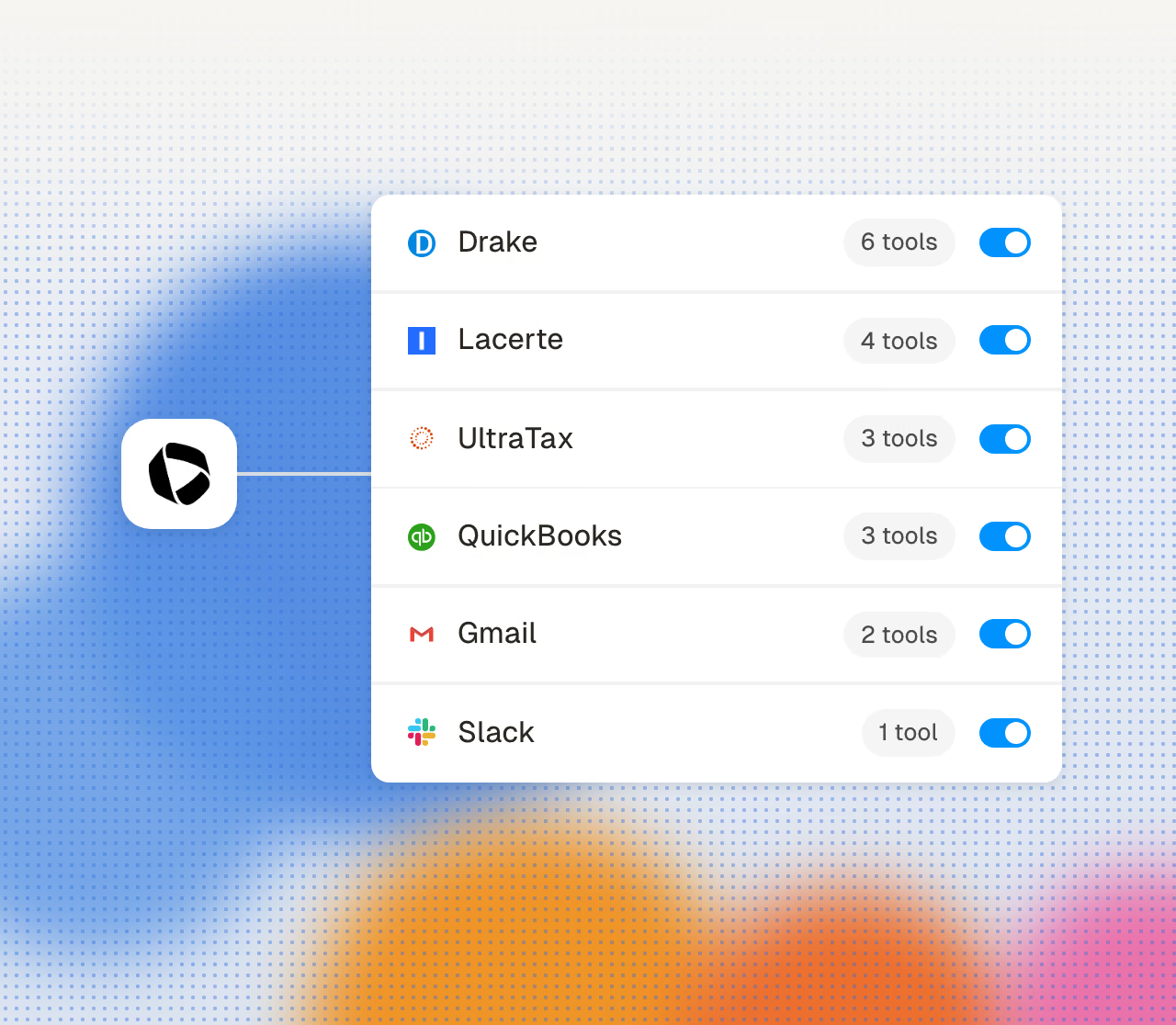
Cranston enters each value in your Drake, Lacerte, or CCH Axcess client file. You do not use another data-entry screen.
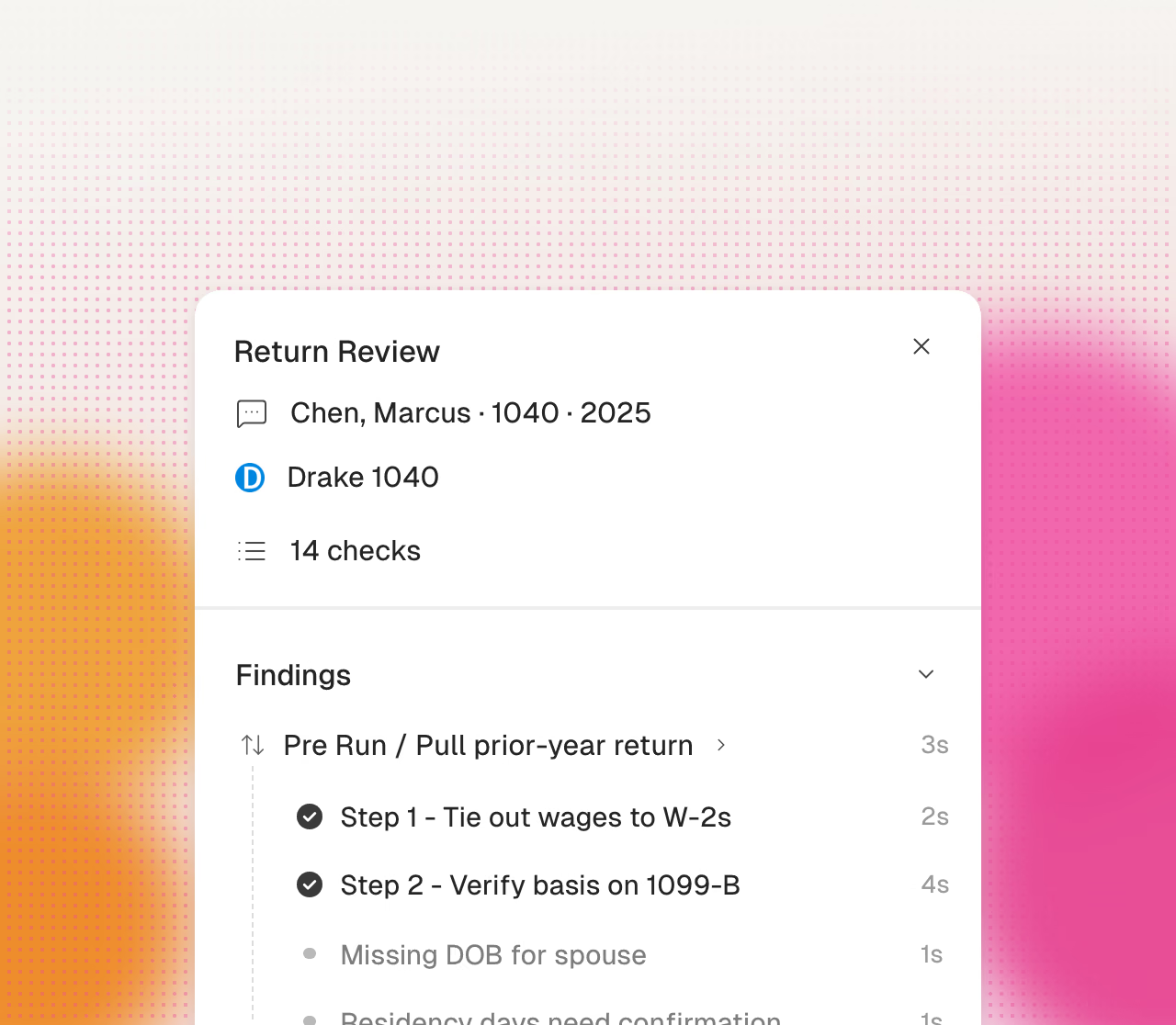
Cranston flags wrong-year forms, missing EINs, and incorrect documents before you open the return.
Solo practitioners report these problems during busy season.
Data entry and review use the same limited hours. A long preparation process leaves less time for a careful review.
You prepare and review each return. The practice cannot add clients when you have no preparation capacity.
You are the only reviewer for each return. Cranston adds a separate document and value check before your review.
You spend many busy-season hours asking clients for missing documents. Some documents arrive close to the filing deadline.
Cranston automates preparation. Your firm reviews and approves every tax decision.
Cranston compares each page with the prior-year return.
Cranston enters values in your current client file.
Click a value to see its source page.
Cranston sends open items to your reviewer.
Your team reviews the return in its tax software.
Your reviewer makes each tax election.
Your firm signs each return.
Your firm uses its own EFIN.
Prepare returns, collect documents, close books, and answer tax questions.
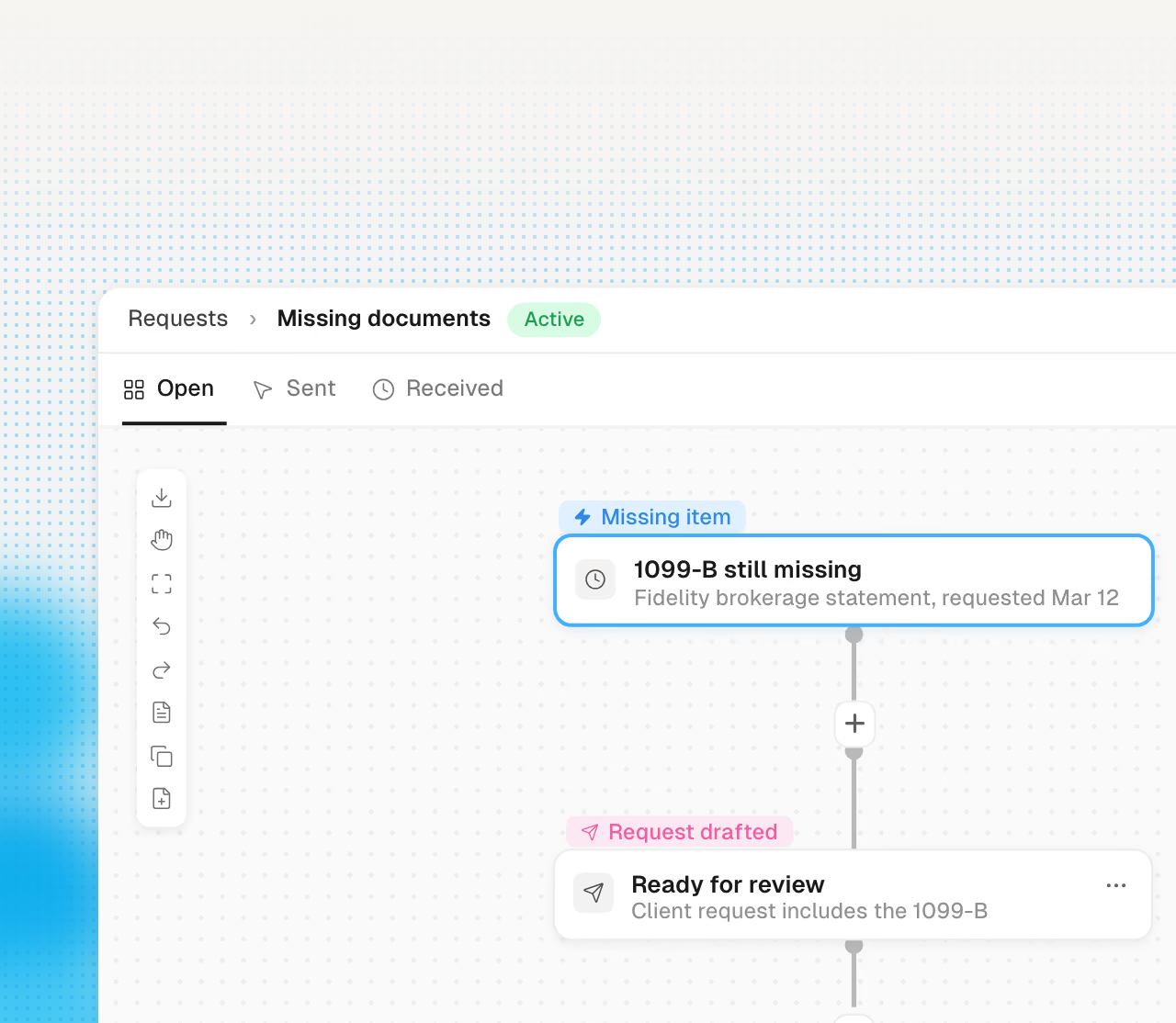
The follow-up email is already drafted, with a secure upload link inside.
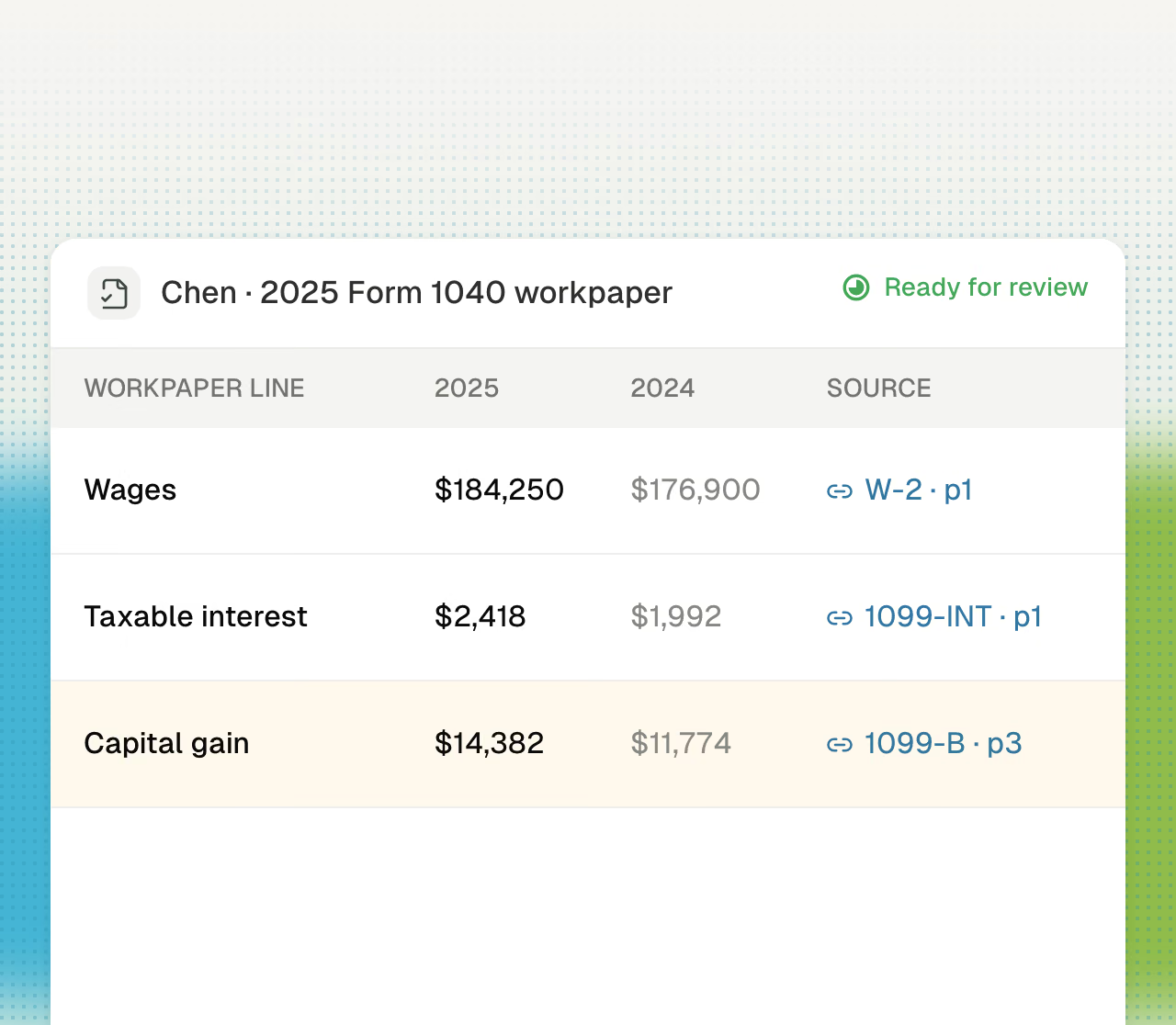
Indexed, source-linked workpapers assembled from the client package automatically.
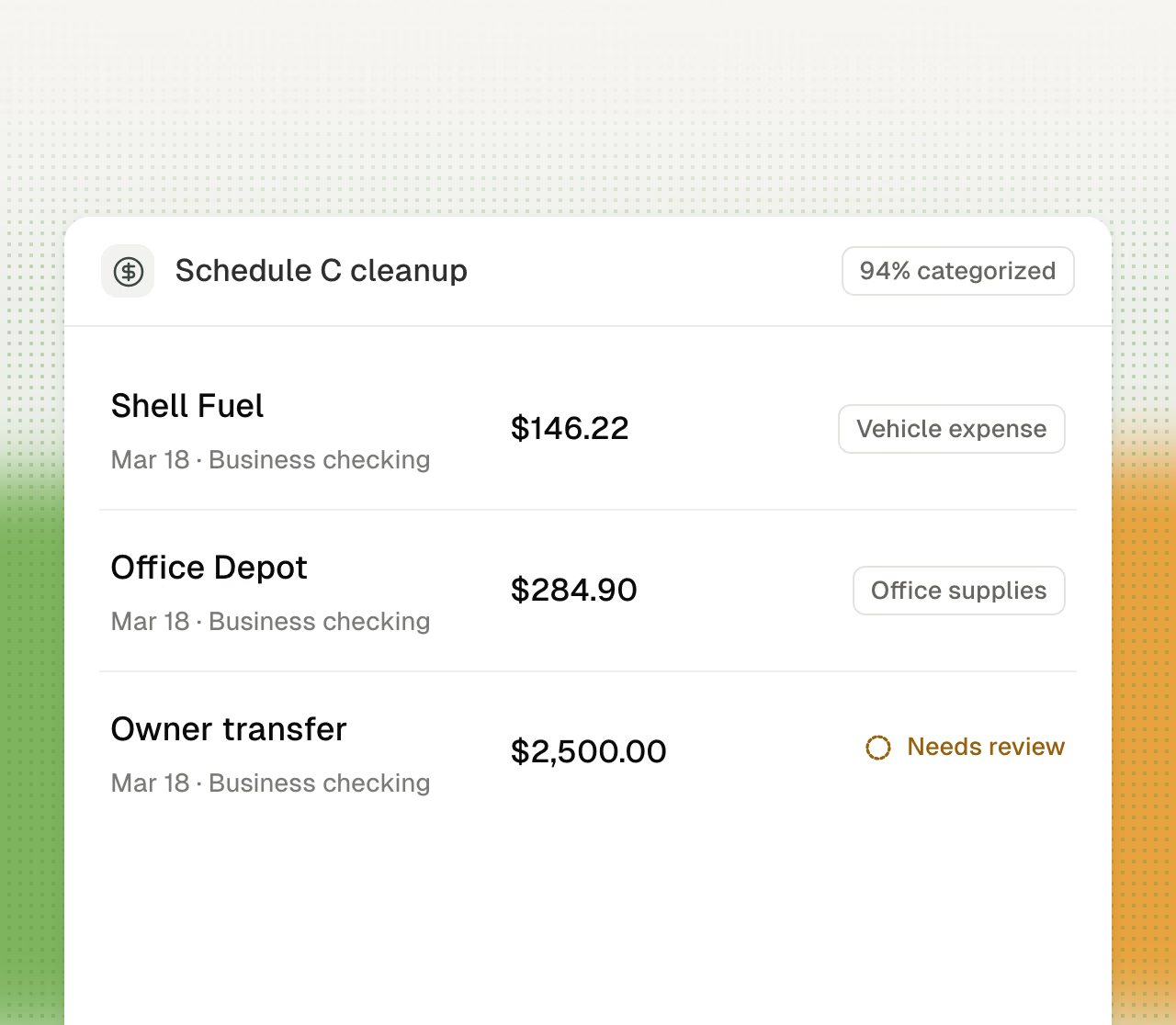
The shoebox becomes a clean Schedule C, with your rules applied.
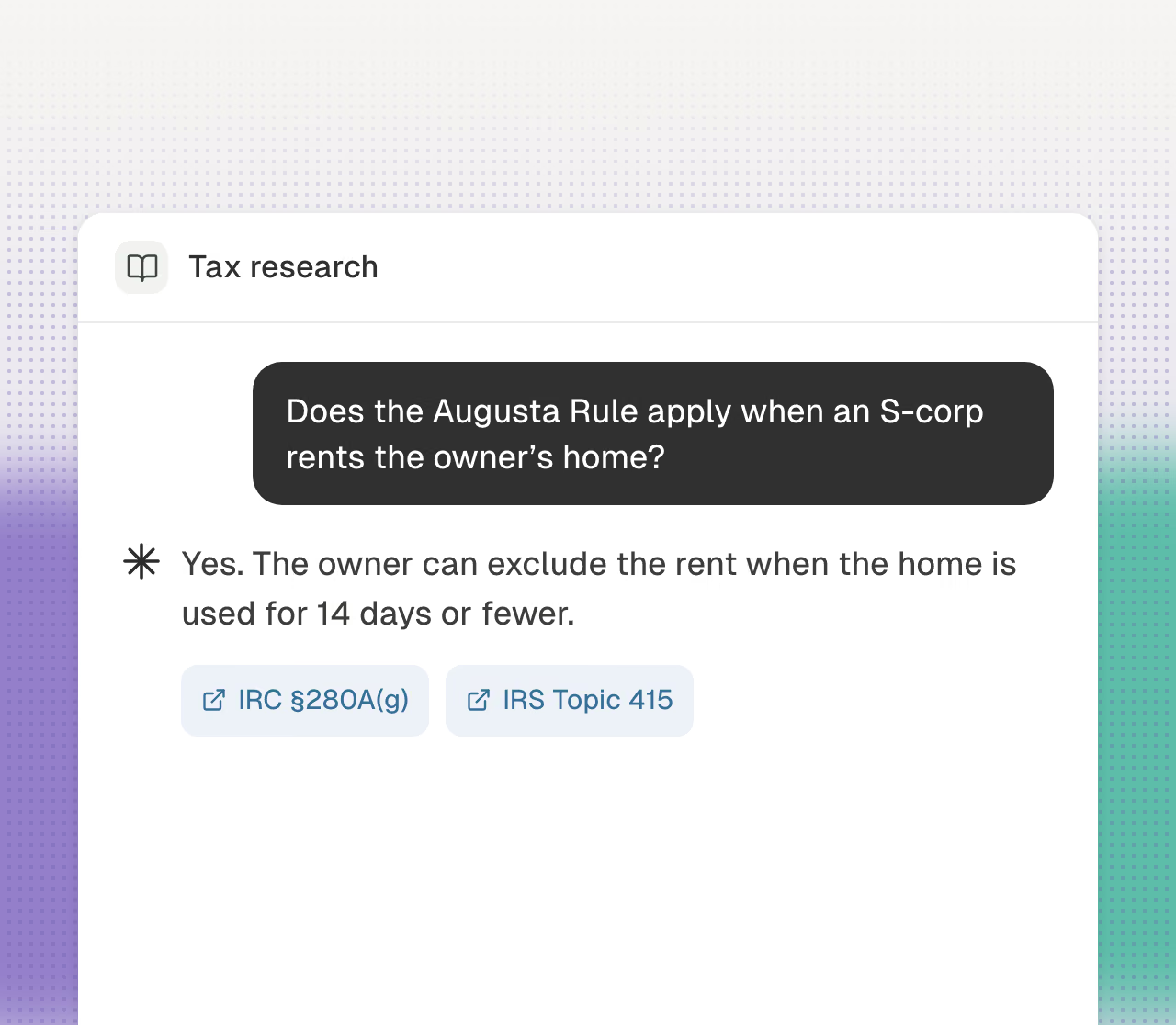
Cited answers from primary sources, in the time it takes to ask.