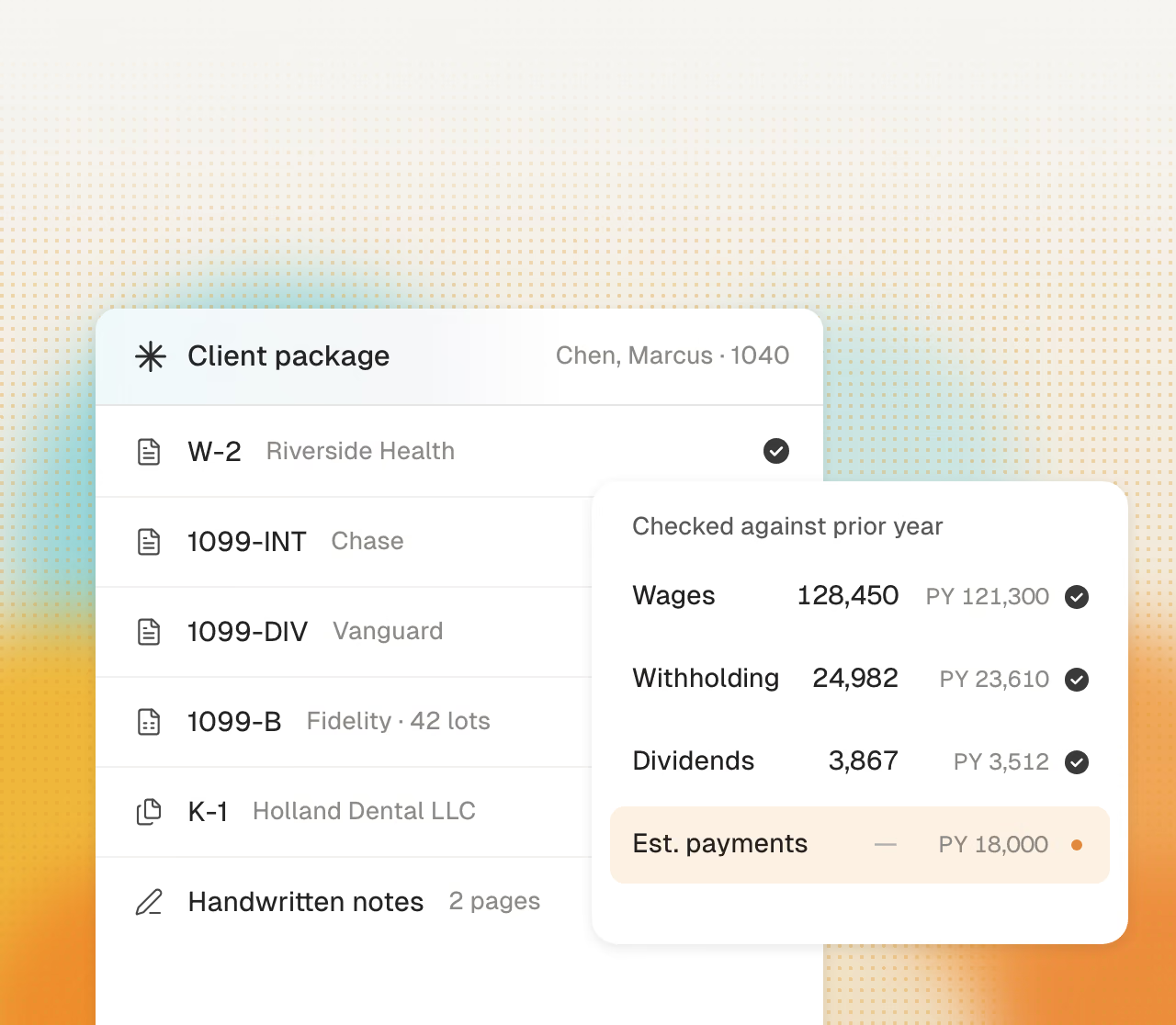
Reads client files
Cranston maps each value from W-2s, K-1s, and brokerage statements. It compares each value with the prior-year return.

Cranston prepares the first pass around the CCH Axcess workflow your team already knows. Your reviewers keep control of diagnostics, judgment, and filing.
Get started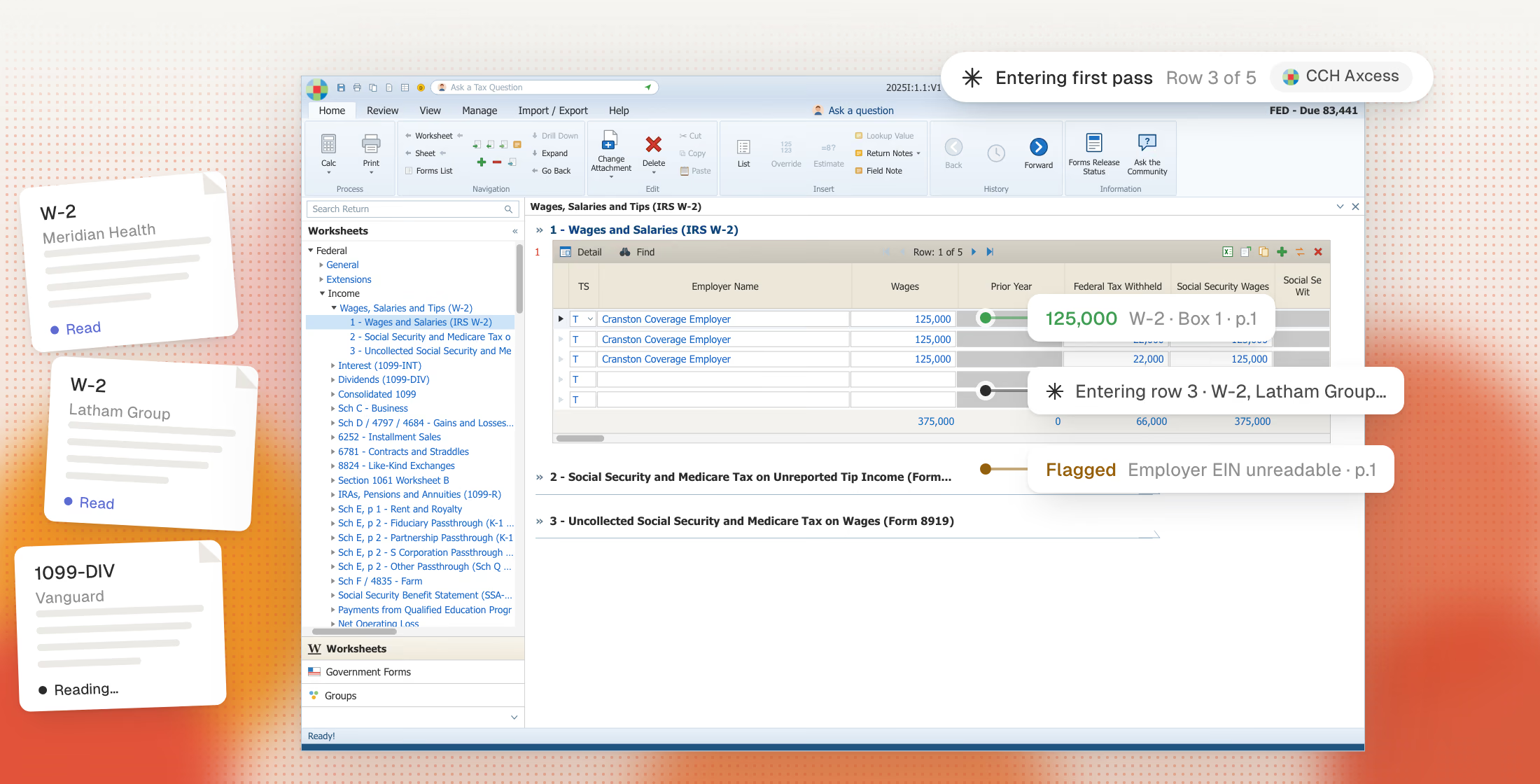
You keep your current tax software and client files.
Cranston maps each value from W-2s, K-1s, and brokerage statements. It compares each value with the prior-year return.
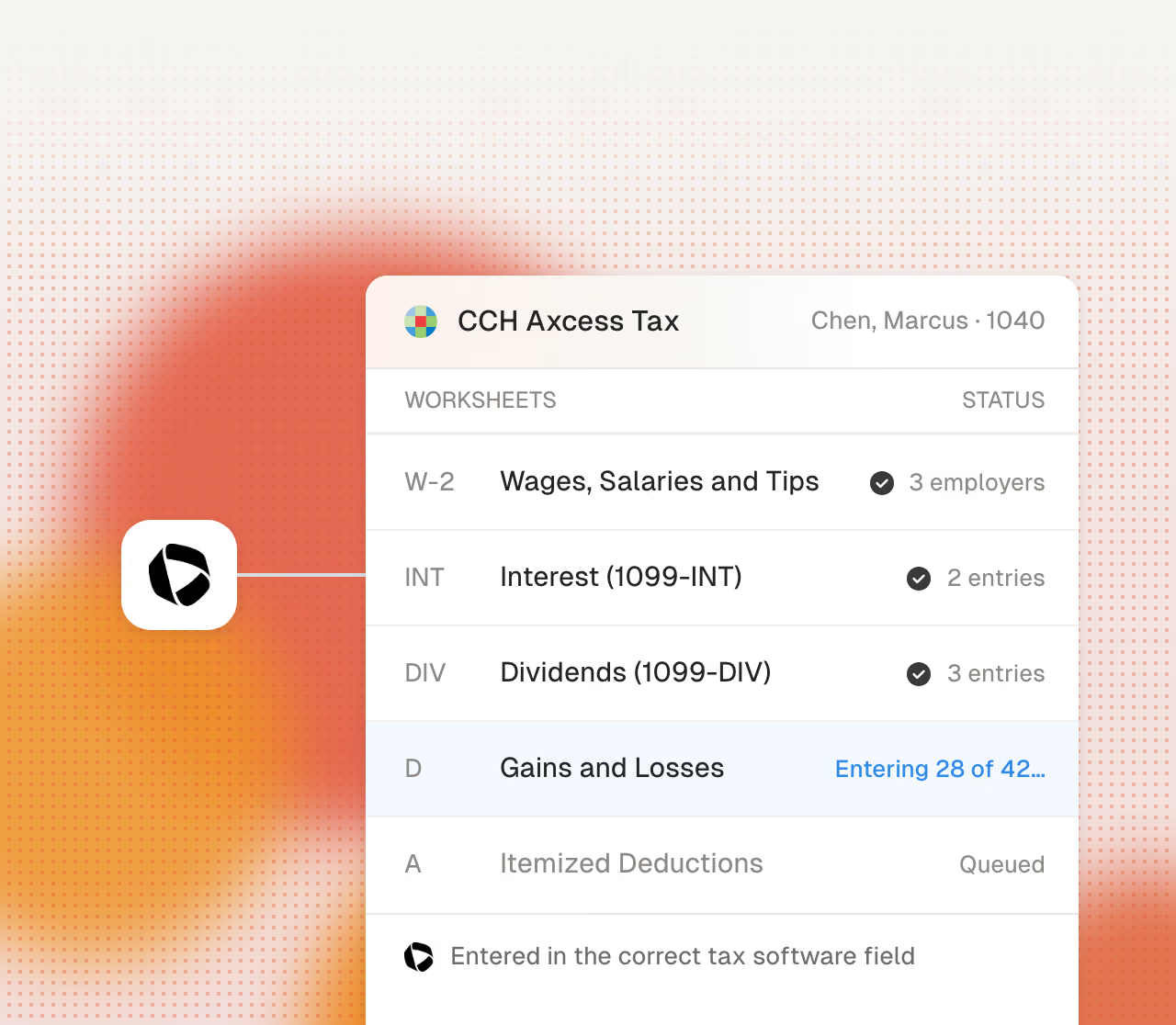
Cranston enters W-2s on the wage worksheet and gains on Schedule D.
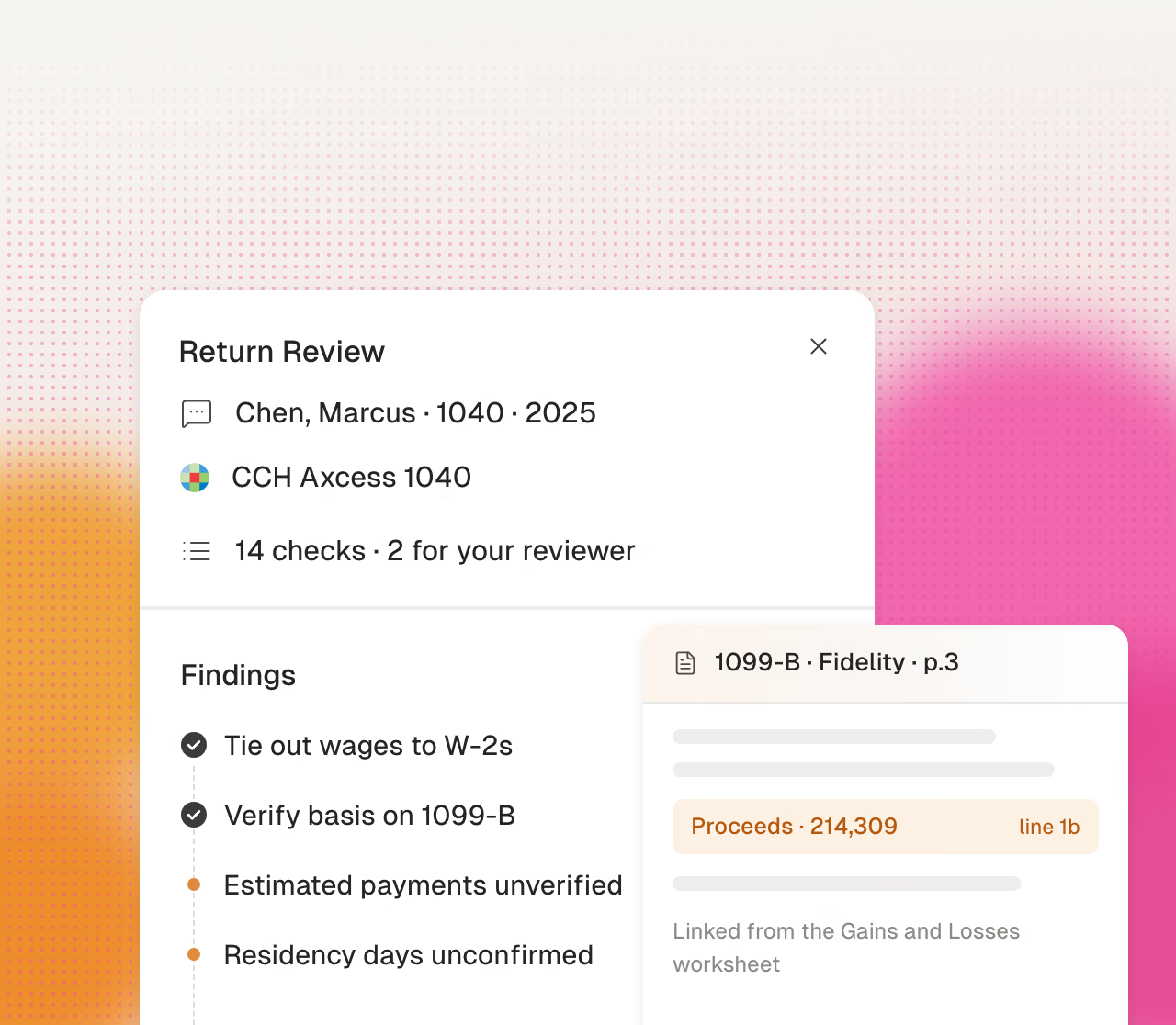
Your reviewer can act on each finding. Each number links to its source.
Cranston automates preparation. Your firm reviews and approves every tax decision.
Cranston compares each page with the prior-year return.
Cranston enters values in your CCH Axcess client file.
Click a value to see its source page.
Cranston sends open items to your reviewer.
Your team reviews the return in CCH Axcess.
Your reviewer makes each tax election.
Your firm signs each return.
Your firm uses its own EFIN.
Cranston also prepares work in other systems that firms use.