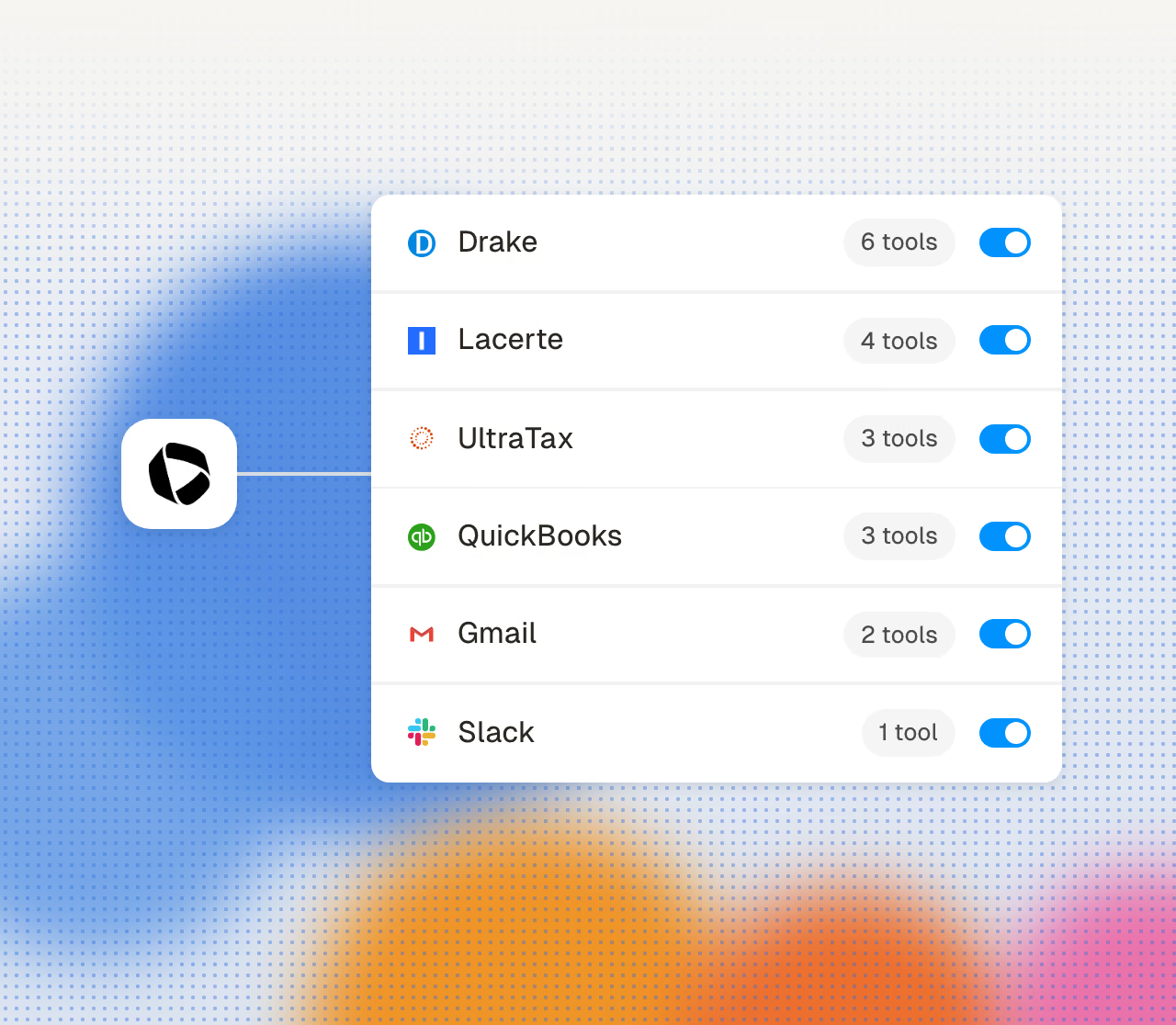
Cranston categorizes transactions daily
Transactions sync from QuickBooks and are classified daily under your firm’s rules. Set a treatment once and it holds every month.
Books stay coded all month. Cranston categorizes transactions as they land, runs the reconciliations, and works each client’s close checklist. Your staff review a nearly finished close.
Get started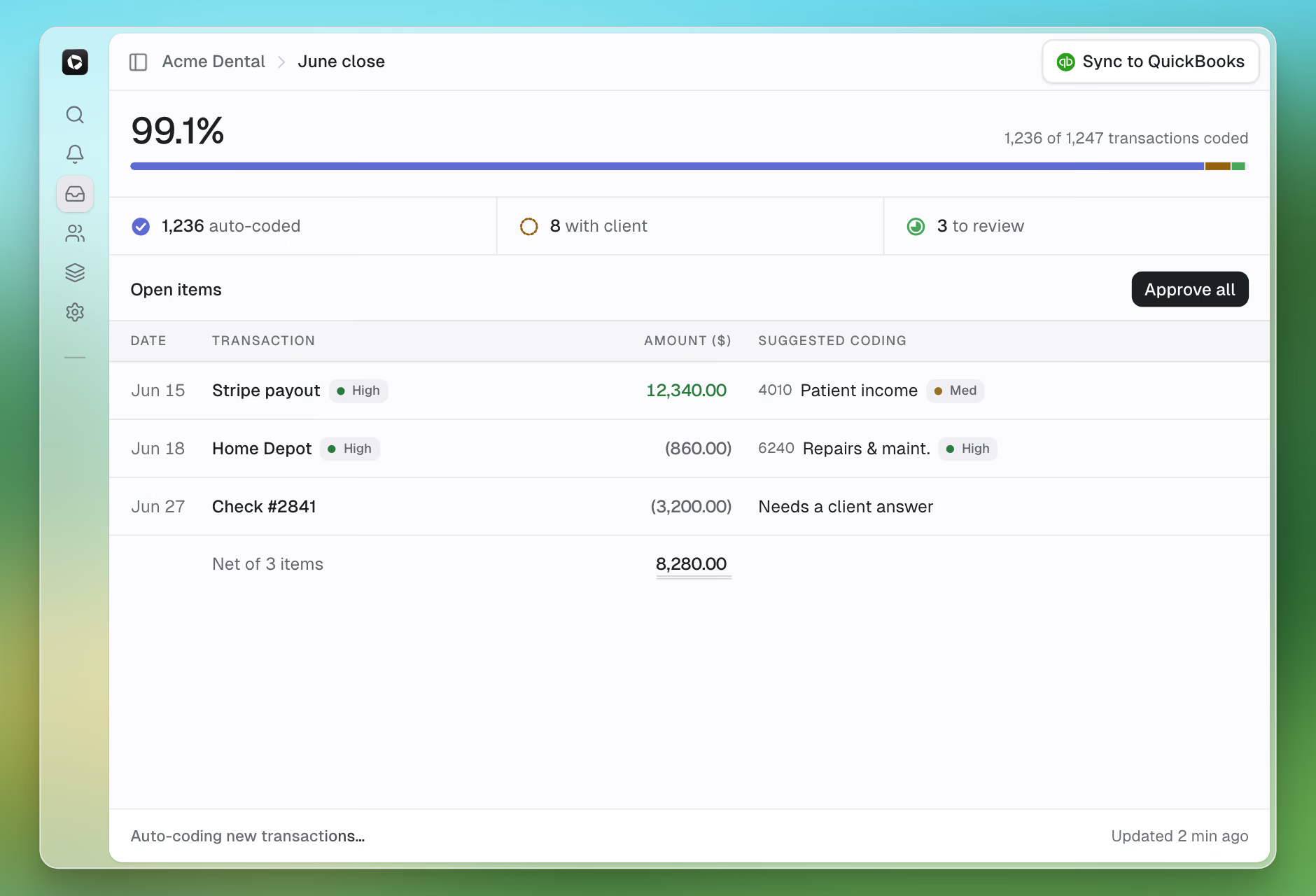
Continuous during the month, reviewed at the end, for every client at once.
Transactions sync from QuickBooks and are classified daily under your firm’s rules. Set a treatment once and it holds every month.
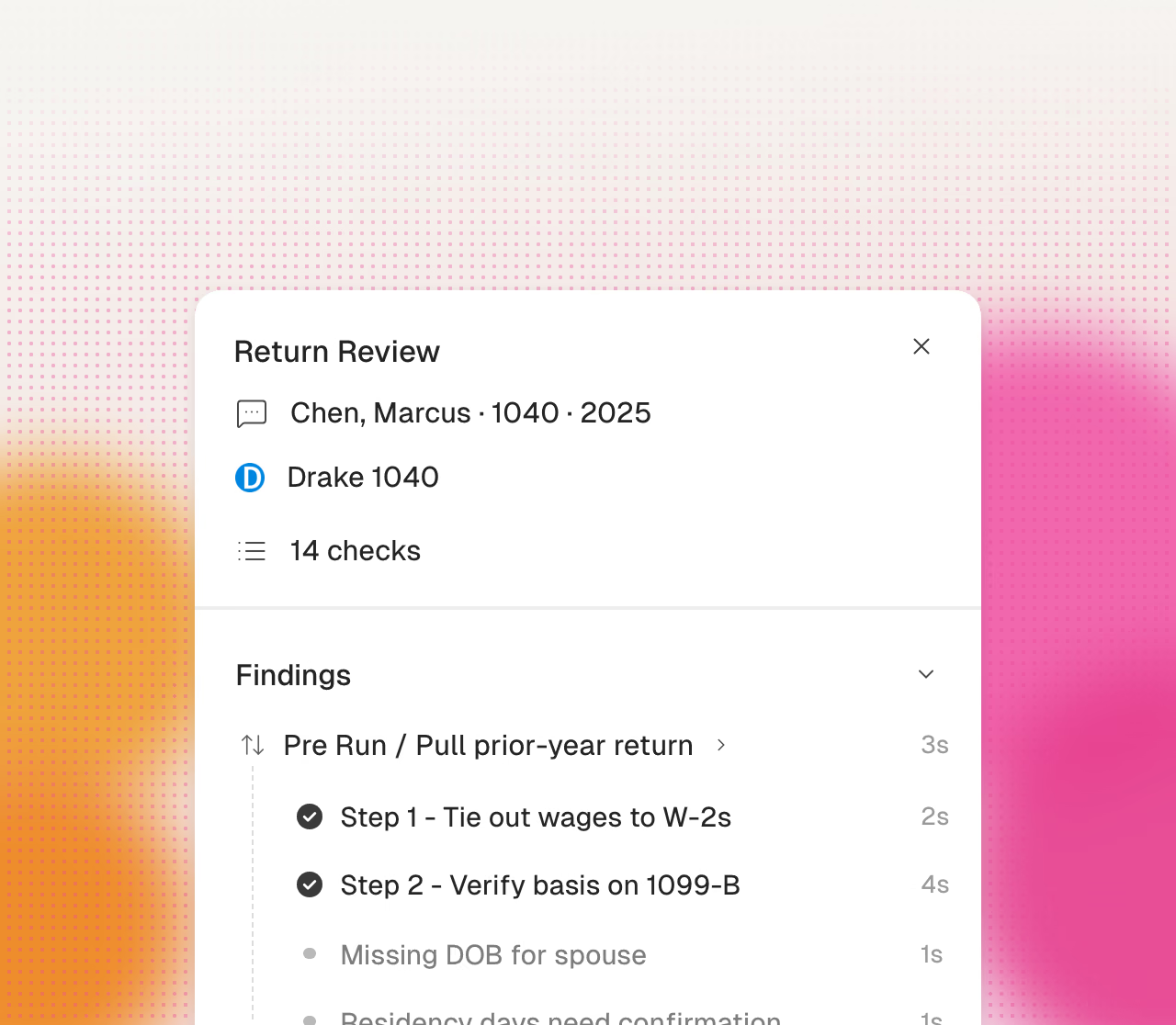
Accounts are matched against statements and differences become reconciling items. Your staff see only the exceptions.
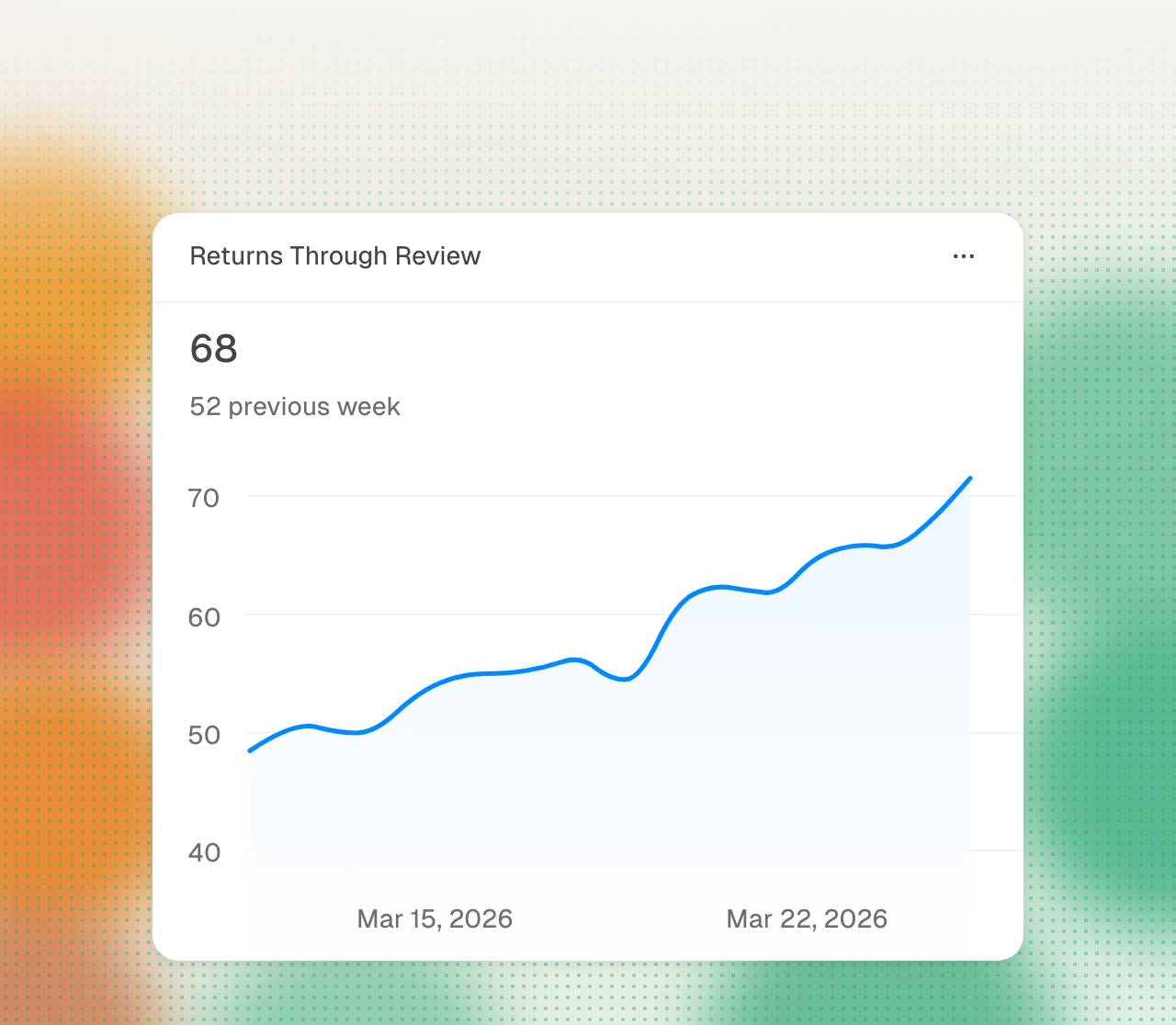
Cranston works through each client’s close checklist and generates the financial statements when the period closes.
From transaction feed to published financials.
Cranston classifies transactions each day under firm rules for the client or firm. It applies each configured treatment every month.
Bank and credit-card accounts reconcile against statements, with preparer and reviewer sign-off recorded on each one. Approval always belongs to your firm.
Each client close follows a checklist that Cranston works through, with reconciliations completed before review.
Transactions Cranston cannot code with confidence become a short, specific ask to the client.
When a period closes, statements are generated within days of month end.
For a cleanup project, Cranston recategorizes transactions under your rules and reconciles the accounts. Your firm reviews the resulting baseline.
Clean books are the input to the business return. The finished books carry straight into 1065 or 1120-S prep, with no re-export and no re-keying.
Cranston automates preparation. Your firm reviews and approves every tax decision.
Cranston compares each page with the prior-year return.
Cranston enters values in your current client file.
Click a value to see its source page.
Cranston sends open items to your reviewer.
Your team reviews the return in its tax software.
Your reviewer makes each tax election.
Your firm signs each return.
Your firm uses its own EFIN.
Use each product separately or together. All on shared data.