
Cranston's AI does your firm's prep work.
Cranston prepares tax returns, codes client books, and drafts requests for missing documents. Your team reviews the work and makes the calls.
Works with QuickBooks, Xero, Drake, UltraTax, Lacerte, and ProSeries.
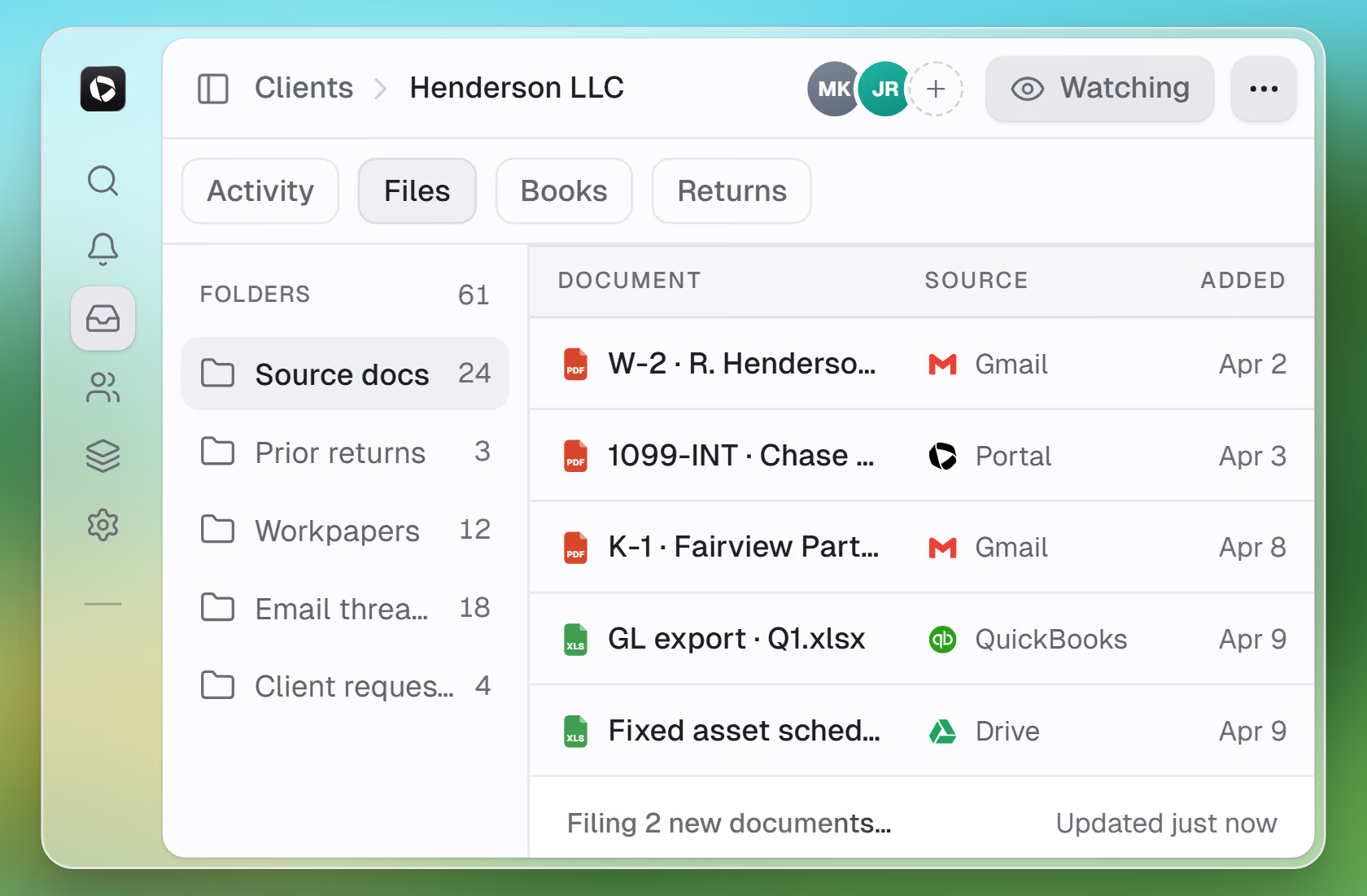
Cranston handles the repetitive work. You keep the judgment.
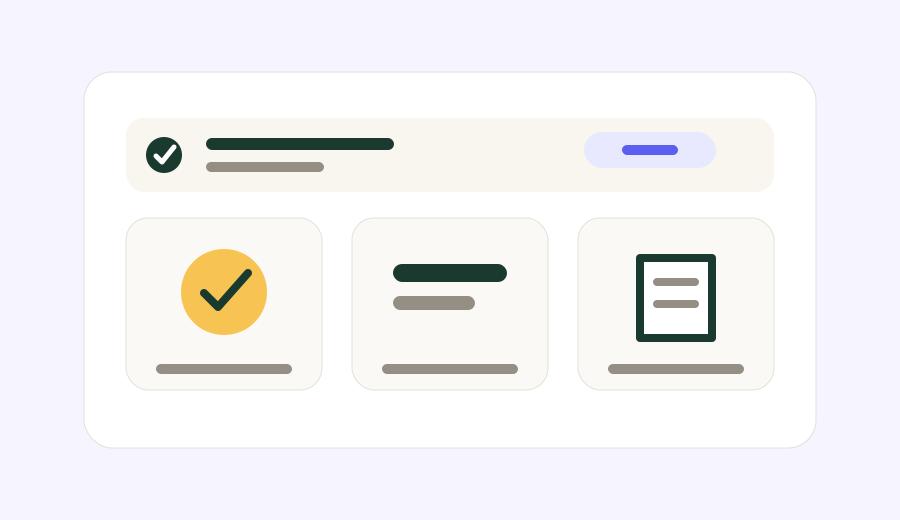
Take on more clients without hiring
Cranston reads client documents and prepares the work. Your staff starts from a finished draft, not a blank file.
Add clients without adding seasonal hires.
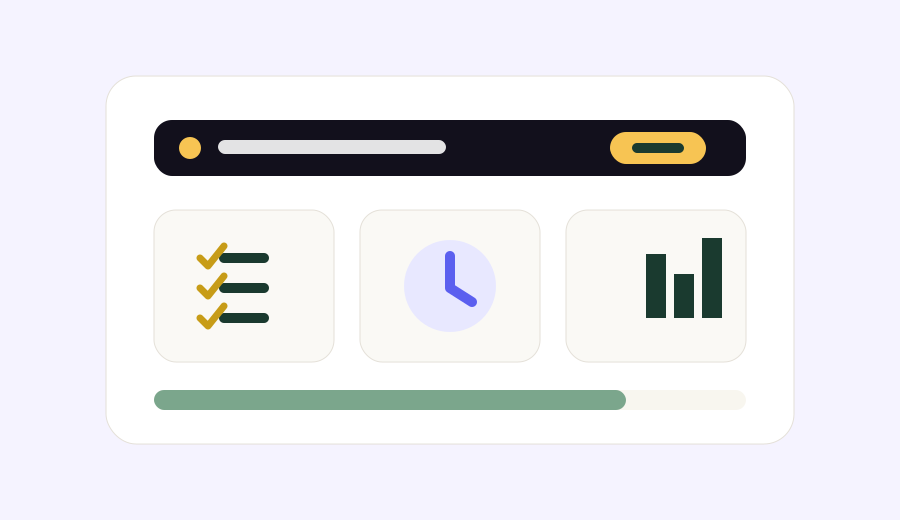
Your reviewers stay in control
Cranston prepares the work and routes every exception to the right person on your team.
You decide what Cranston posts, what it sends, and what it holds for sign-off.
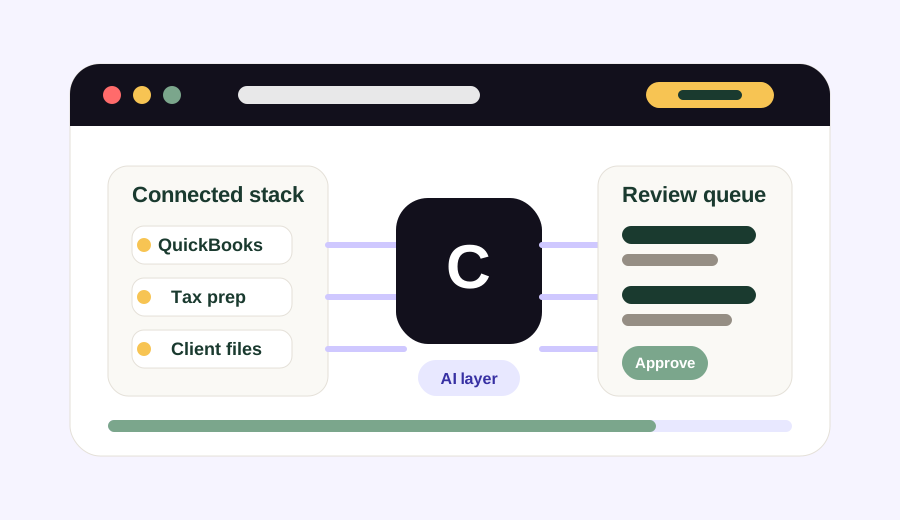
Works with the tools you already use
Cranston connects to QuickBooks, your tax software, and your client files. Nothing to migrate.
Cranston puts the drafts in your tax software.
Cranston does the work your firm repeats every week.
Cranston reads the PDFs, enters the data, and follows up on missing items. The judgment calls stay with your team.
Cranston gathers the documents before anyone opens the return.
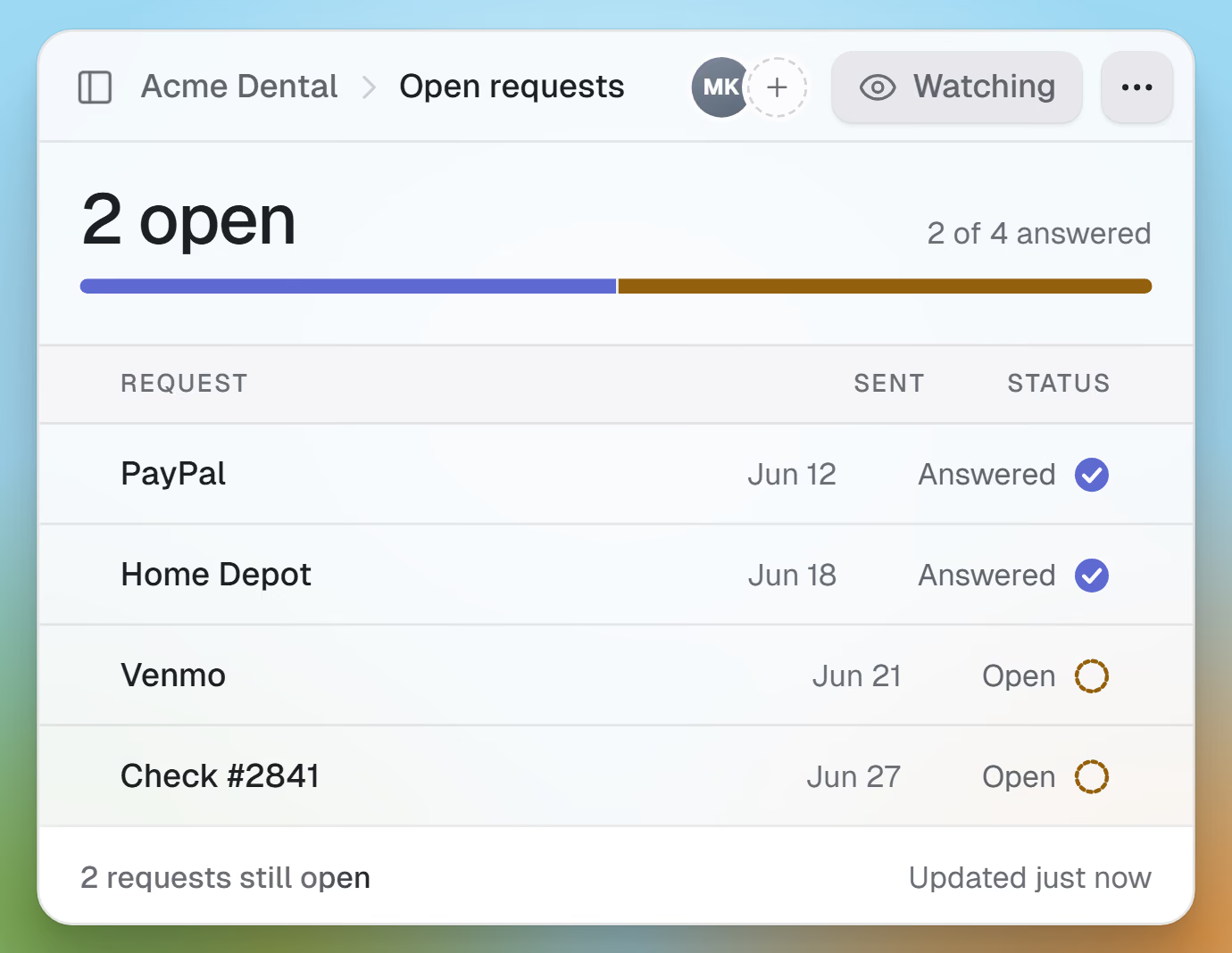
Cranston reads each client upload and asks the client for what is still missing. Your team starts with a complete file.
- Cranston reads PDFs, photos, and scans
- Cranston checks the documents against last year
- Cranston follows up on missing items
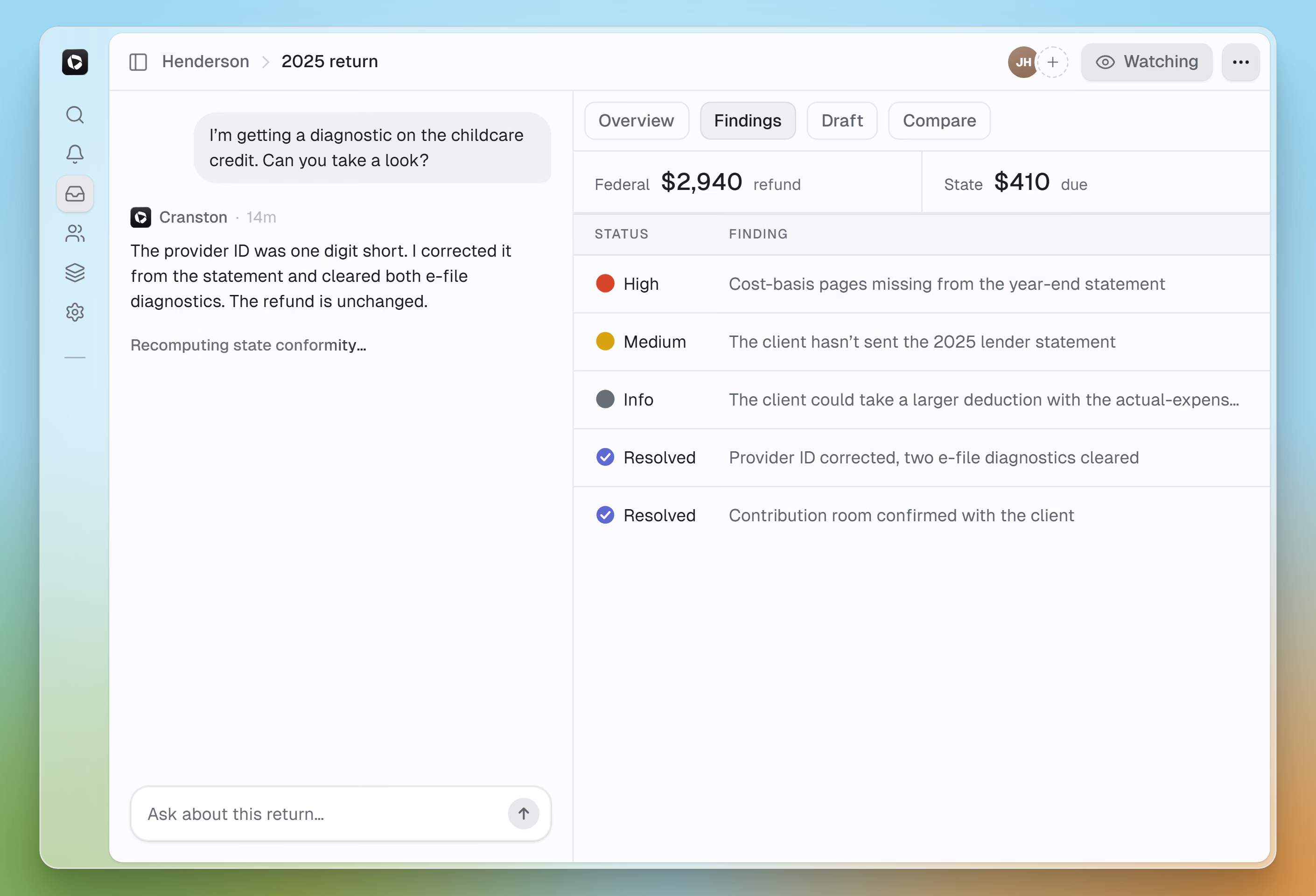
Tax prep and review
Cranston preps the return in your tax software and links every number to its source document.
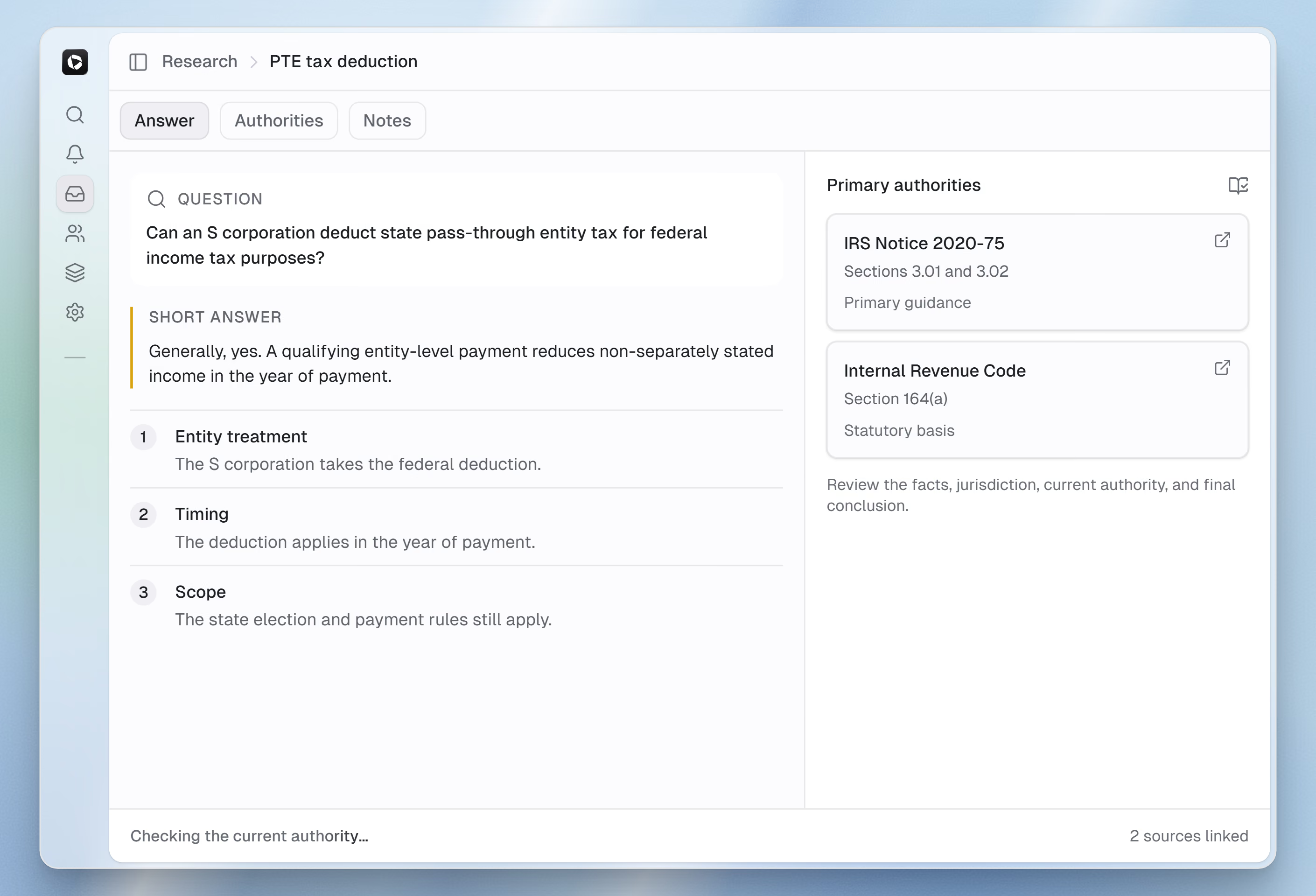
Tax research
Cranston answers tax questions from the IRC, regulations, and rulings, and attaches the citations for you to check.
Client follow-up
Cranston compares each client's documents with last year's return, finds what's missing, and drafts the request email. You review it and hit send.
Source-linked figures
Cranston links every figure to its source document.
Controlled by reviewers
You decide what Cranston can post, import, or send, and what stays a draft.
No migration
Works with QuickBooks, Xero, and your tax software. Your files stay where they are.
See Cranston run one of your workflows.
Bring one client. See how Cranston handles the books or return.
Book a 30-minute call