
AI workbench for CPA firms
Messy client files in. Finished accounting work out.
Upload the client files. Tell Cranston what you need. Get a finished draft that your team can review.
Bring one ugly task from your desk.
- Your source files
- Your instructions
- A file your team can use
The work accountants actually hate doing
Give Cranston the files and the result you need.
Cranston builds the draft. Your team reviews it.
Bank statements → financials
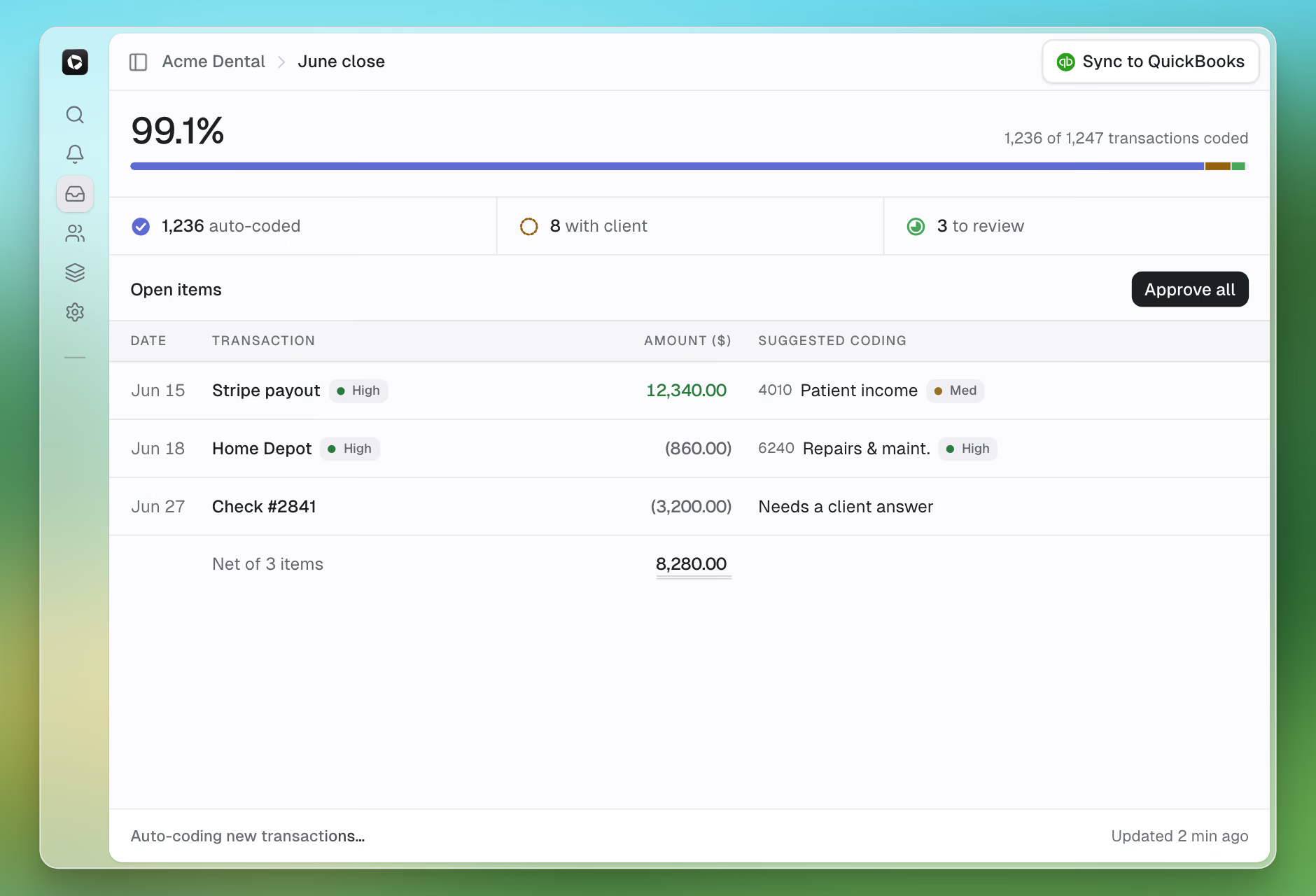
Build a draft P&L.
Cranston classifies the transactions and asks about unclear items.
PDF or CSV → QuickBooks import
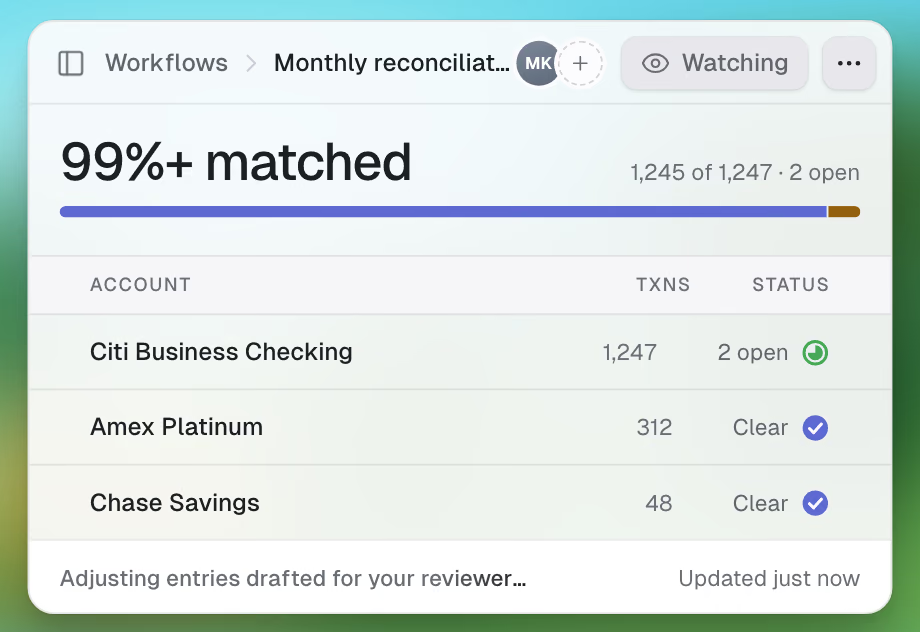
Build a QuickBooks import.
Cranston converts the bank activity. You review the account mapping before the upload.
Scanned checks → register
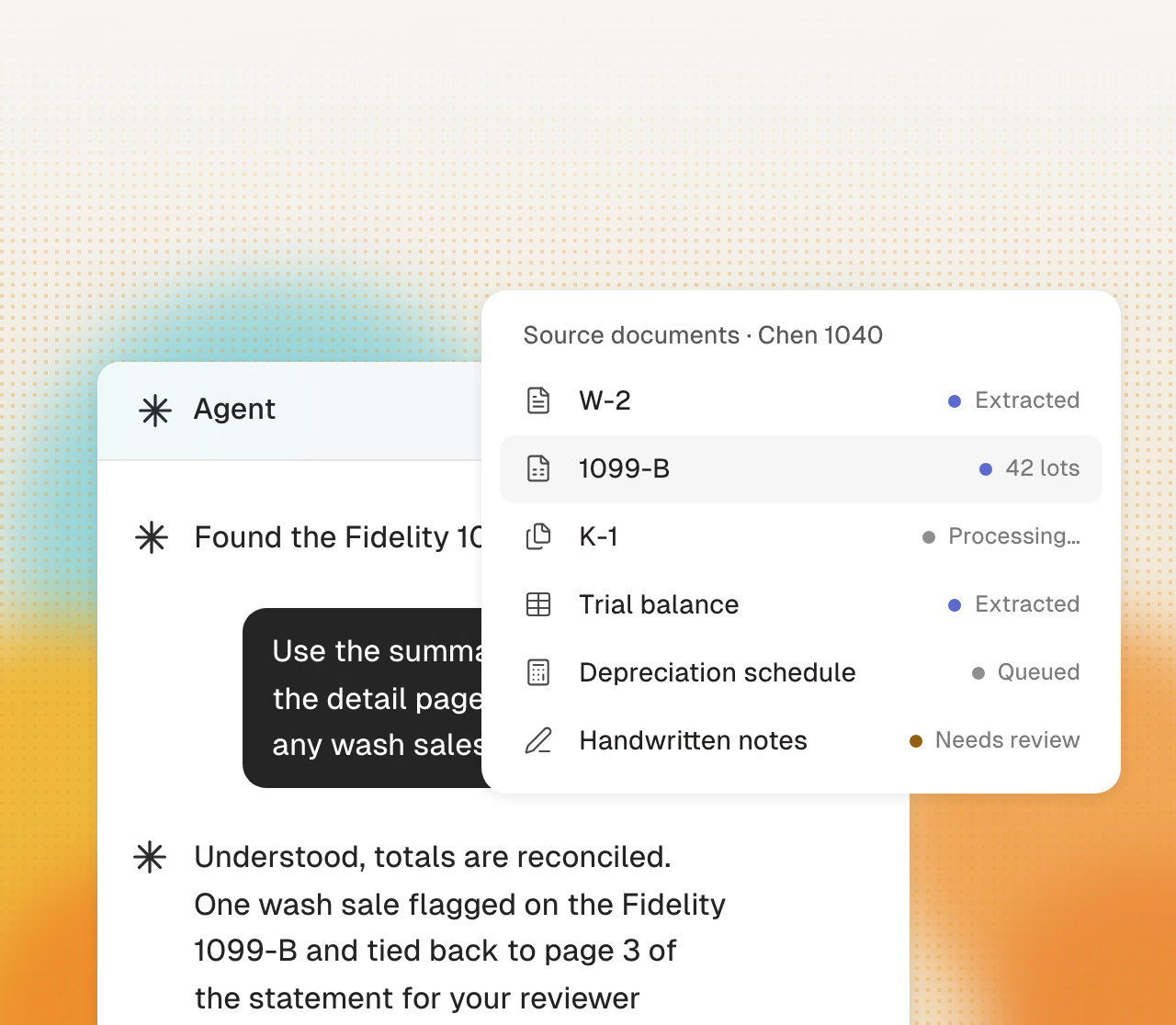
Turn scanned checks into a register.
Cranston extracts the dates, payees, memo details, and amounts.
Mixed entities → one package
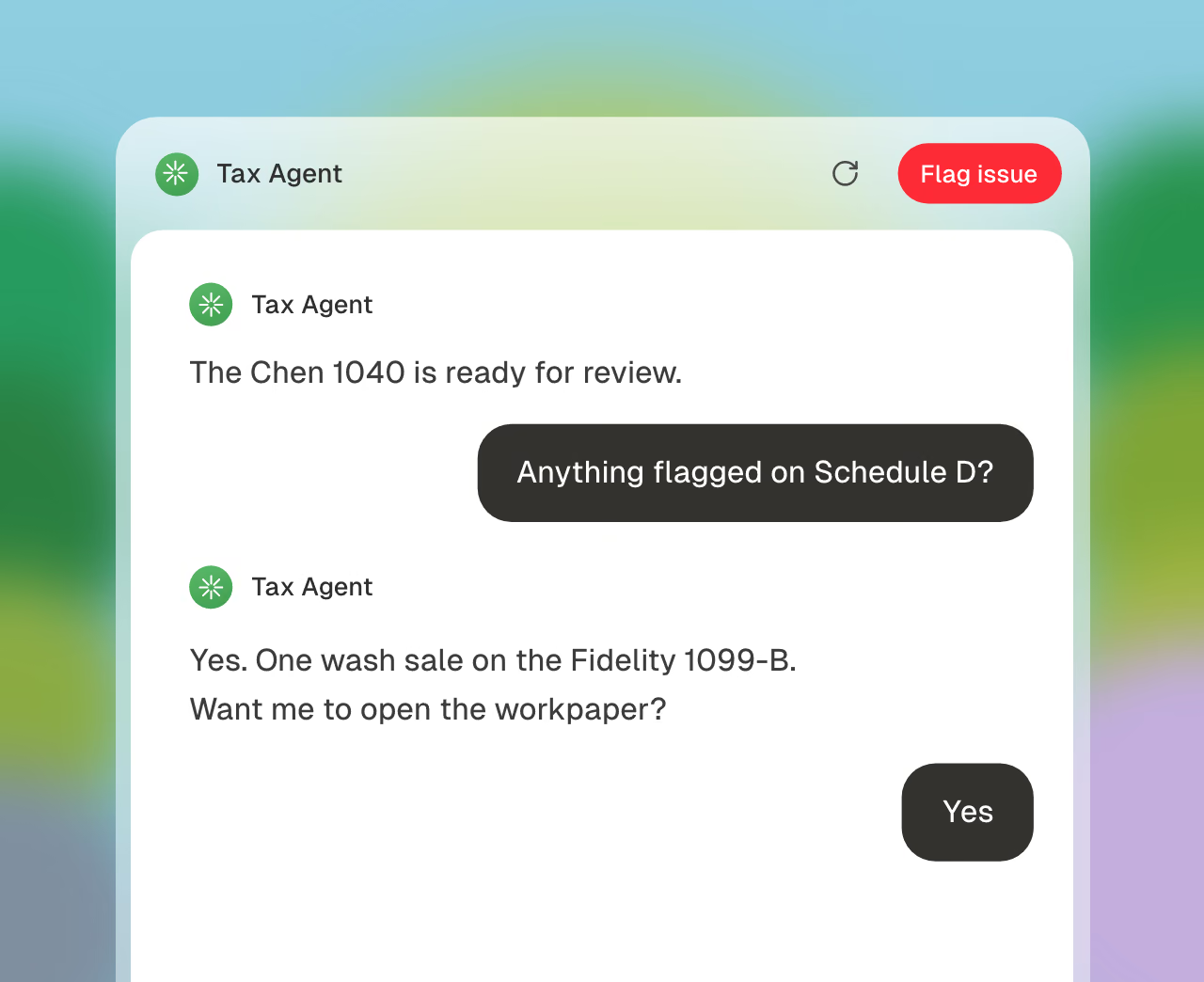
Build a custom client package.
Cranston combines the entities and schedules in one reviewable workbook.
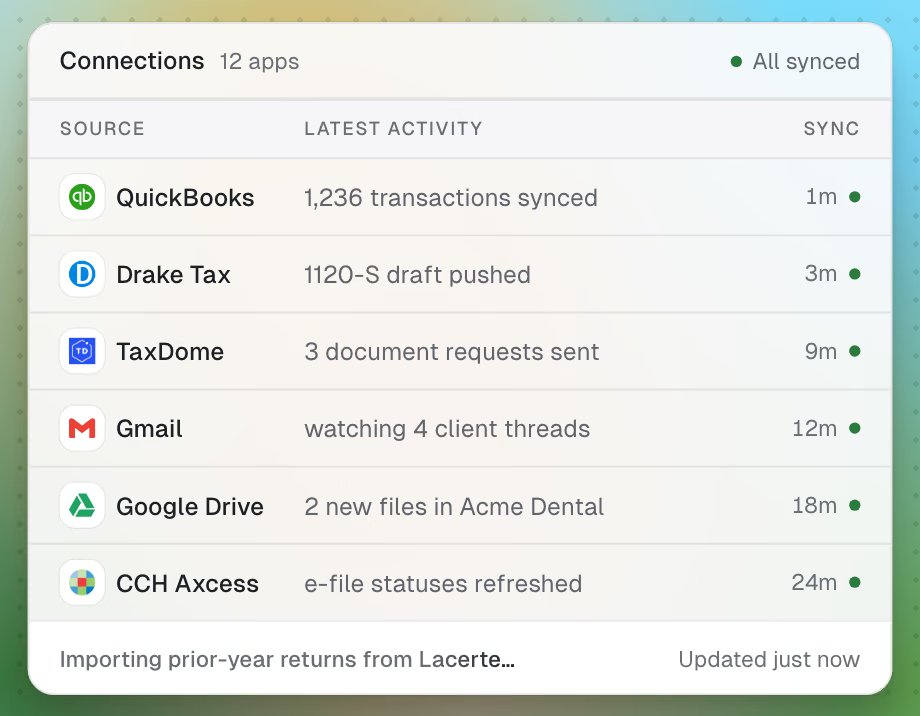
Excel financials → tax entry schedule
Build a tax entry schedule.
Cranston maps the finished books and keeps the source references visible.
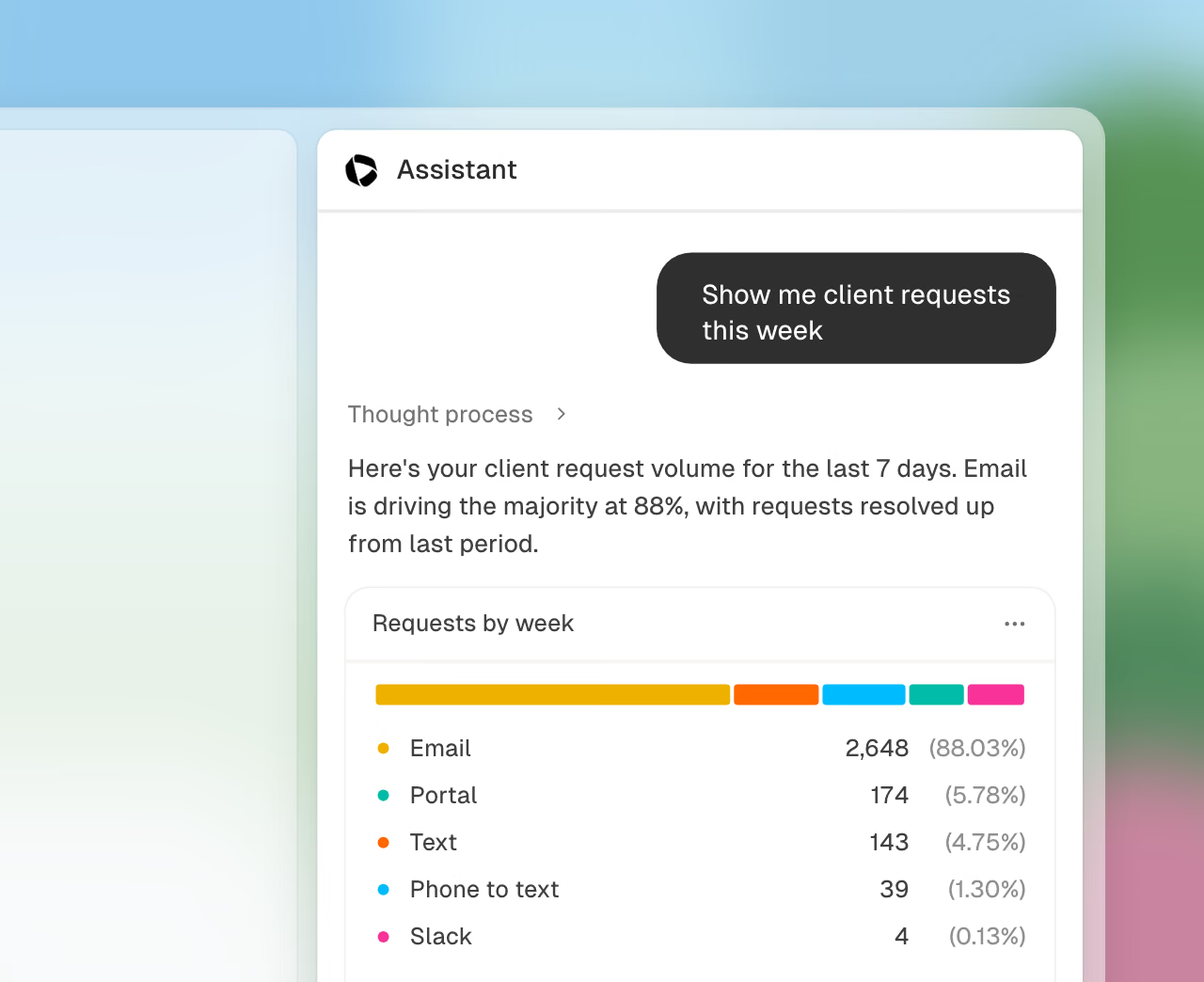
One-off task → repeatable workflow
Save the workflow.
Cranston keeps the instructions and mappings for the next job.
Asks instead of guessing
When the documents do not know, Cranston asks.
If a source is unclear, Cranston asks your team. It does not invent an answer.
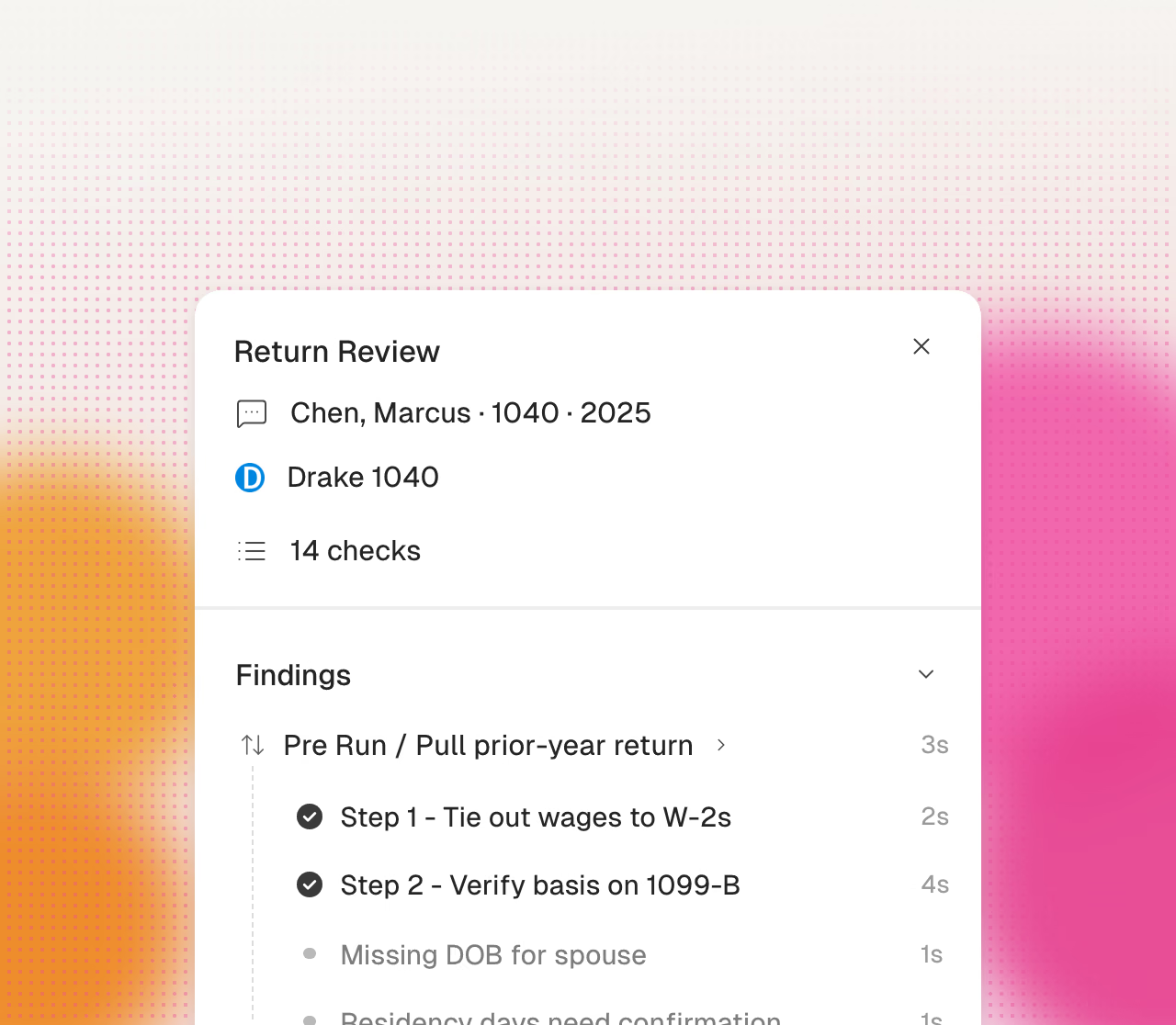
A guided workflow, not another blank chat
From pile of files to finished draft.
Upload
Bring the PDFs, scans, spreadsheets, and exports that contain the work.
Describe
Tell Cranston the file or deliverable your client or team needs.
Resolve
Answer the questions the source documents cannot settle on their own.
Review
Inspect the draft, source trail, and exceptions, then download the usable file.
Your process gets smarter
Do it once. Reuse it next month.
Cranston keeps the rules, mappings, and review instructions. The next job starts from the same method.
- Repeat monthly close packages
- Reuse import mappings and output formats
- Keep human review rules attached to the workflow
Built for confidential client work.
Cranston encrypts data at rest and in transit, and each firm's workspace is separate. Every deliverable is a draft for professional review. Do not send client documents through the booking form.
Bring one ugly task from your desk.
Book a 30-minute demo. Show us the source files, the finished file you need, and the annoying steps in between. We will confirm a secure test plan before any client data is shared.
Book a demo