
Drafted in Cranston. Waiting in UltraTax.
Upload the client’s documents. Cranston reads every page, prepares the return, and enters it in your UltraTax CS client file with each number linked to its source. Your reviewer opens UltraTax to a finished first pass instead of a blank return. No data entry, for every return in the batch. $40 per return, flat.
1040 · 1065 · 1120 · 1120-S · $40 per return, flat · built for firms preparing 1,000+ returns on UltraTax CS
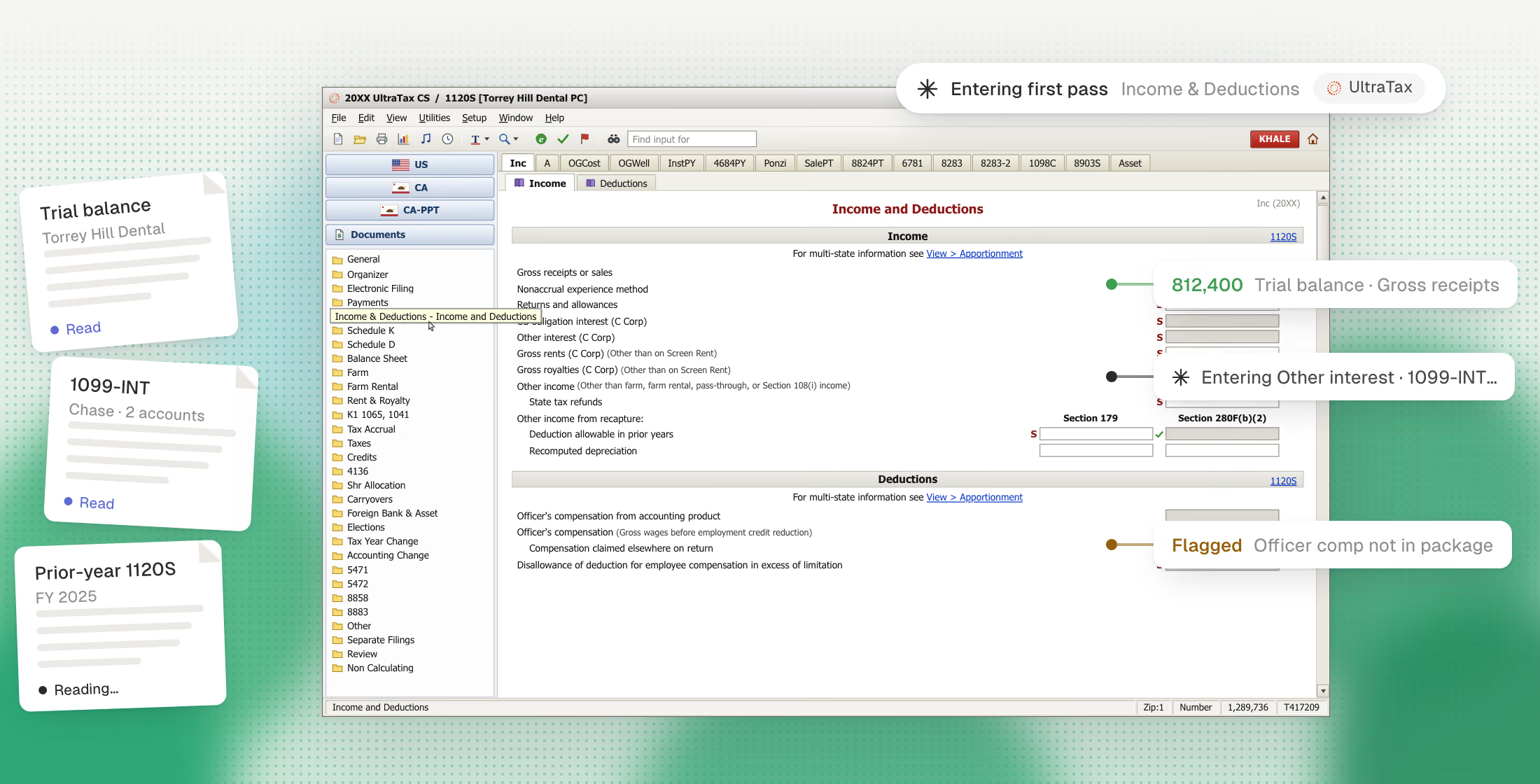
Upload the documents. Cranston preps the return. It lands in UltraTax.
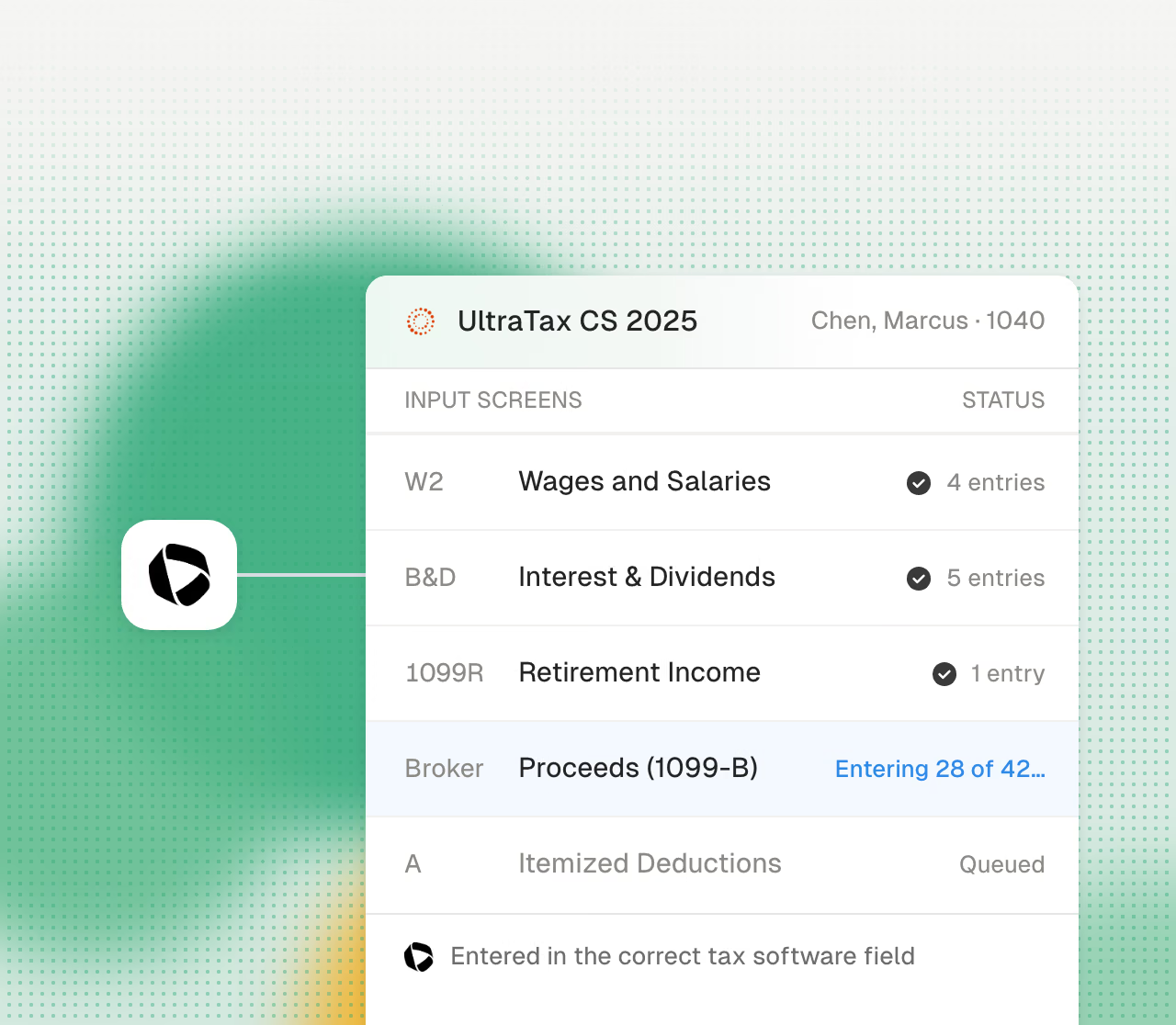
Entered in UltraTax, not a PDF
Cranston pushes the prepared return into your real UltraTax CS client file, figure by figure, on the right input screens. Nothing for your staff to re-key.
Your client files, your input screens.
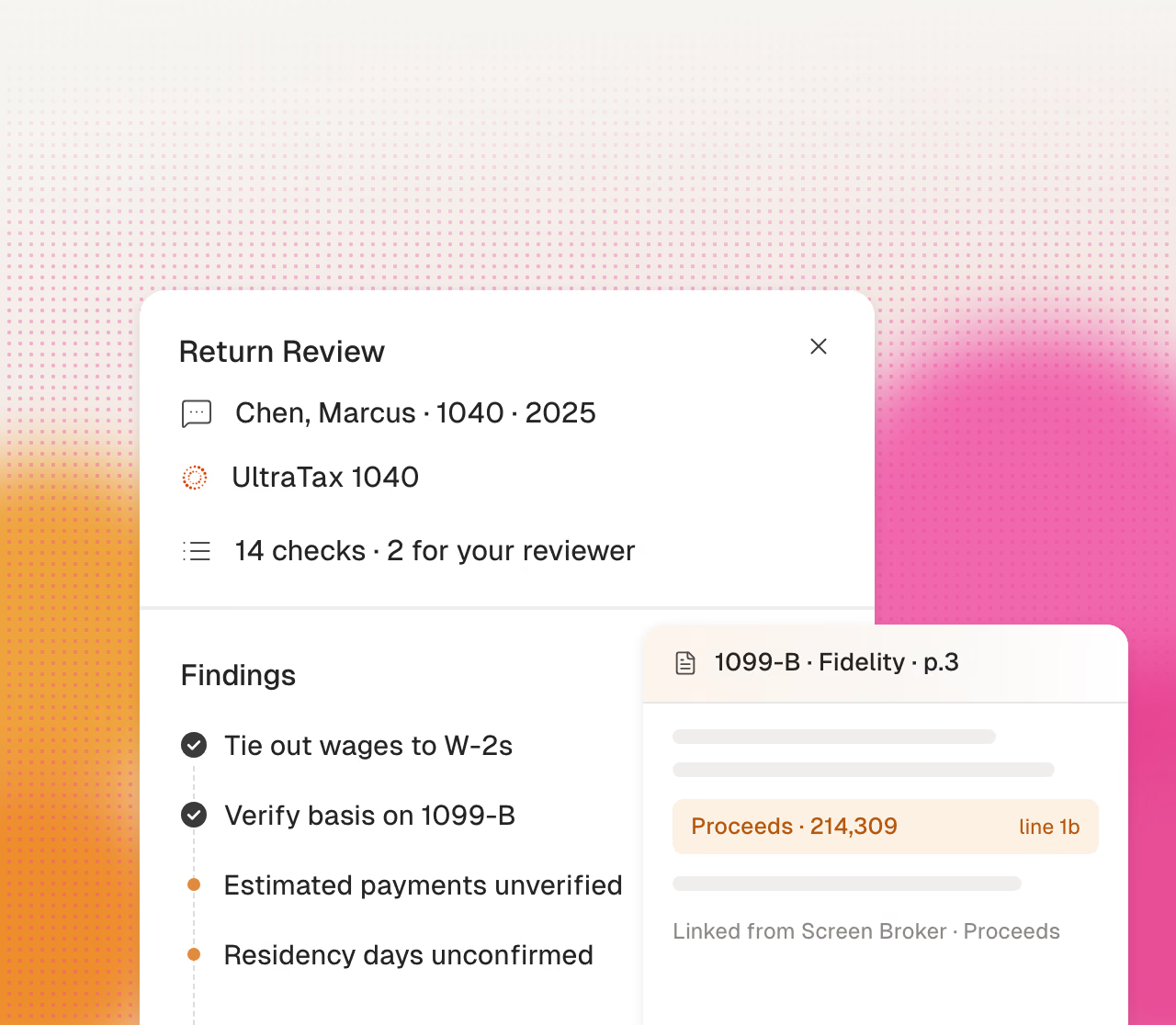
Changes stay in sync
Ask for a change at review. The UltraTax file and the workpaper update together.
Cranston updates the UltraTax file and the workpaper.
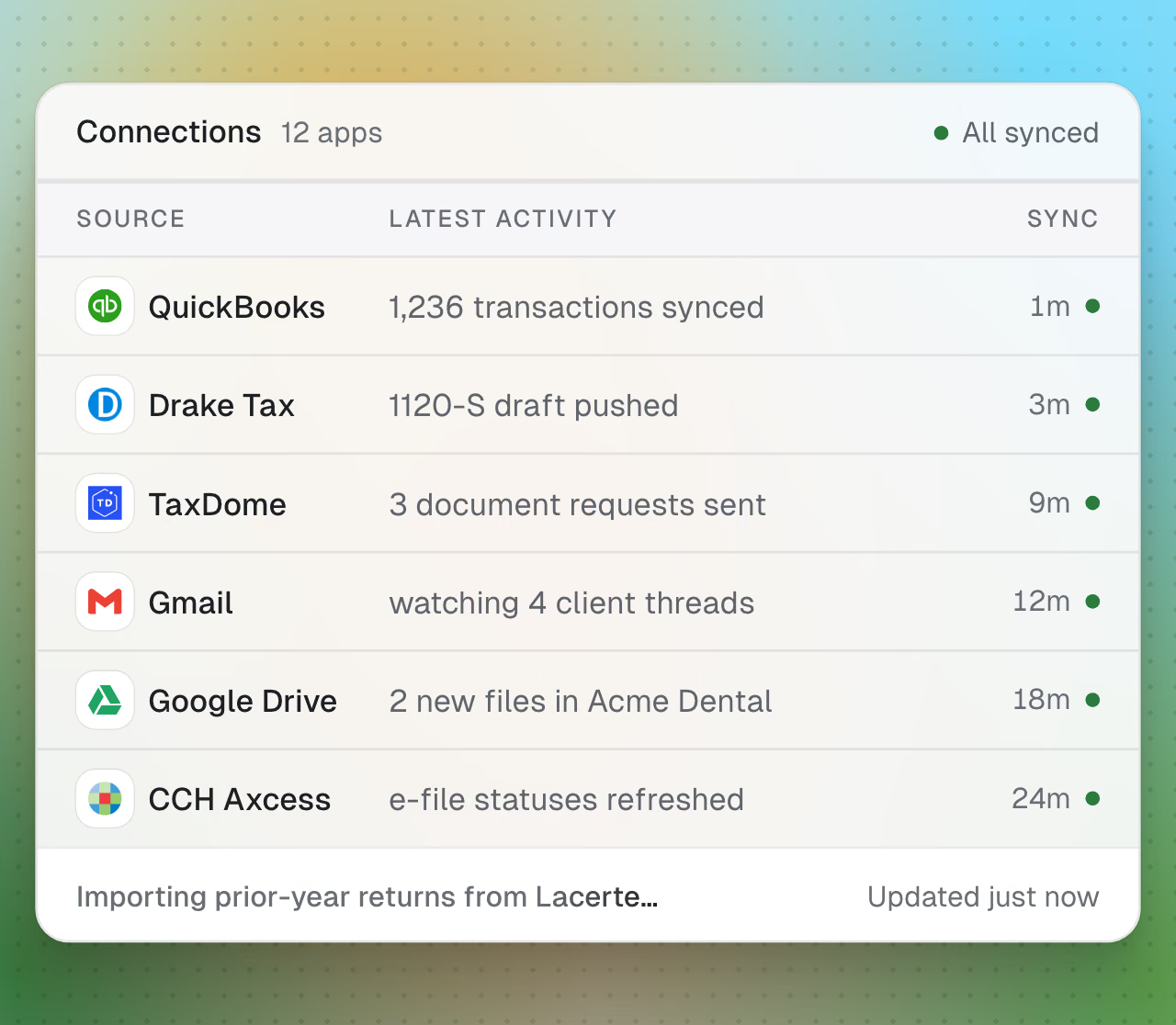
Nothing to migrate, nothing to re-host
Keep your client list, your templates, and your review process. Cranston works with UltraTax CS wherever your firm runs it: Thomson Reuters Virtual Office, a hosted desktop like Rightworks, or your own server.
No conversion project. No change to your hosting.
How it works: from client documents to a first pass in UltraTax.
Your staff upload the documents. Cranston does the reading, the preparation and the data entry. Your reviewer picks up a finished first pass in the UltraTax your firm already licenses.
Upload the client documents
Drop the client’s package into Cranston: W-2s, 1099s, K-1s, brokerage statements, the prior-year return. Cranston checks it for completeness and flags what is missing.
Cranston prepares the return
The AI reads every page, works the return, and ties every figure to the document it came from. Anything it cannot verify is flagged, not guessed.
Pushed into UltraTax
Cranston enters the prepared return in your UltraTax CS client file, hosted or on-premise. The data entry is done before anyone on your team opens the file.
Your reviewer reviews
The first pass, diagnostics and open questions wait in your review queue. Your reviewer checks the exceptions and signs, return by return.
Offshore prep also types into UltraTax. Slowly.
The usual capacity fix is an offshore queue that takes days, needs 7216 consent letters, and still hands your reviewers data-entry errors to find. Cranston does the first pass in your own UltraTax, the same hour, at any volume.
Offshore or seasonal hires
- Days of turnaround per return
- Data-entry errors your reviewers fix
- 7216 consent before client data goes overseas
- Seasonal staff require training each January
- A first pass in UltraTax the same hour
- Every figure cross-checked against its source
- Client data stays in your UltraTax, hosted or on your own server
- Scales through March without hiring in January
Your reviewers stay in control.
Cranston prepares and checks the work, but your reviewer signs the return. Nothing e-files without your firm's approval.
Your reviewer signs off
Cranston prepares and flags diagnostics. The final review and signature stay with your firm.
Source-linked figures
Every number in the UltraTax file links back to the document it came from.
Built for sensitive data
Encrypted at rest and in transit, with SOC 2 examination in progress.
Try Cranston on one return.
Bring a real return package. Watch Cranston prepare the first pass in UltraTax in a focused 30-minute demo.
Book a 30-minute demo