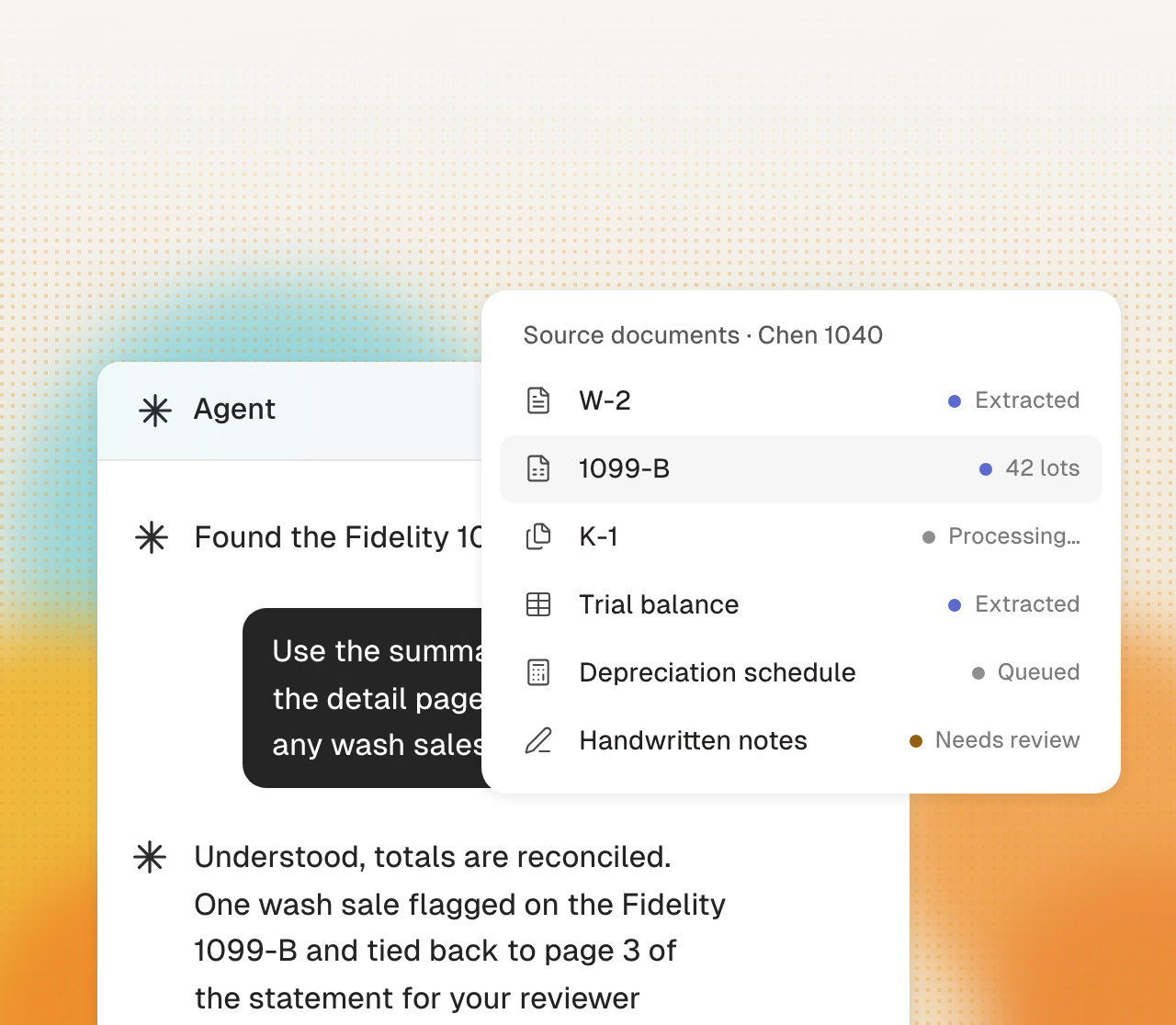
Each item links to the client
Emails, uploads, requests, and documents attach to the right client automatically. Everything stays together.
Cranston keeps each client, request, and deadline in one workspace. It drafts follow-ups and tracks each request until completion.
Get started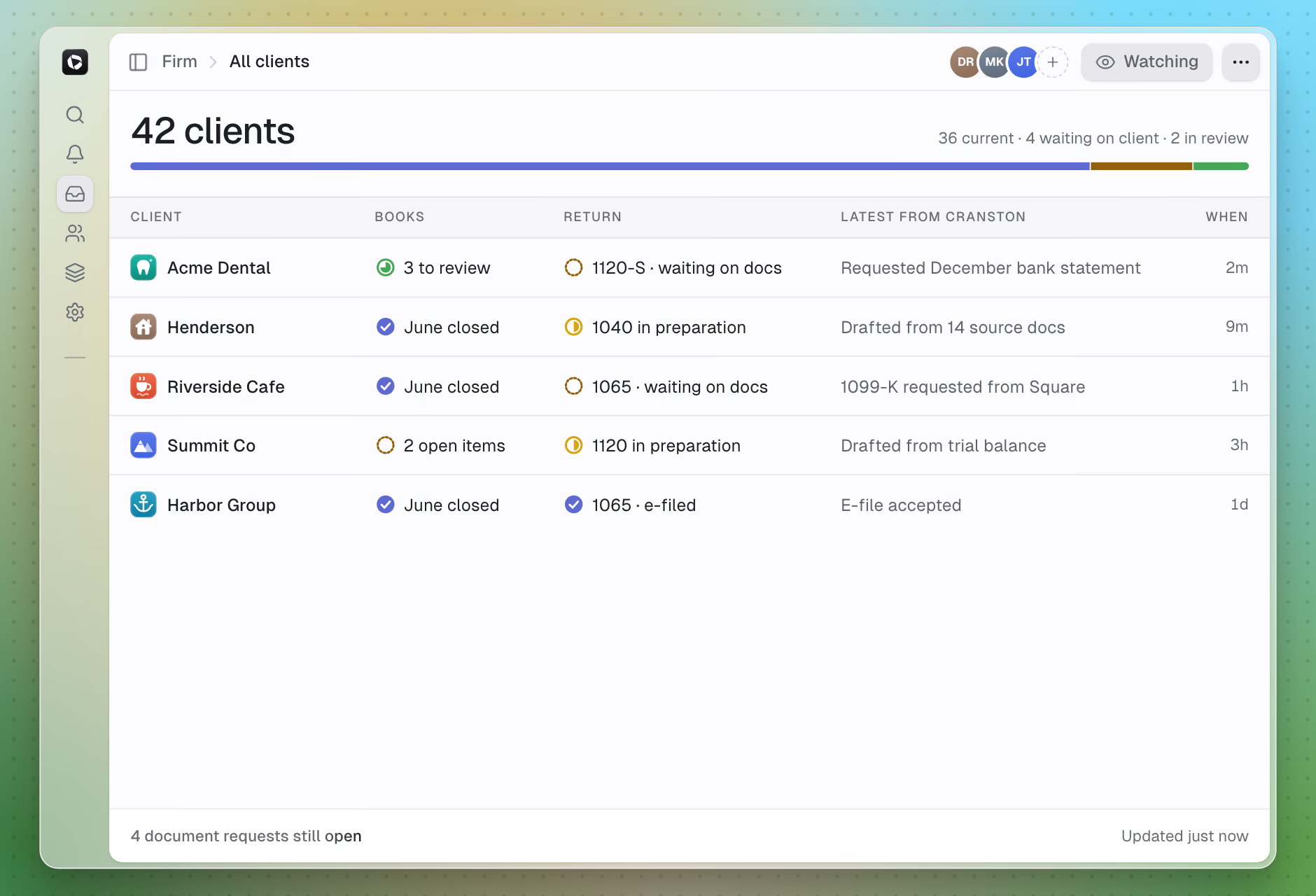
Cranston tracks each open item, drafts the follow-up, and records the response.
Emails, uploads, requests, and documents attach to the right client automatically. Everything stays together.
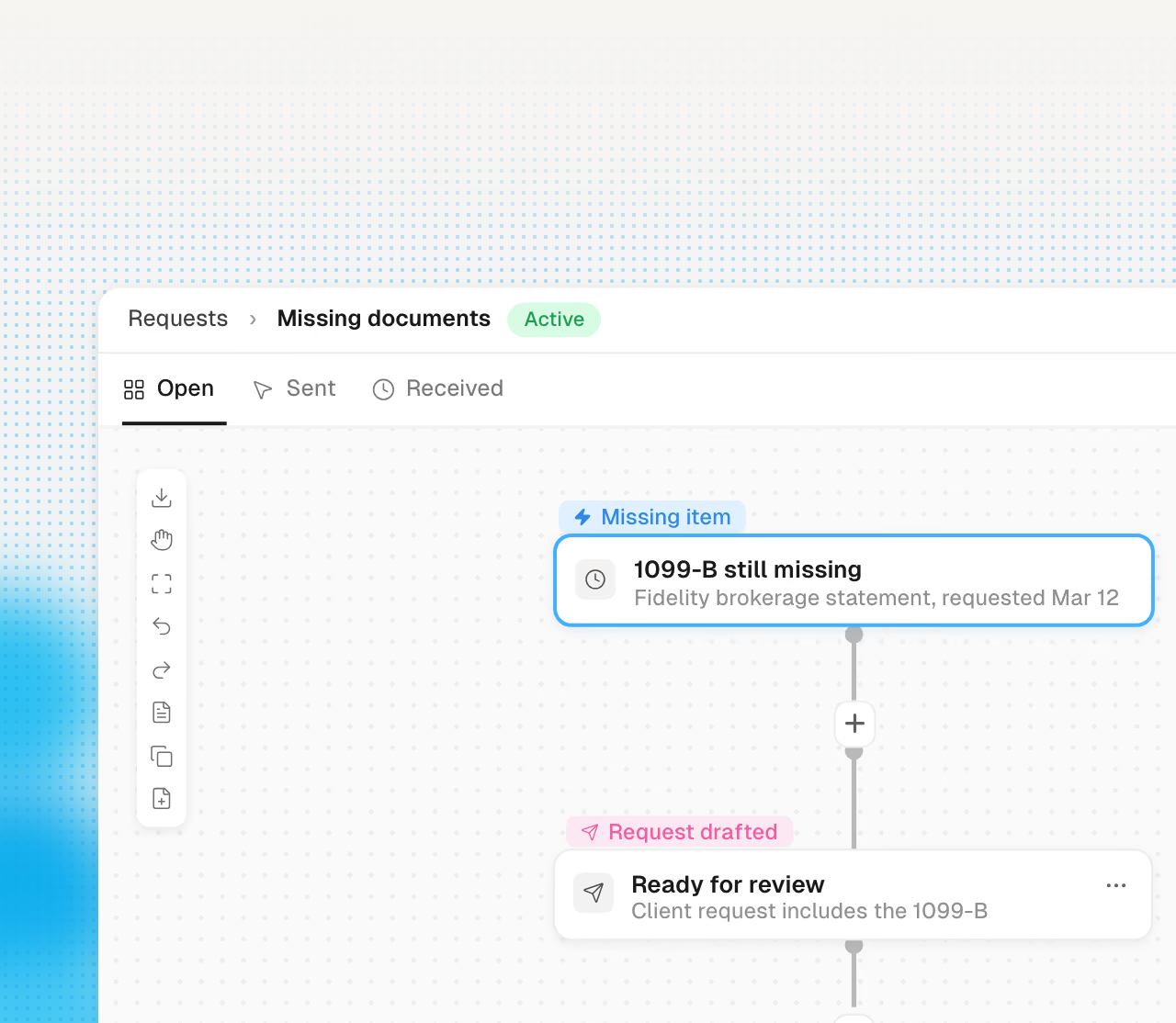
Missing documents and unanswered requests get drafted follow-ups with secure upload links. You approve the send and the loop closes.
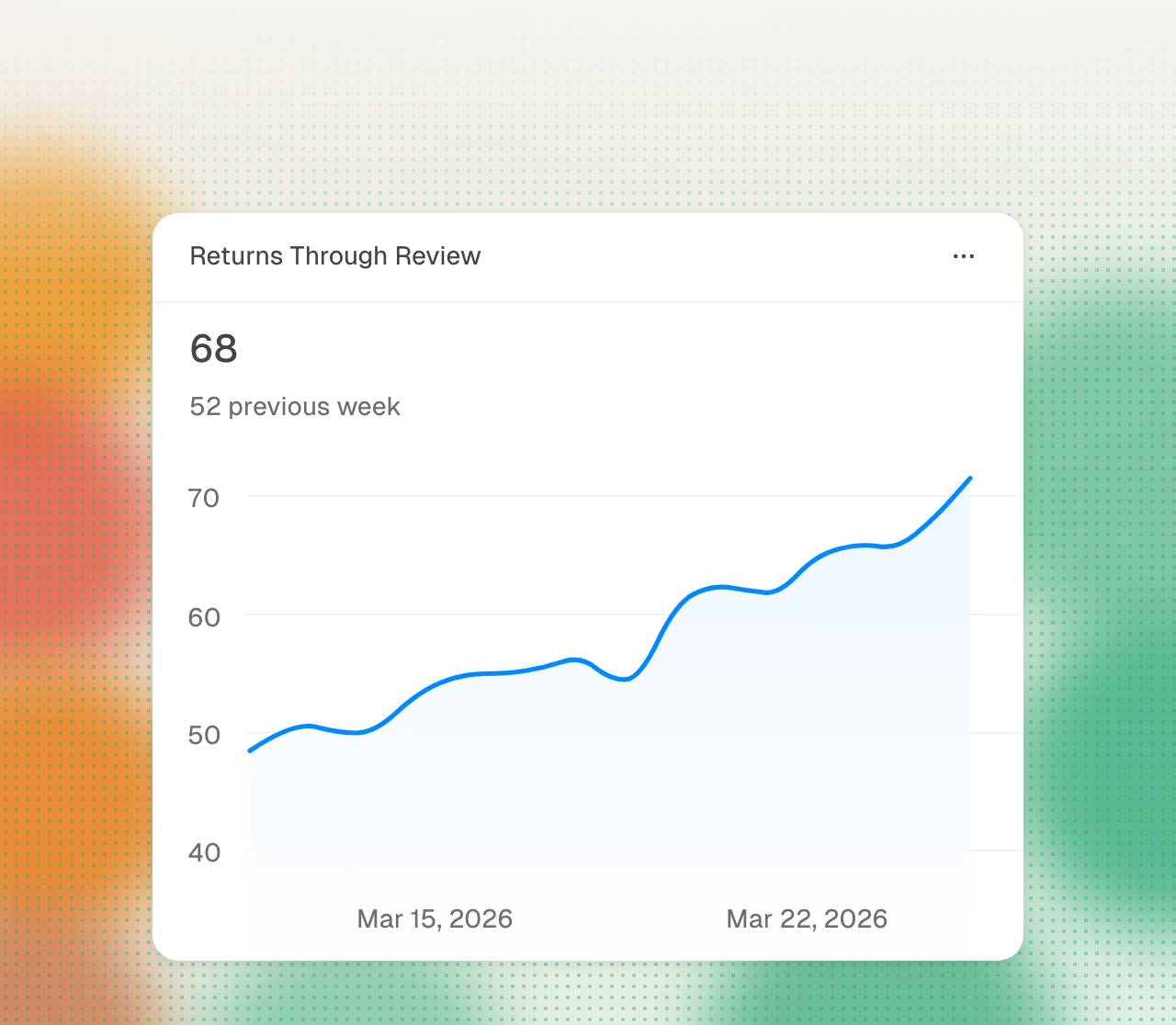
Returns by stage, closes open, documents outstanding, items pending review. The overview is generated from the work itself and stays current every day.
Every firm workflow shares the same client data.
The client’s email thread syncs from the mailboxes you already use. The conversation lives next to the client’s returns, books, and documents.
Each client request appears in one queue. Cranston drafts a reply from the client’s books, returns, and documents, and another staff member can continue the work.
Itemized requests, secure uploads, e-signatures, and billing in one place. Clients respond to short, specific asks.
Templates, preview, send, and sign, with evidence records on every signature. The engagement is papered before the work starts.
Due dates live on requests, closes, and deliverables. Every piece of work carries its stage, so status is always visible and items that need attention surface themselves.
Invoices live alongside the client’s work, get paid online through the portal, and track sent-to-paid. Billing stays inside the same system.
Cranston automates preparation. Your firm reviews and approves every tax decision.
Cranston compares each page with the prior-year return.
Cranston enters values in your current client file.
Click a value to see its source page.
Cranston sends open items to your reviewer.
Your team reviews the return in its tax software.
Your reviewer makes each tax election.
Your firm signs each return.
Your firm uses its own EFIN.
Use each product separately or together. All on shared data.